
Getting help
Using this Resource
The Help Center holds everything you need to know about the Contentserv application suite in the form of training materials and guides.
To search through the documentation see the Search Page or use the search field in the navigation bar.
The site is organized into four key areas which are referenced throughout the handbook. The Handbook is also the basis for the context sensitive help and tooltips within the application.
- Tutorials take you by the hand through a series of steps to work within the Contentserv application. Start here if you’re new to Contentserv or training on the product as a user. Also look at the New to Contentserv section below.
- Feature guides discuss key features and concepts at a fairly high level and provide useful background information and explanation, including key user stories.
- Reference guides contain technical reference for implementation and support of the application and other aspects of Contentserv’s machinery. They describe how it works and how to use it but assume that you have a basic understanding of key concepts.
- Glossary defines the terms found in Contentserv.

New to Contentserv
Are you new to Contentserv? This is the place to start:
- Newbie: About the product | Explore the User Interface | Technical Deployment
- Tutorial: Part 1: About the product | Part 2: Explore the User Interface | Part 3: Add New Users | Part 4: Add an Image to the DAM | Part 5: Create a New Product | Part 6: Set up a Taxonomy
Contentserv Product Lines
Learn about some other core functionalities of the Contentserv Product Lines:
- Master Data Management with functionality supporting workflow rules, data quality, catalogue management, user security, data distribution.
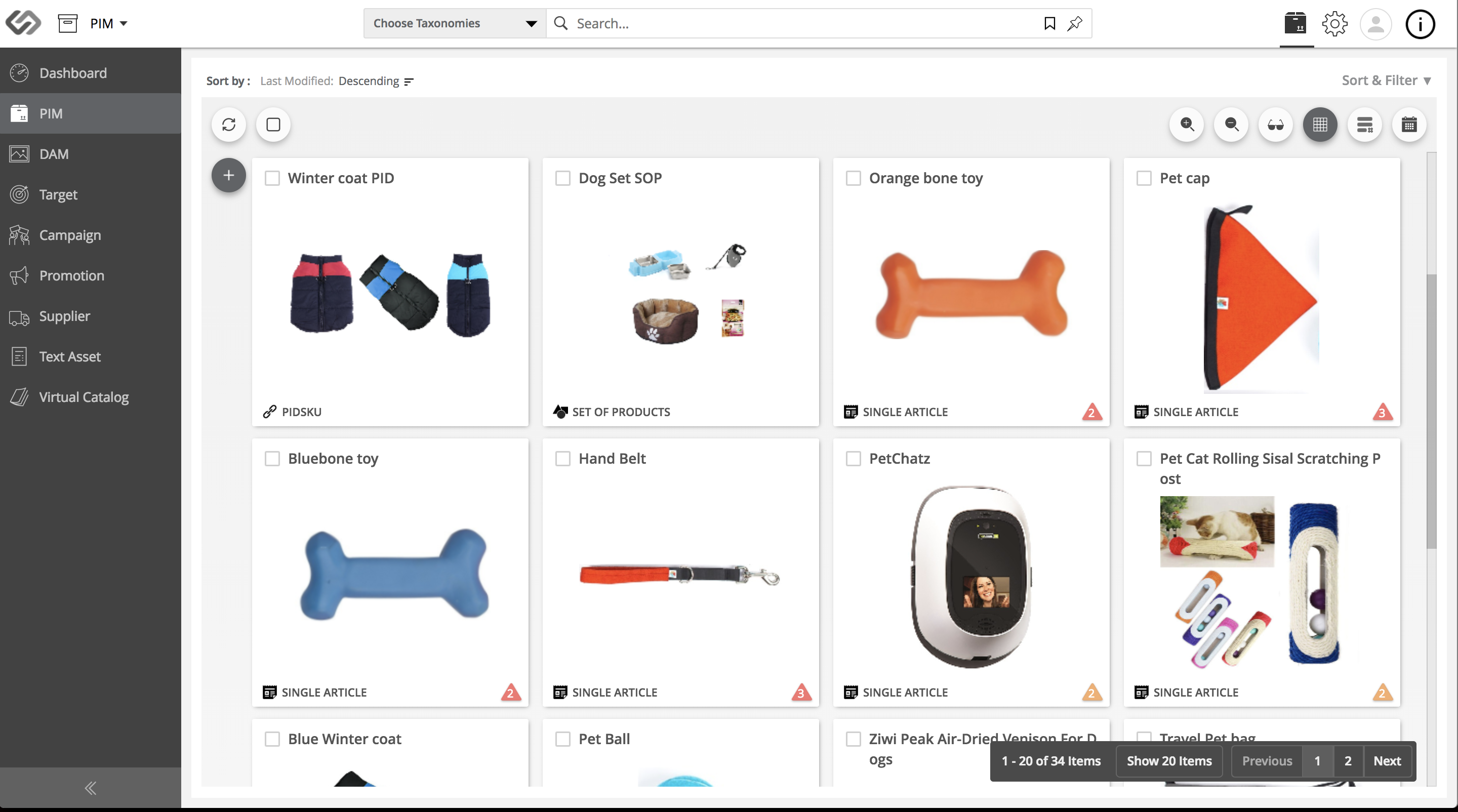
- Product Information Management for product enrichment, digital assets, taxonomy management.
- Marketing Content Management supports promotions, campaigns, target markets, target channels, customers.
- Partner Engagement Platform deployed for supplier engagement, collaboration, product onboarding, simple PIM and product data onboarding, offboarding.
Last updated: Jul 27, 2018