
Set Up a Taxonomy
Taxonomy is a product classification used to organize the content.
How-to: Set Up a Taxonomy
To do this, follow these steps:
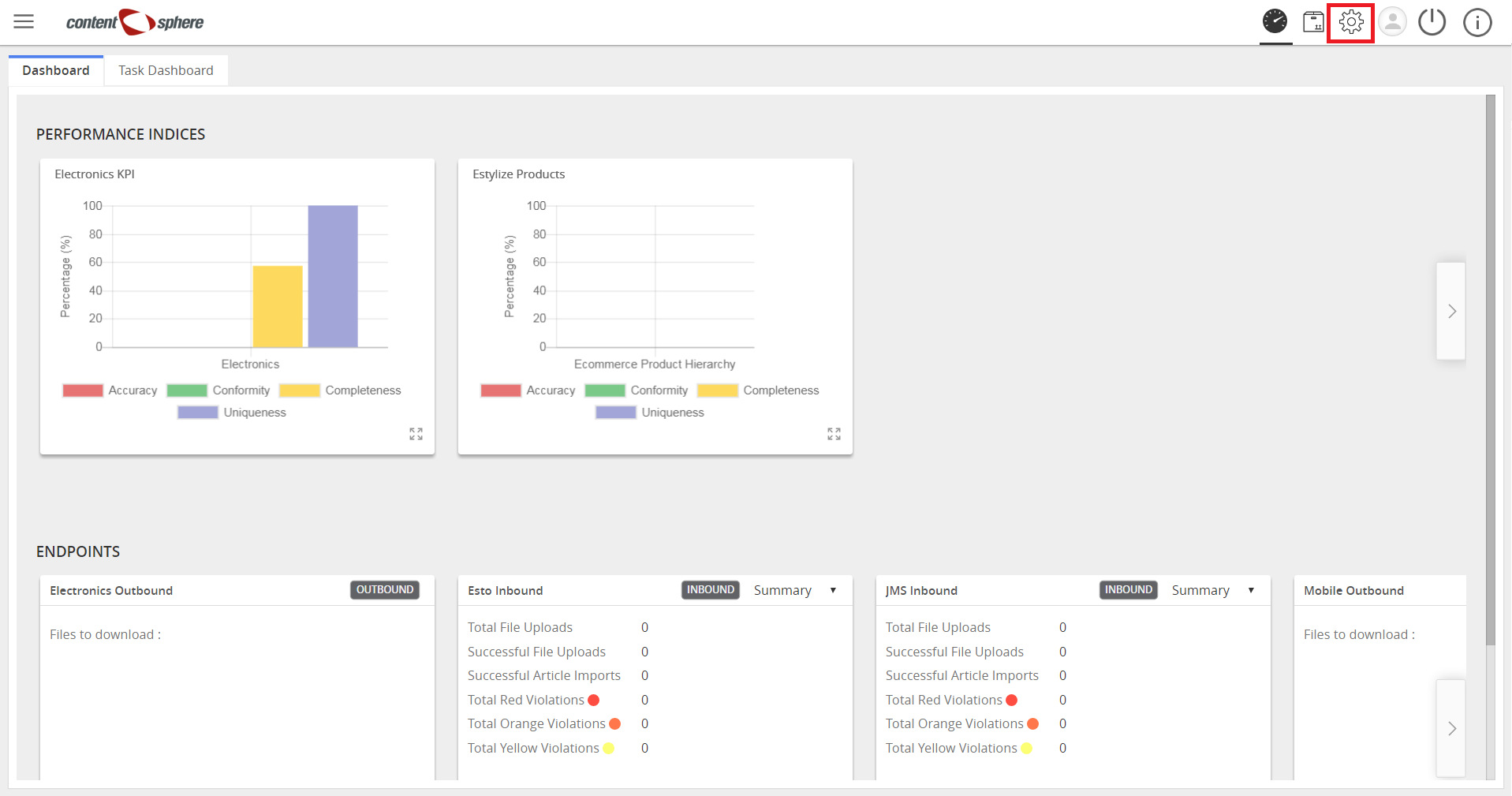
- Click Settings.
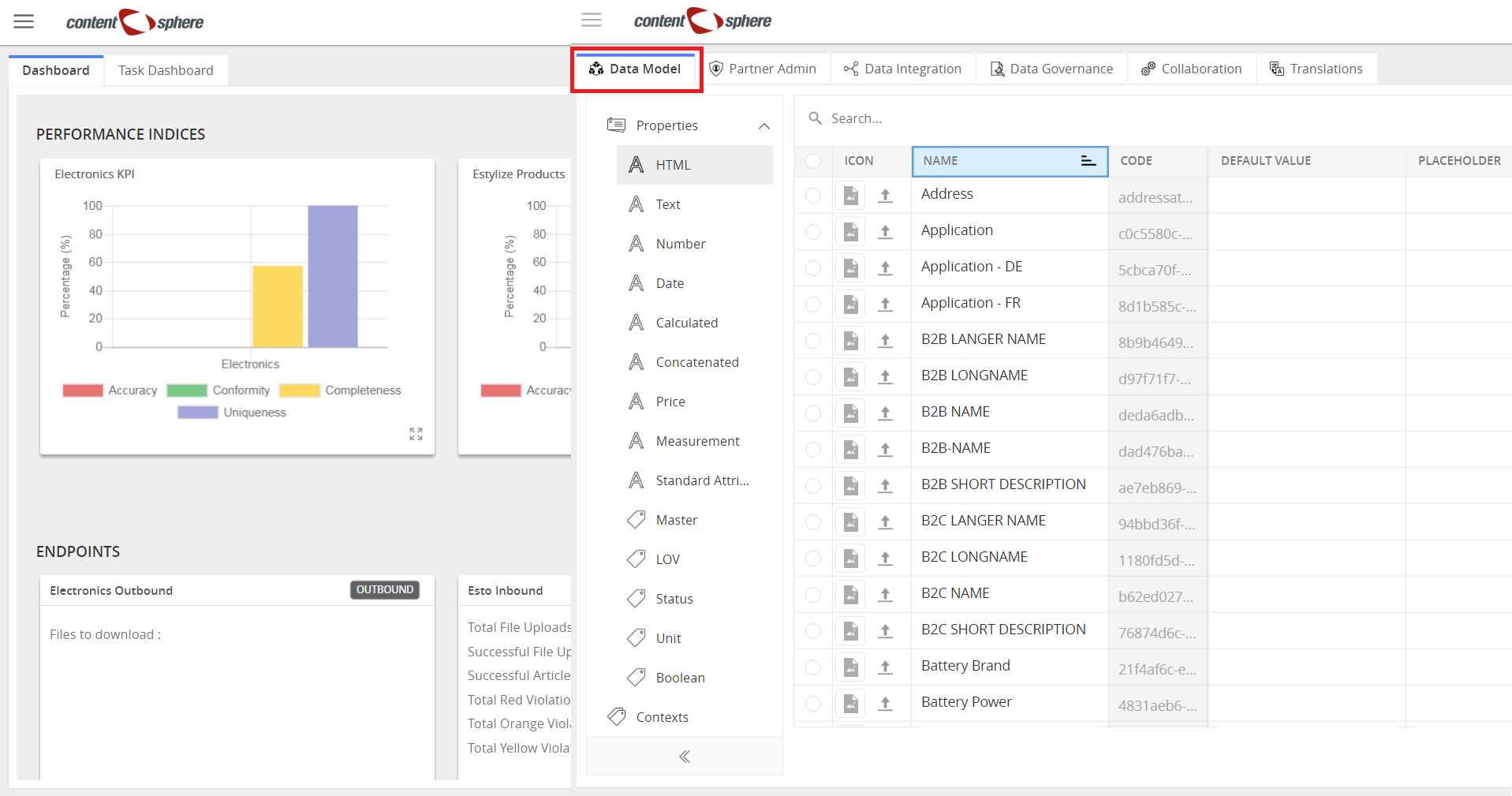
- Click Data Model tab.
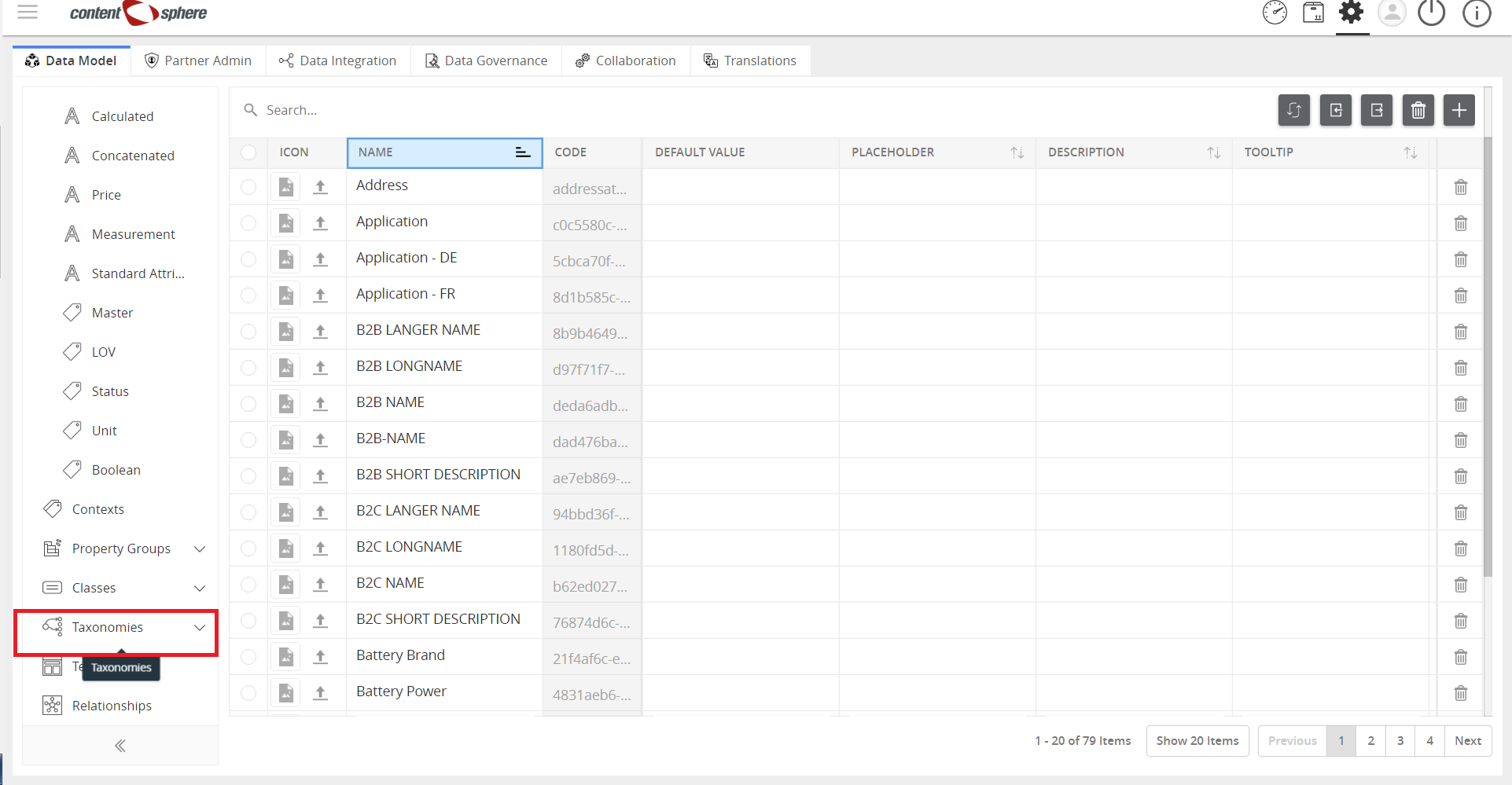
- Click Taxonomies to expand.
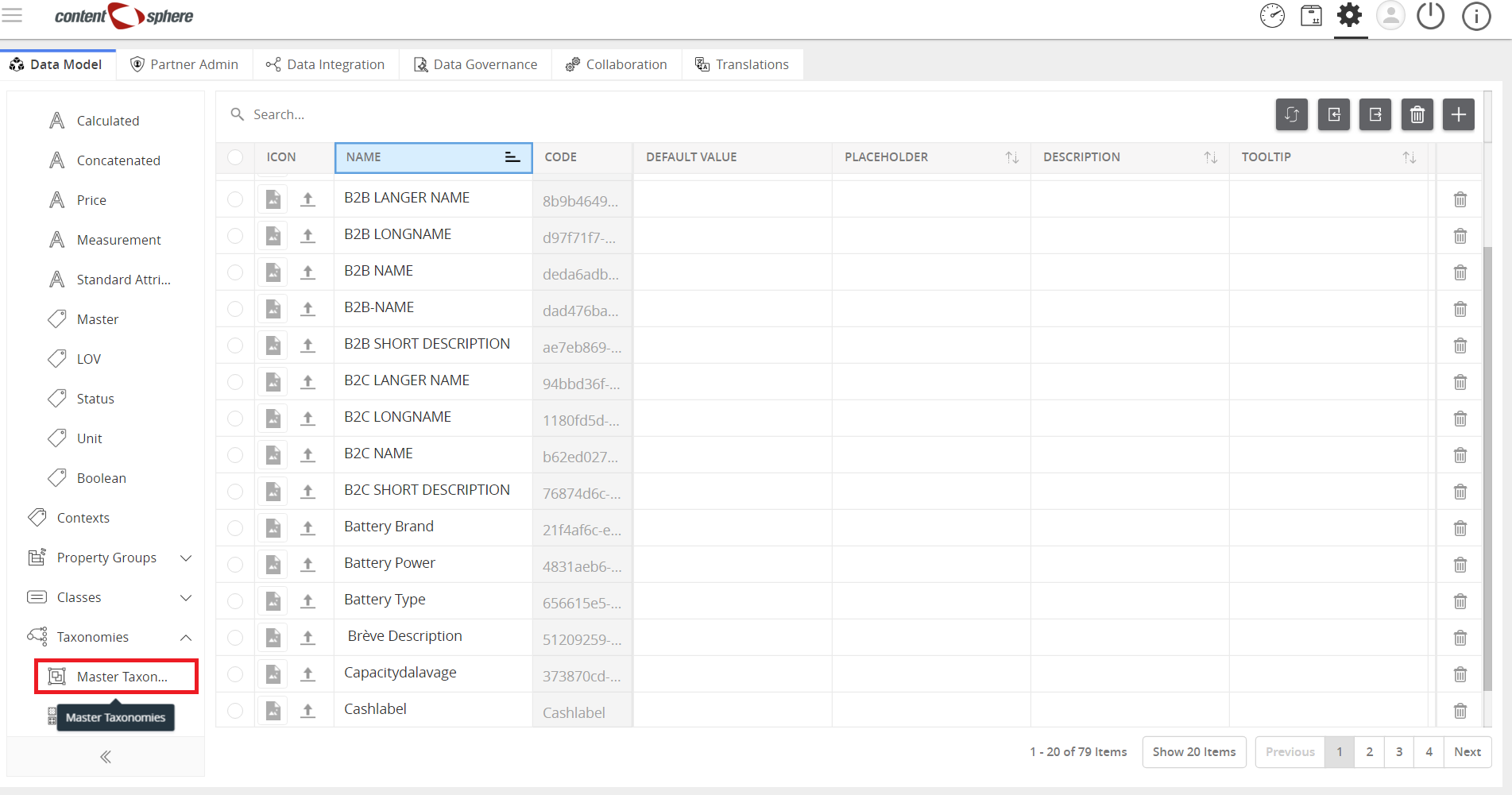
- Then, click Master Taxonomy.
- Use the “+” to expand the taxonomy, vertically or horizontally.
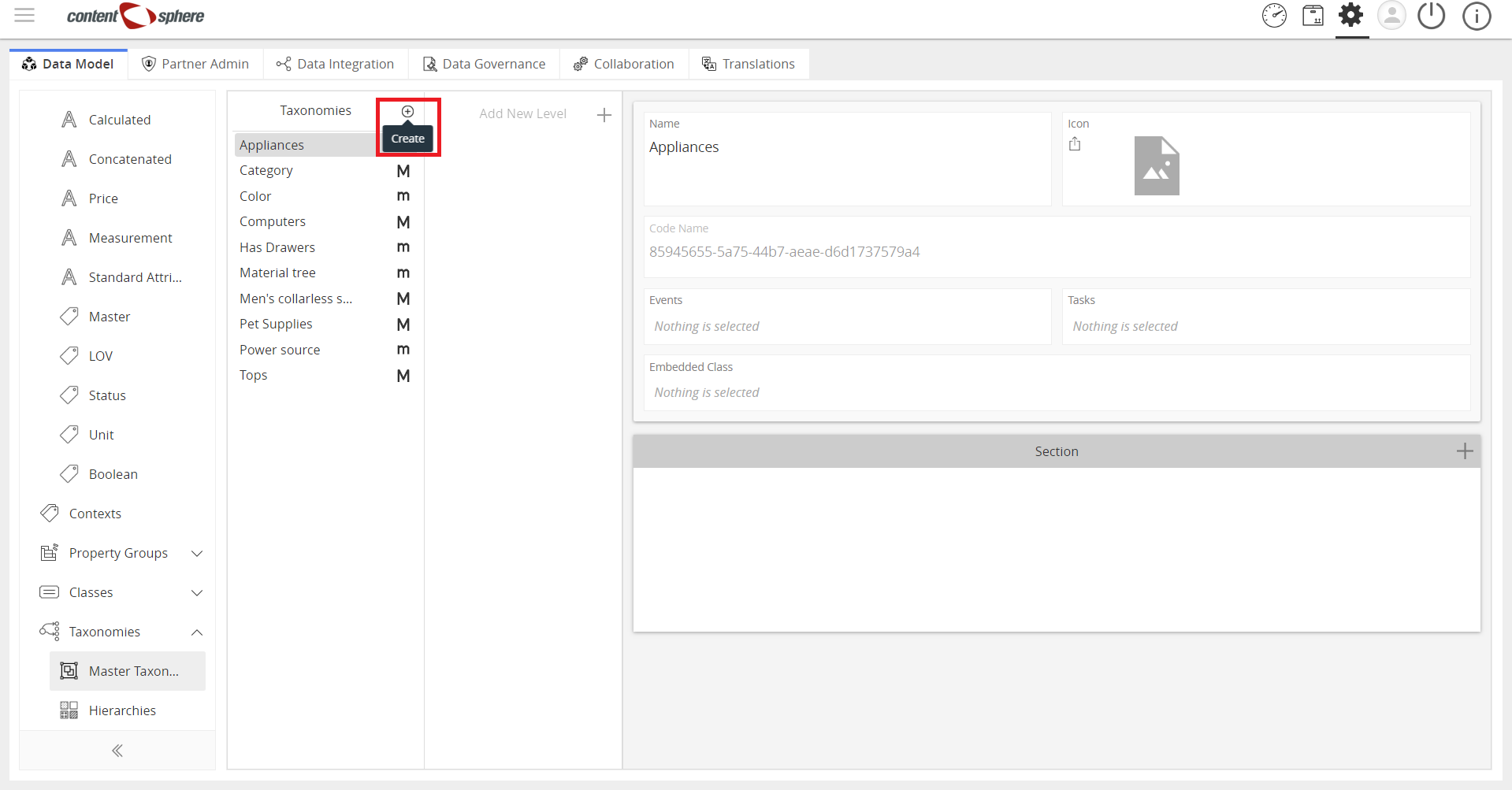
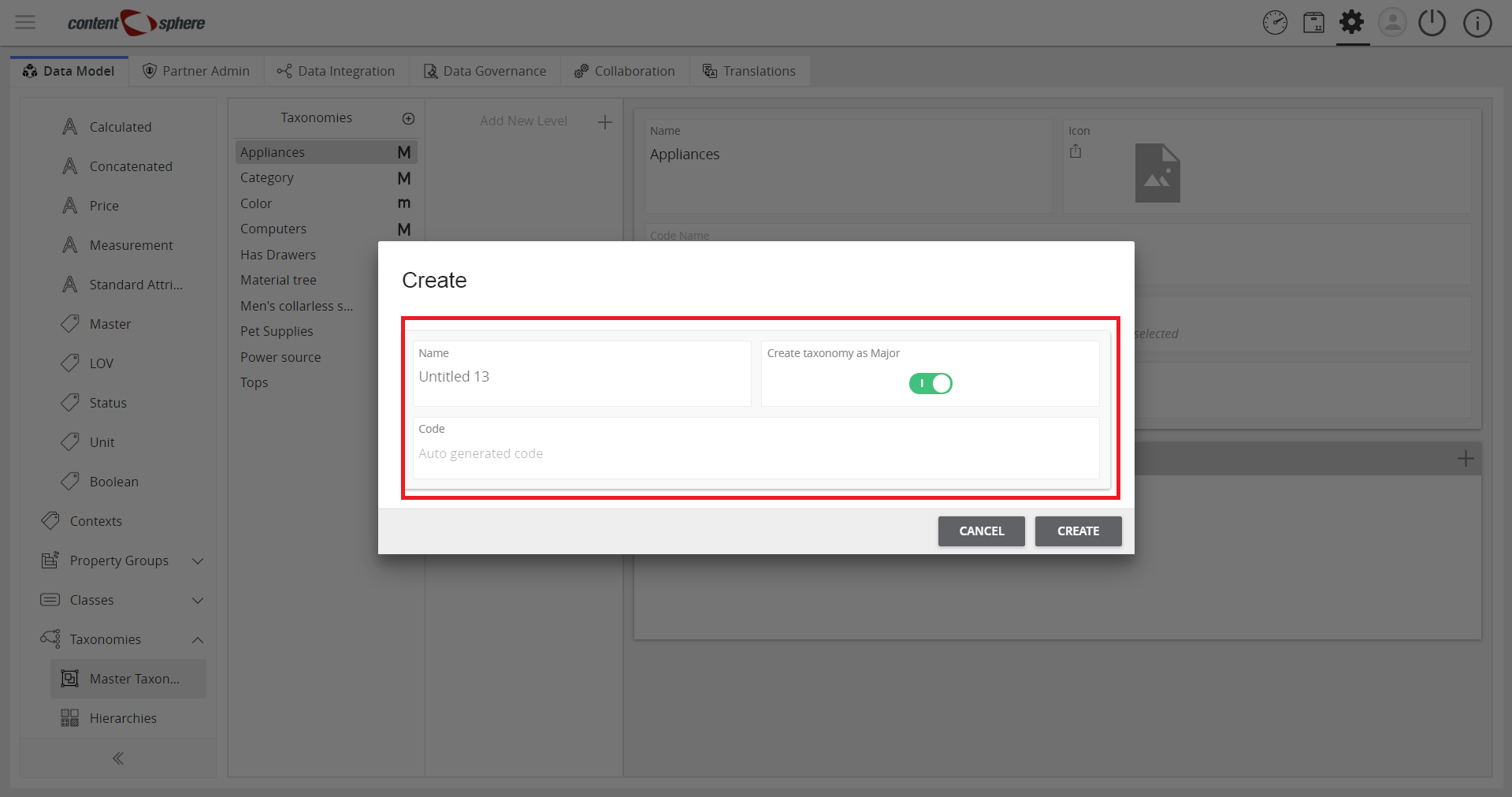
- Taxonomy window appears. Enter details for the new taxonomy and click Create.
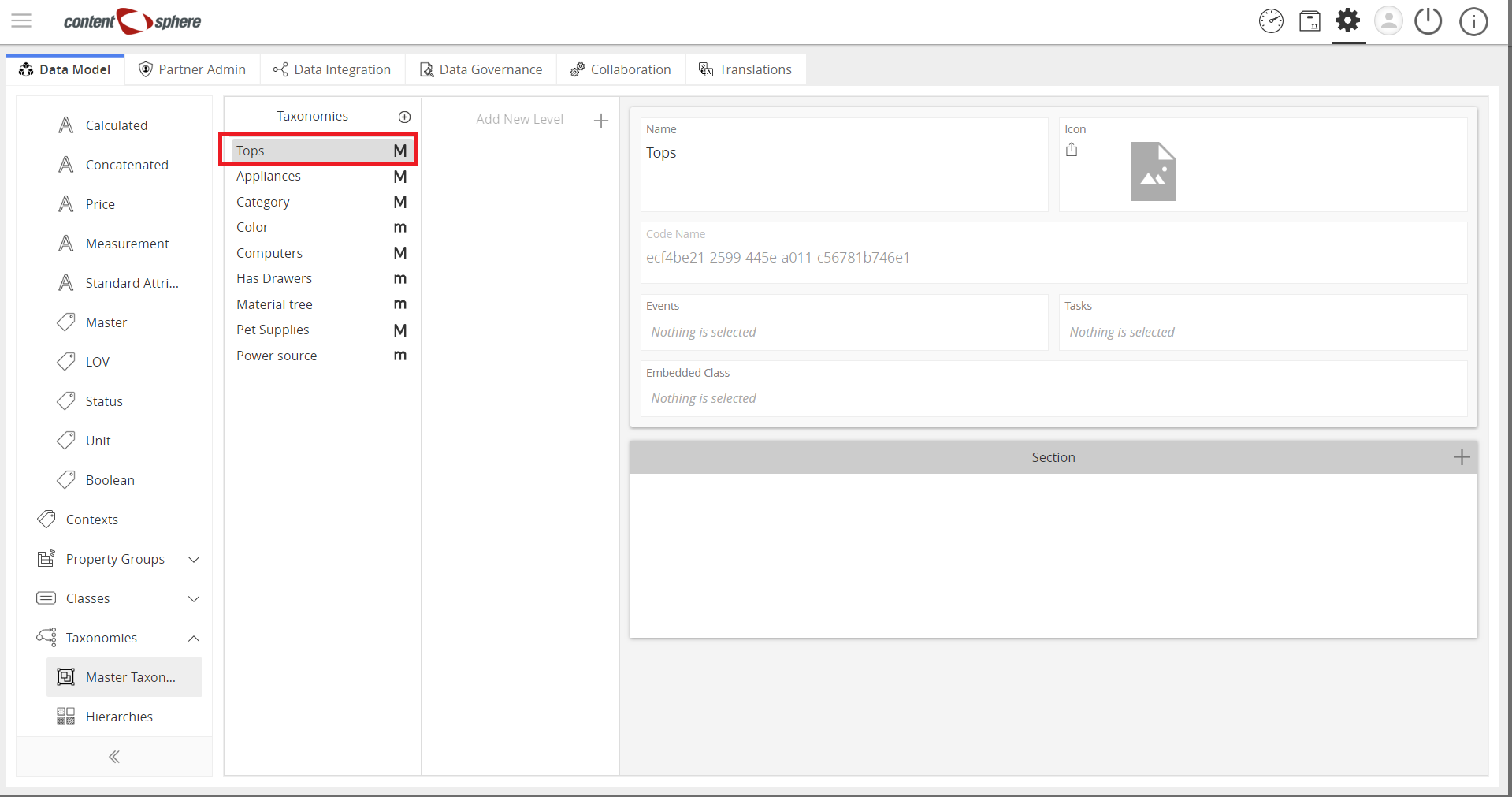
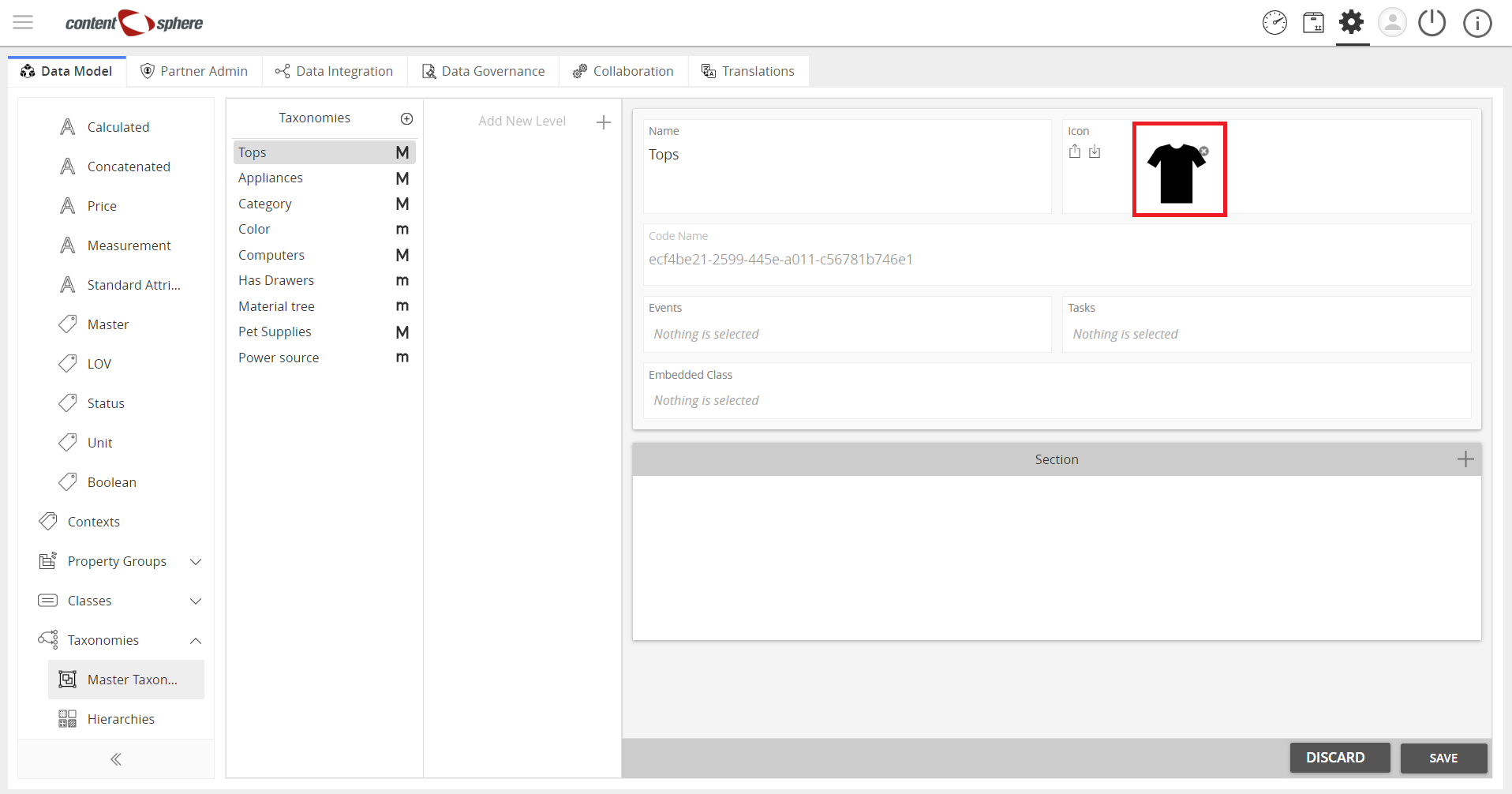
Icons can also be added to the Taxonomy.
- Click a section under taxonomies (in this demo, we select Tops).
- Click upload icon and select an image from your computer.
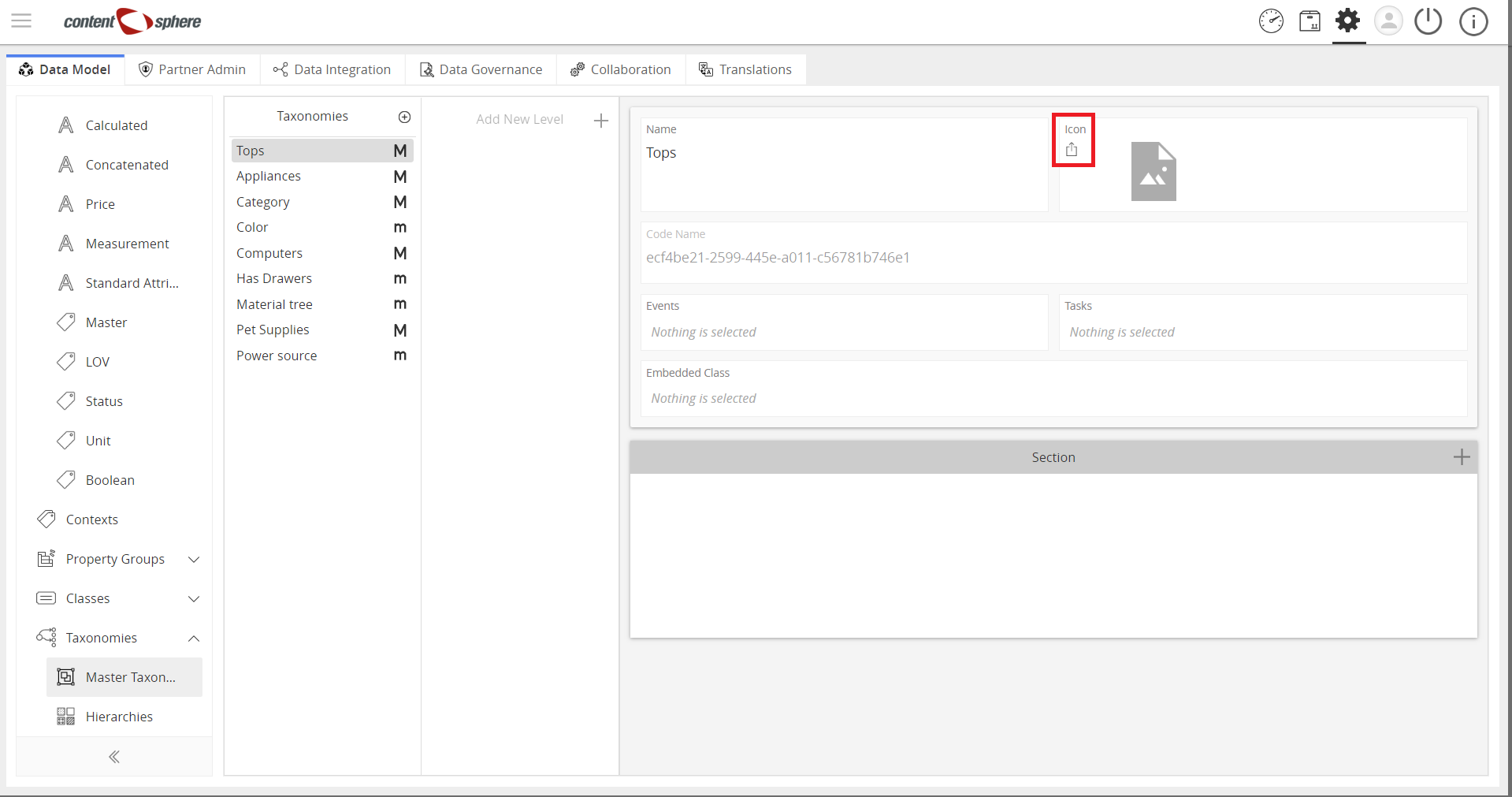
- View the selected icon.

Last updated: Jul 27, 2018