
Add New Users
Manage different roles or profiles within the system by adding new users.
How-to: Add New Users
To do this, follow these steps:
- Click Settings.
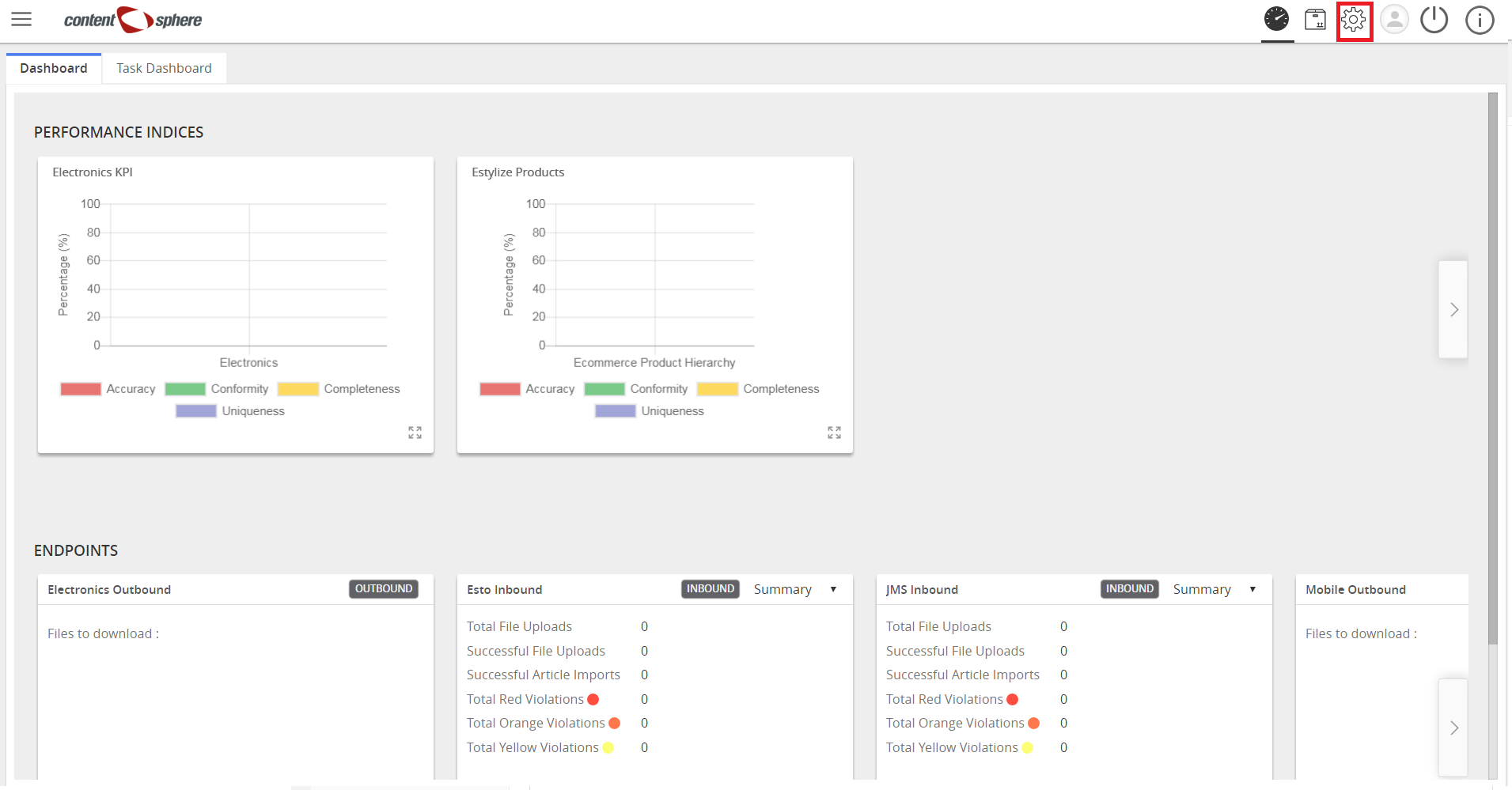
- Click Partner Admin.
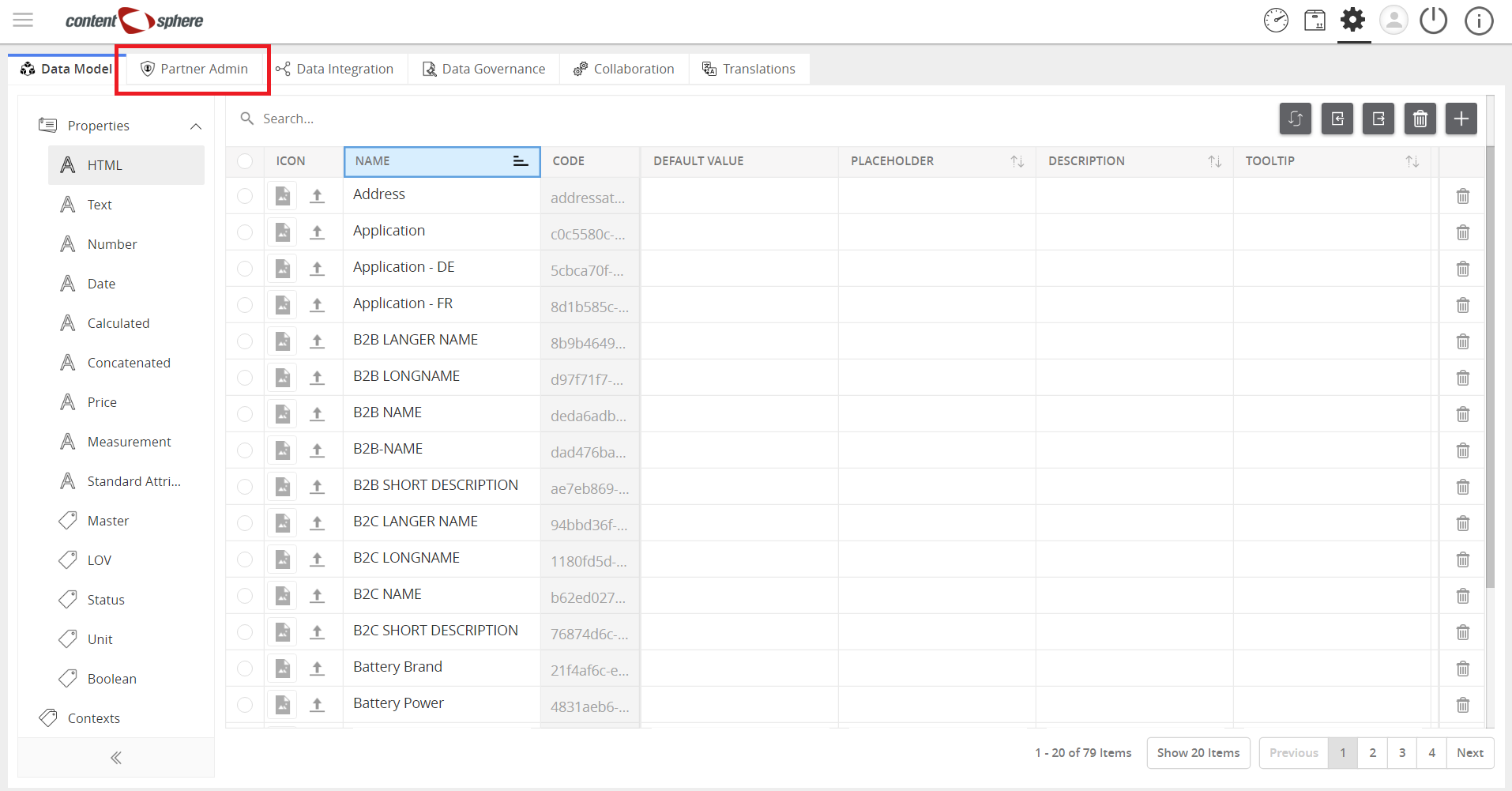
- Click Users on the left sidebar.
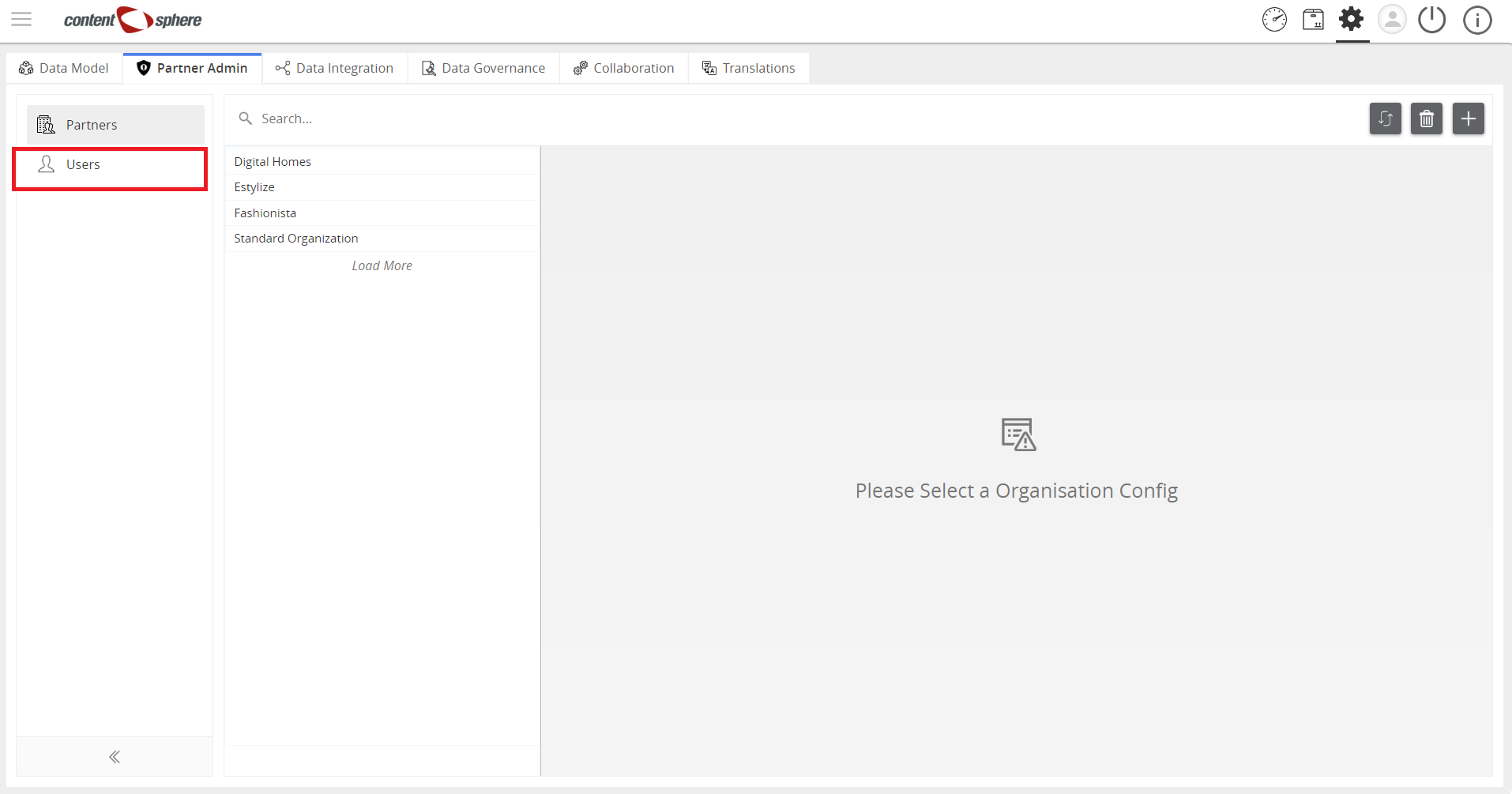
- Then, click “+” to add a user.
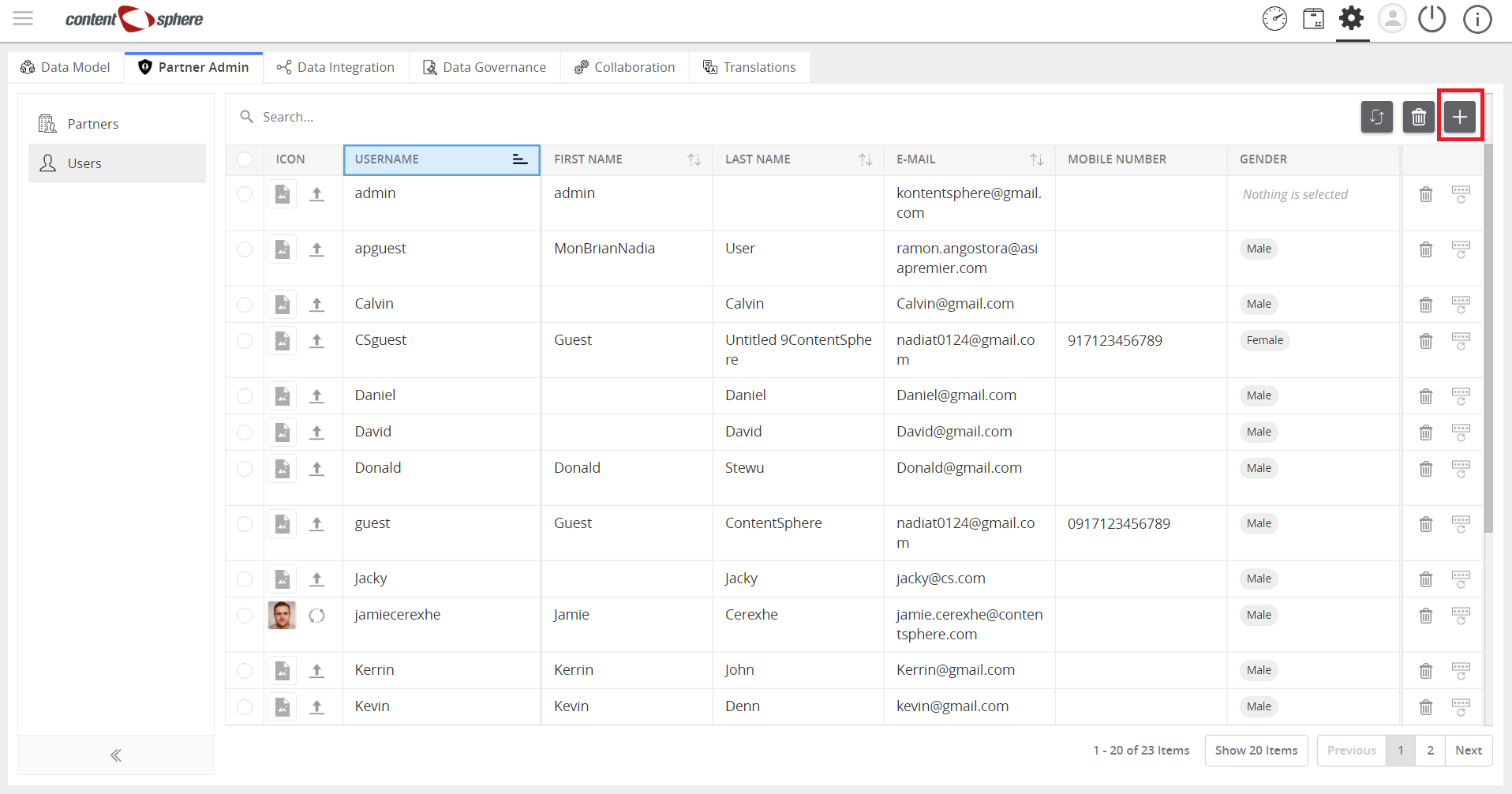
- Enter data in the fields.
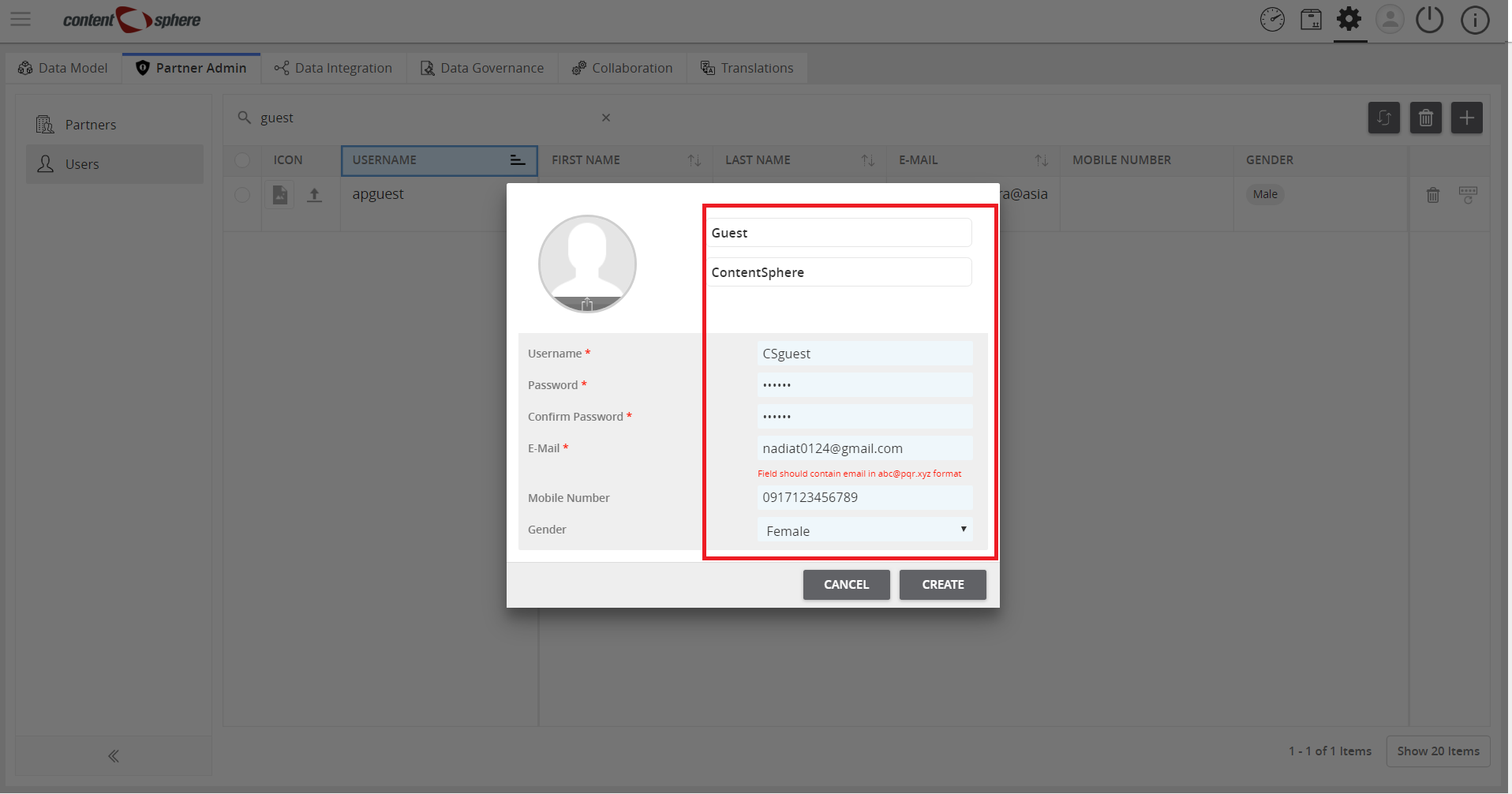
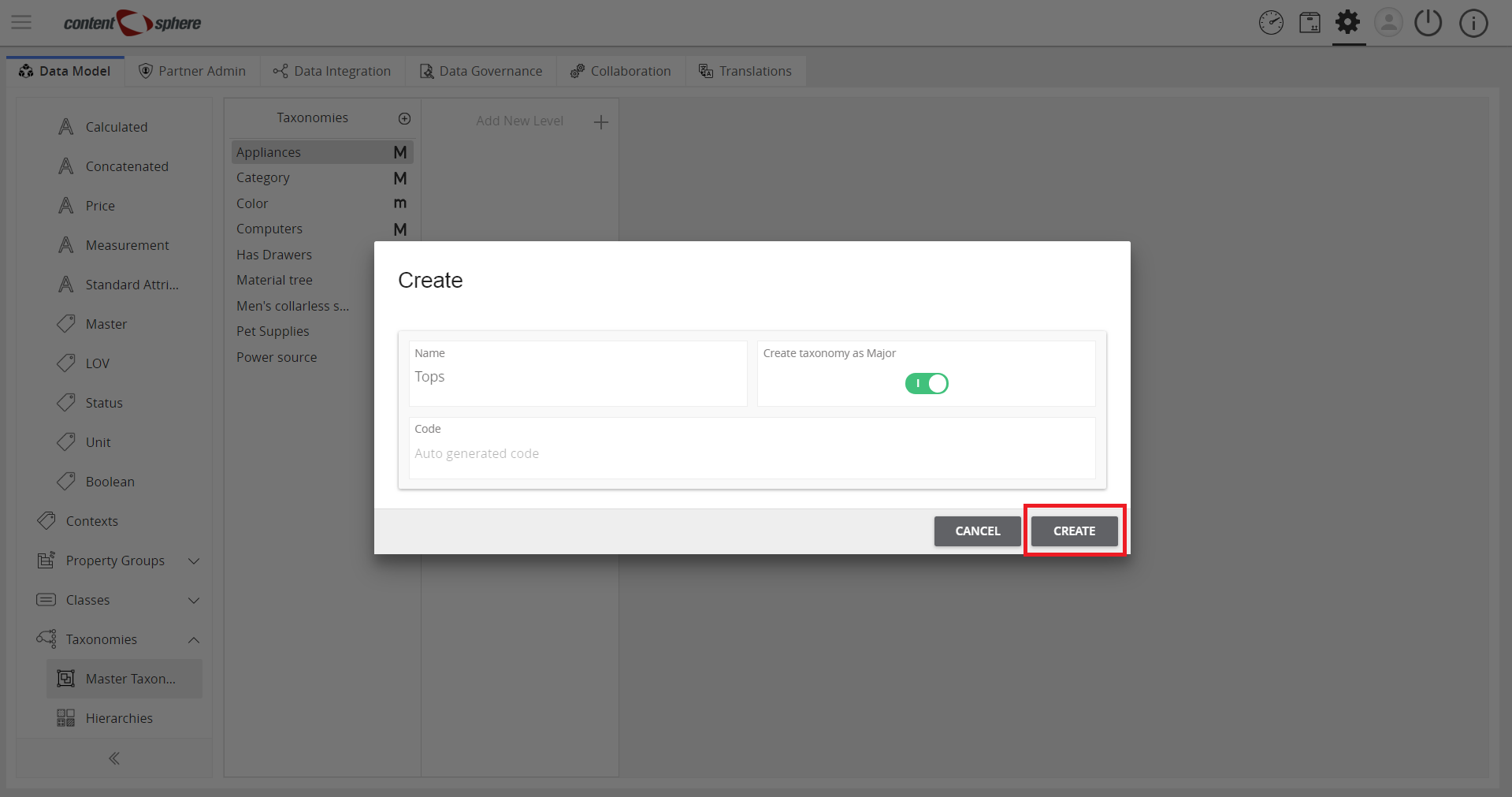
- Then, click Create.
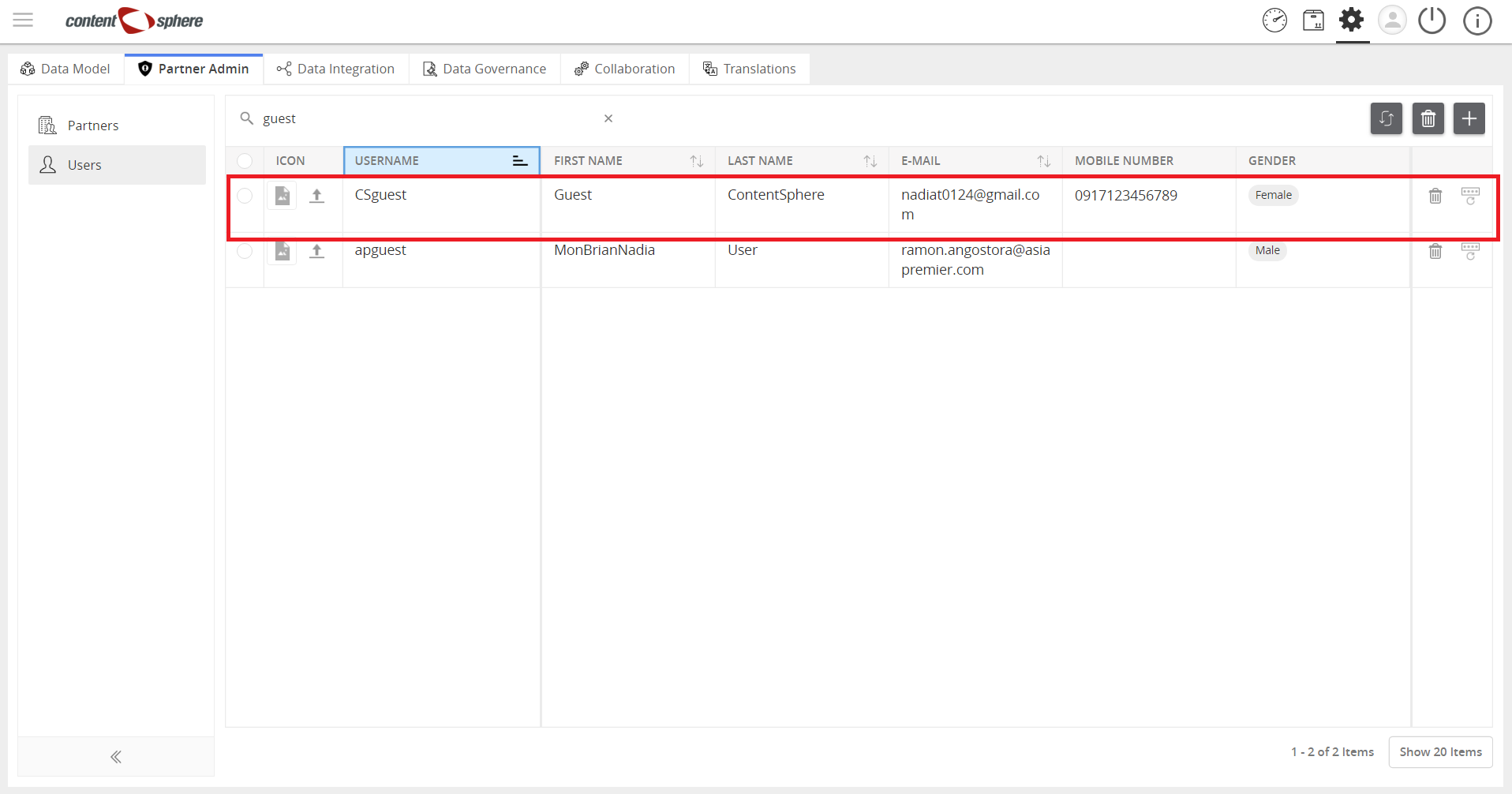
- View the added user.
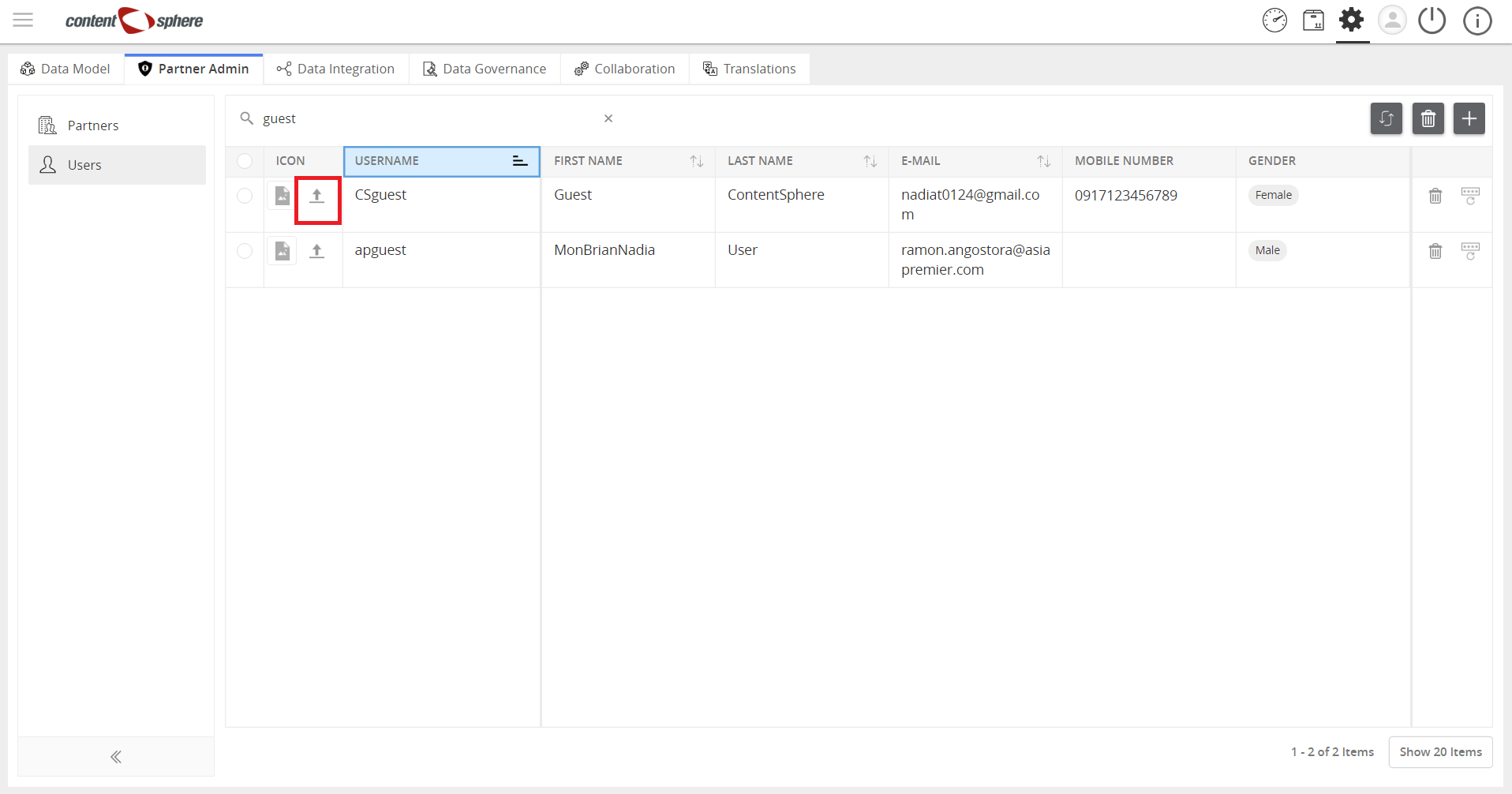
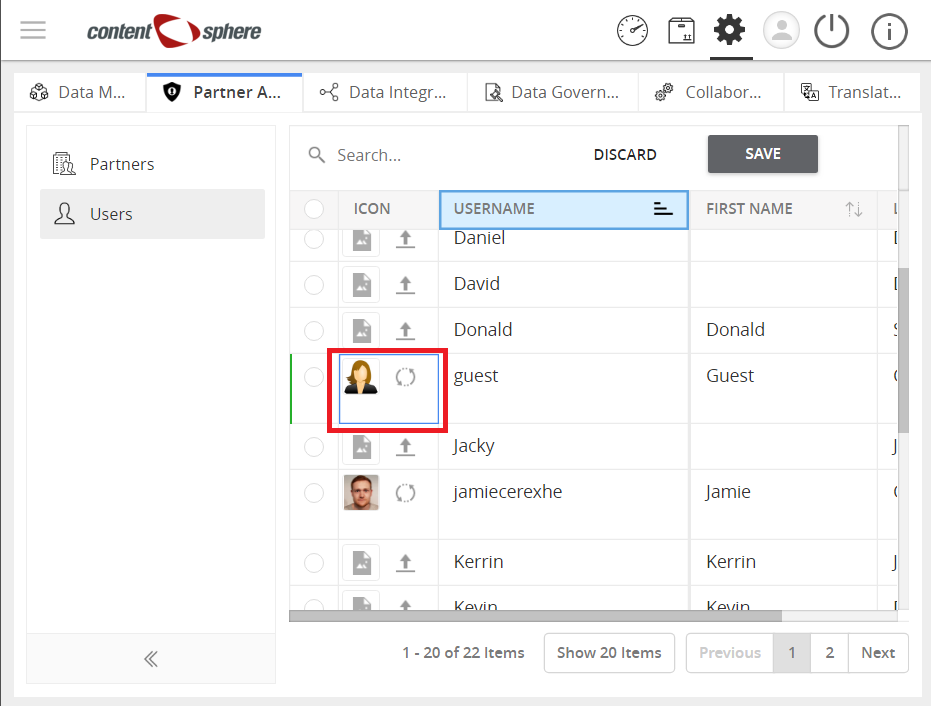
Icon for the user can also be added. To do this, follow the steps below:
- Click Add Icon and select an image icon from your computer.
- View the added icon.

Last updated: Jul 27, 2018