
Create Partner, Role, and Assign User to Role
To create a Partner, a Role, and also to assign a user to a specific role; follow these steps:
- Log in to the application and click on the Administration button.

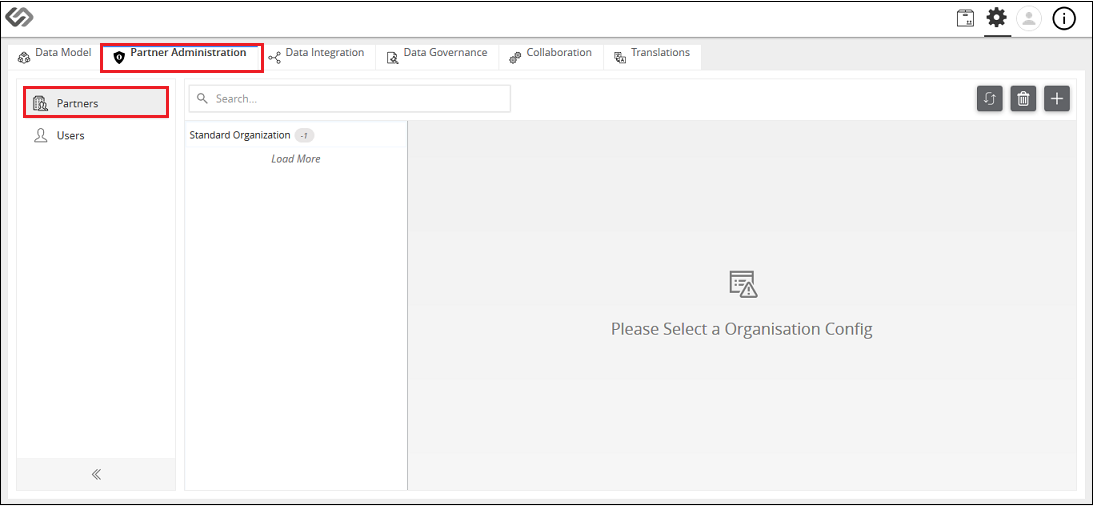
- Go to Partner Administration and then to Partners.
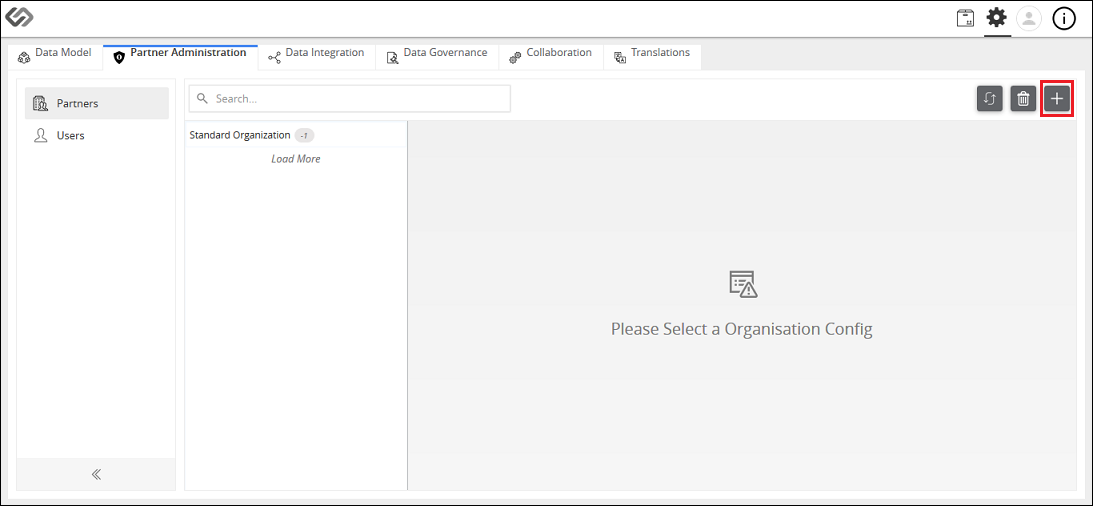
- Click “+” icon to create a new partner.
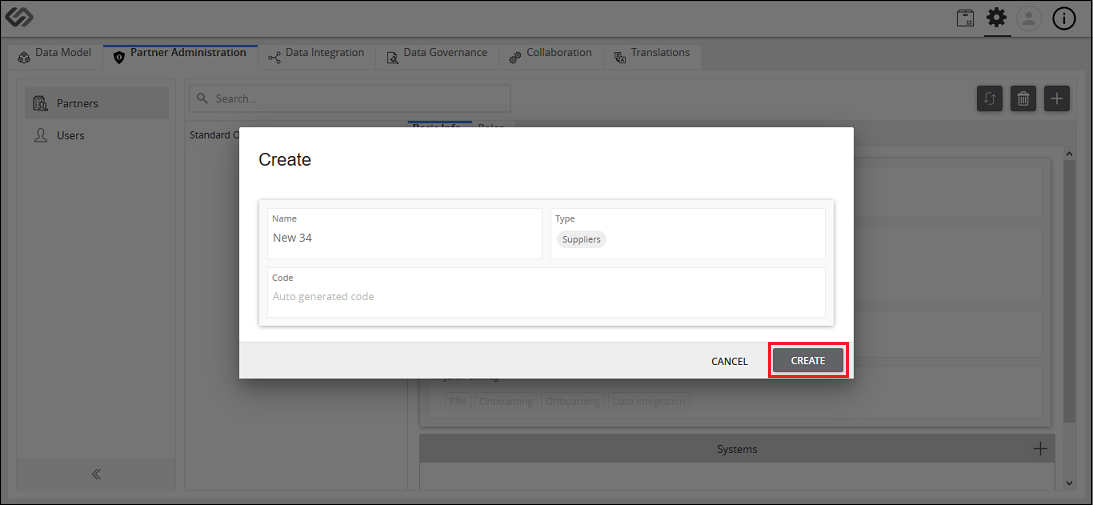
- Provide the following details: Name, Type, and Code. Then, click on the Create button.
- Select the created partner and then click on the Roles tab.
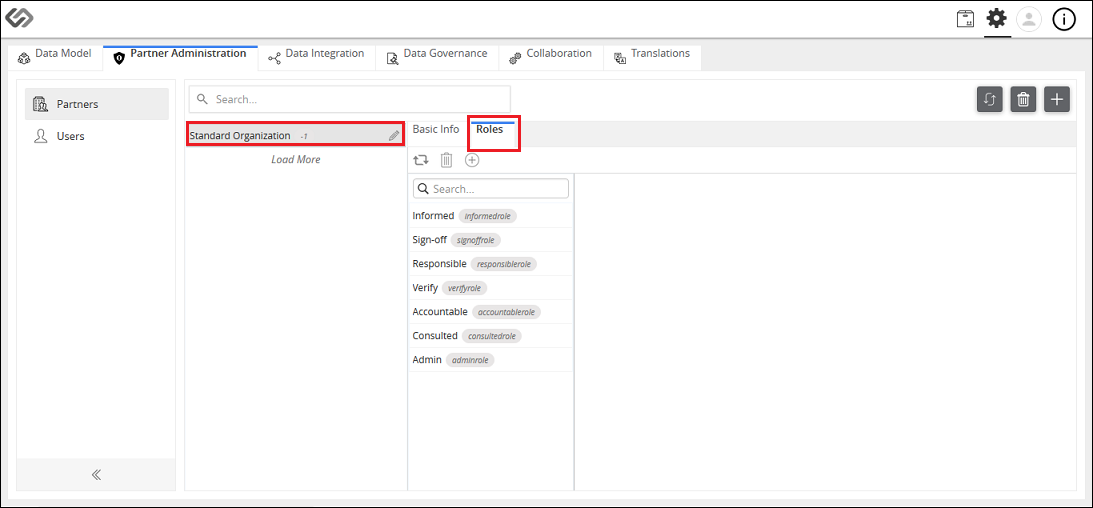
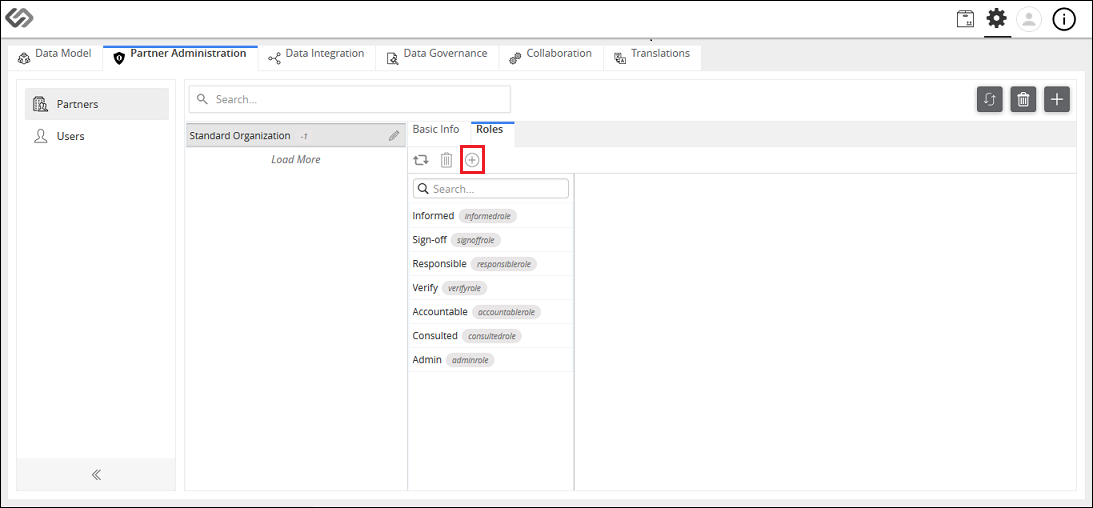
- In that tab, click on the “+” icon to create a role that is specific to a partner.
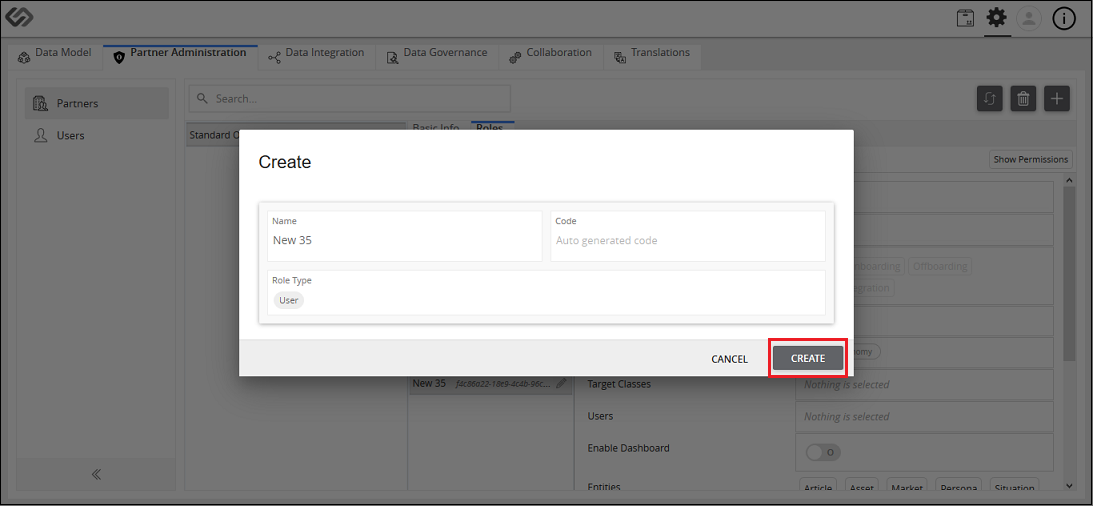
- Provide the following details: Name, Code, and Role Type. Then, click on the Create button.
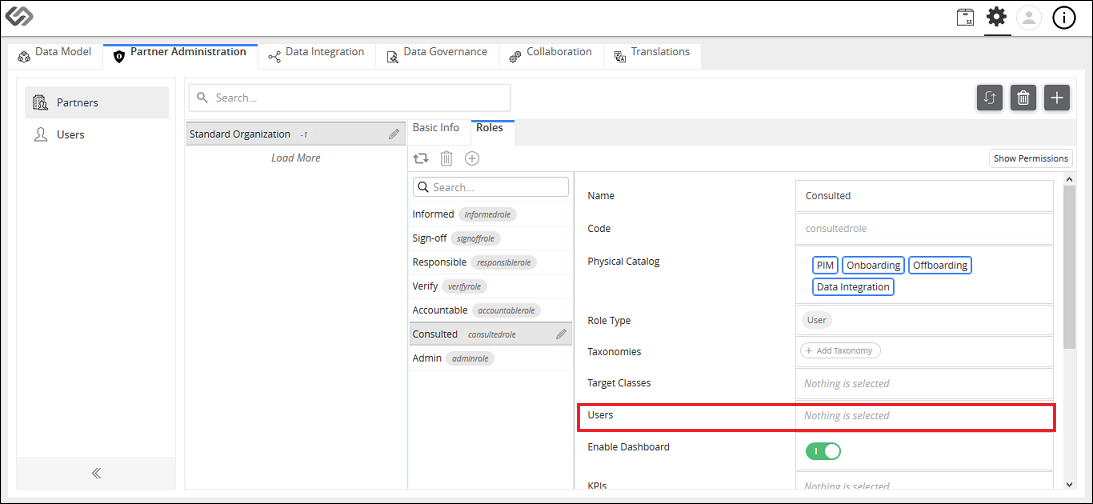
- Select the created role and click on the Users field.
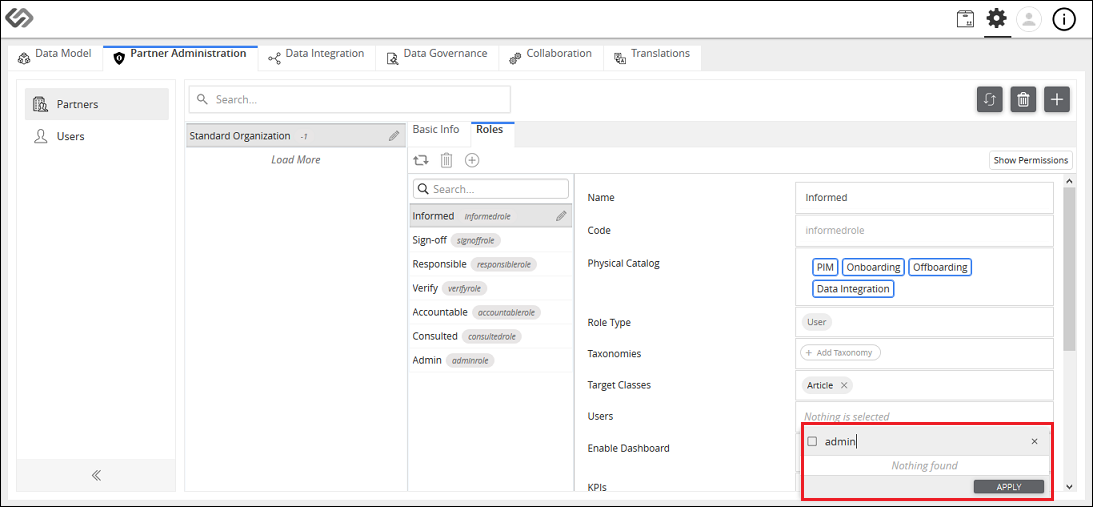
- Select the users that you want to assign to the role from the list and then, click on the Apply button. The selected users will be assigned to the newly created role .
- Click on the Save button.
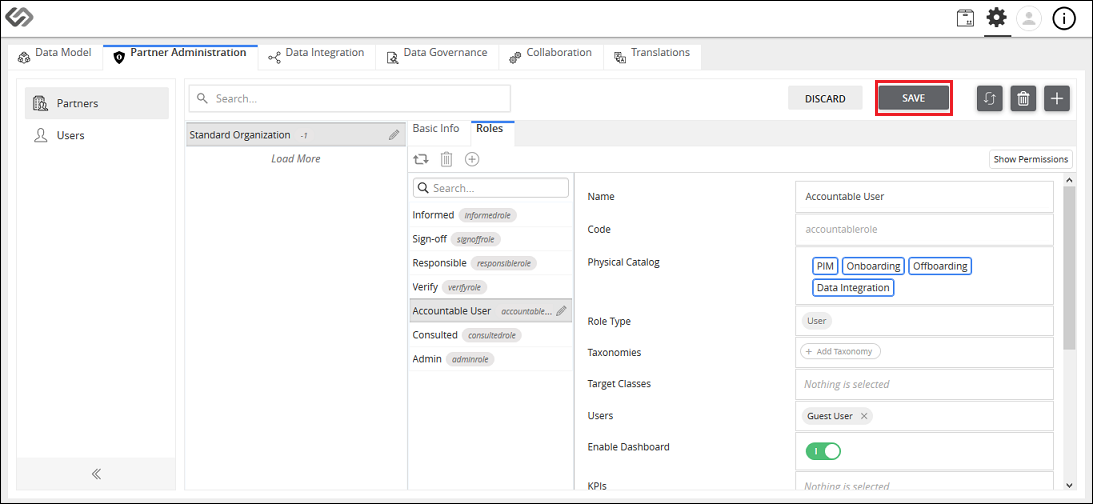
Create Partner, Role, and Assign User to Role: Screen Elements
The following details are to be provided to be able to create a new partner and a new role in the system. The elements for assigning a user to a role are also enumerated.
Create Partner:
| Sr No | Screen Element | Description |
|---|---|---|
| 1 | Name | Specify the name of a partner. |
| 2 | Type | Select the type of a partner from the following options:
|
| 3 | Code | Specify the code. |
| 4 | Create | Click Create button to create a partner. |
| 5 | Cancel | Click Cancel button to cancel the details of a partner. |
Create Role:
| Sr No | Screen Element | Description |
|---|---|---|
| 6 | Name | Specify the name of a role. |
| 7 | Code | Specify the code. |
| 8 | Role Type | Select Role Type from following options:
|
| 9 | Create | Click Create button to create a role. |
| 10 | Cancel | Click Cancel button to cancel the role details. |
Assign User to Role:
| Sr No | Screen Element | Description |
|---|---|---|
| 11 | Users | Select the users from the list and click the Apply button. The selected users will be assigned to that role. |
| 12 | Save | Click on Save button to save the details. |

Last updated: Jul 27, 2018