
Manage Role Access to Class and Taxonomies
This is an administration feature that restricts a user’s access to Class and Taxonomy levels. The feature ensures that the user works directly with the articles they are intended to be responsible for.
| Key Term: |
|
| Description: |
|
| Related topics: | |
| Application: |
|
How-to: Restrict a Role’s Access to Class and Taxonomy
To restrict a role’s access to class and taxonomy, follow these steps:
- Log in and click on the Administration button to enter the configuration page.
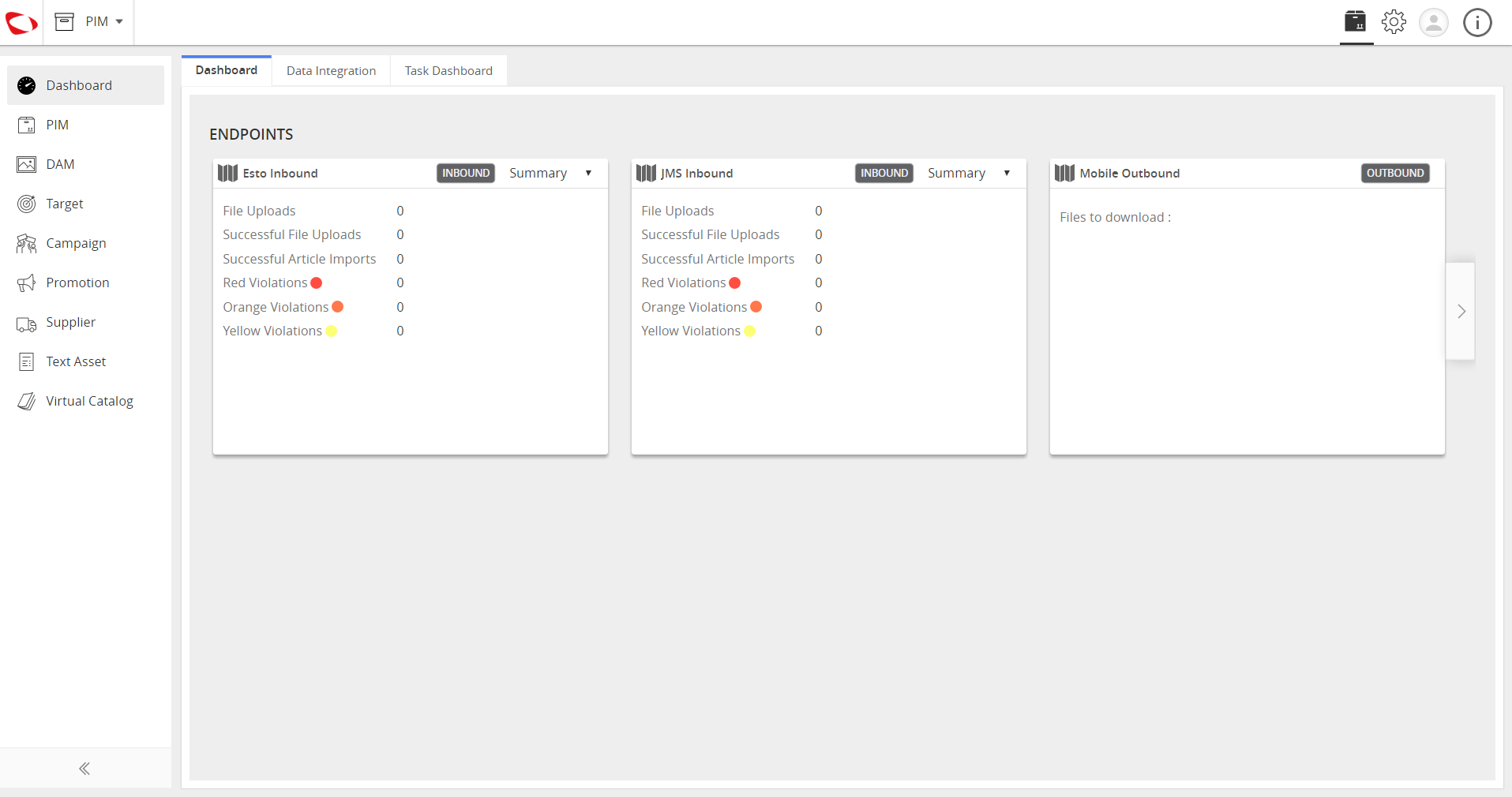
Create a user.
- Go to Partner Administration tab.
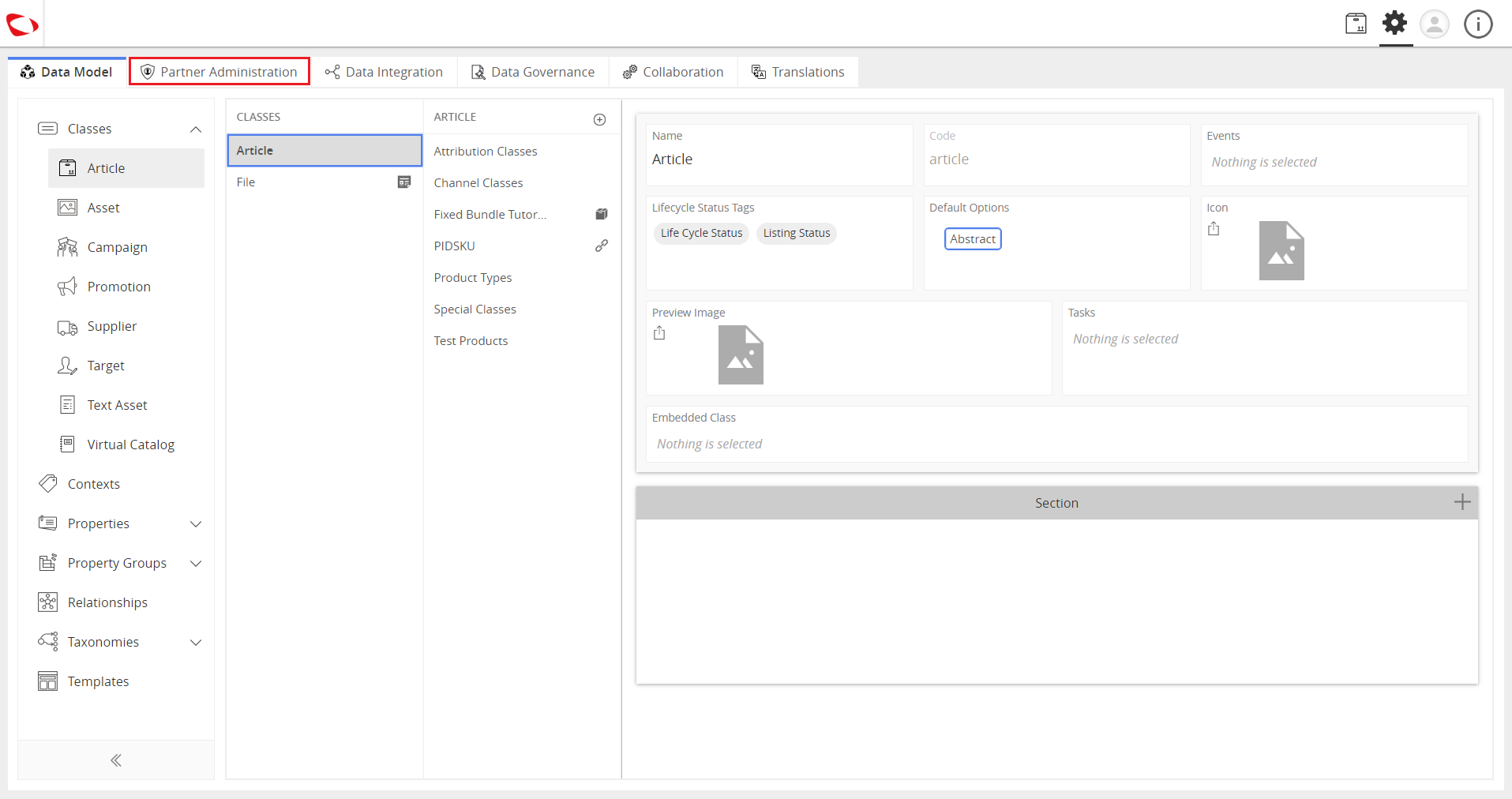
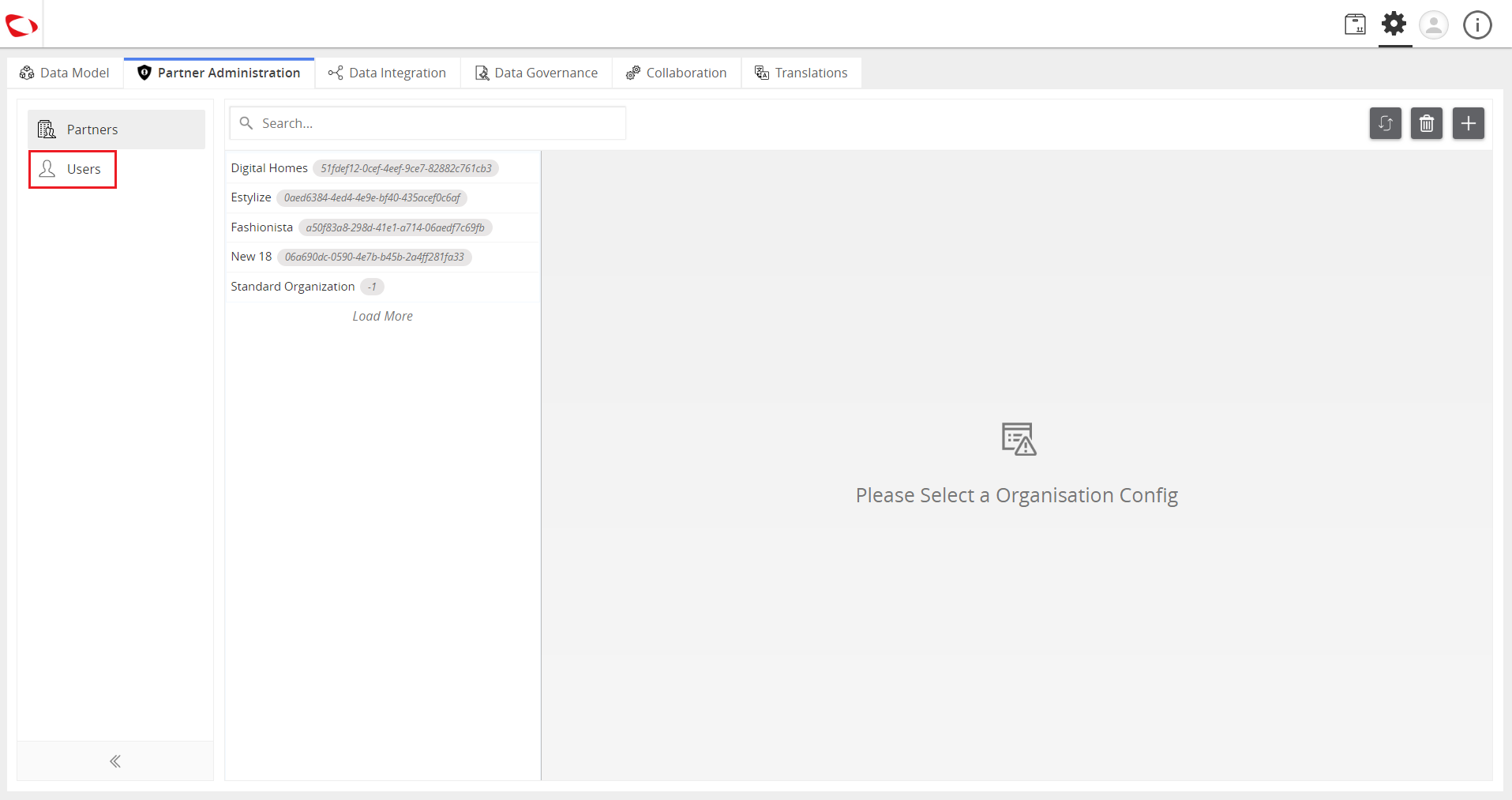
- Click on Users then click on the “+” icon on the right side of the window.
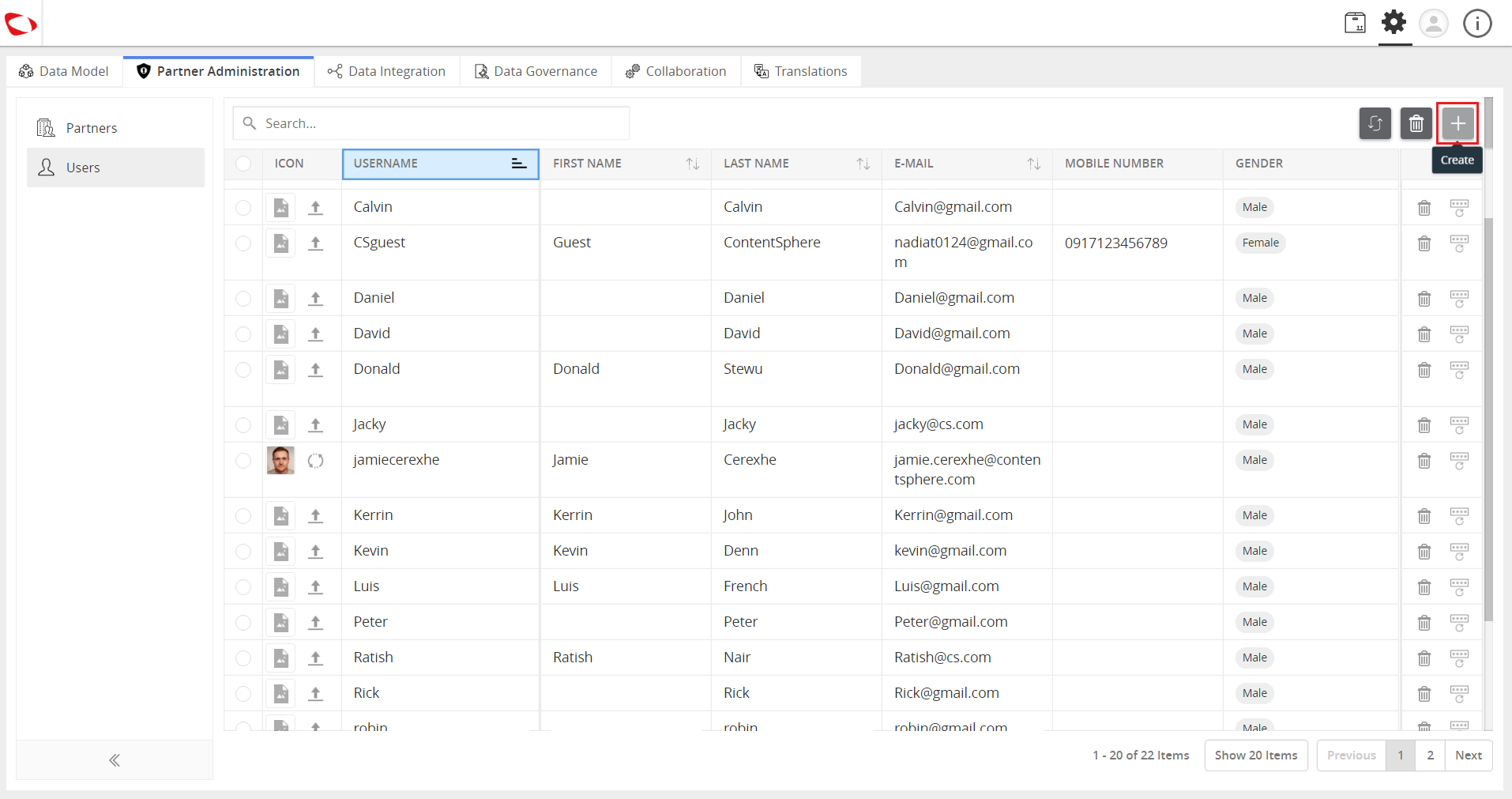
- Enter the login details.
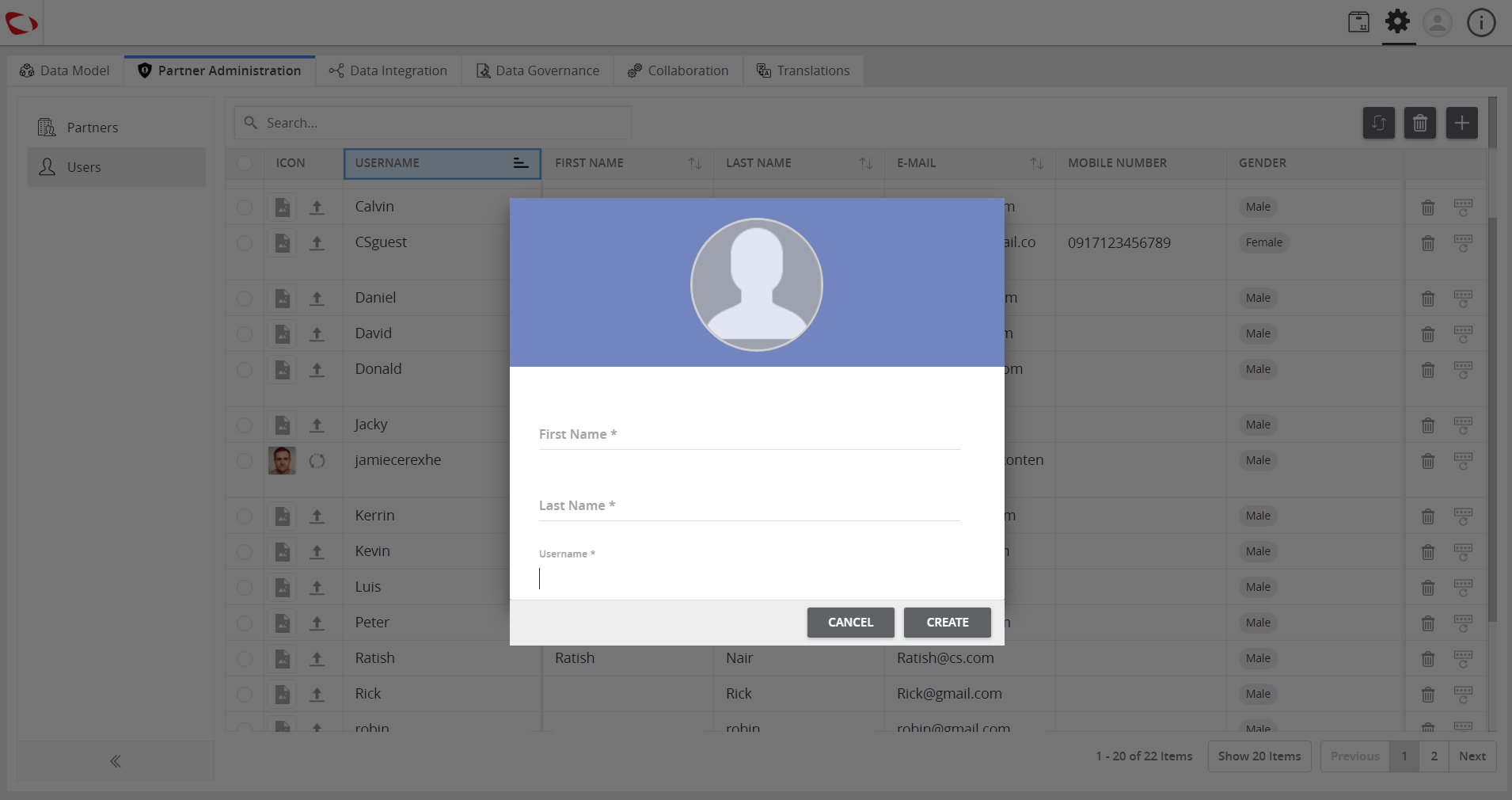
- Click on the Create button and a user is created.
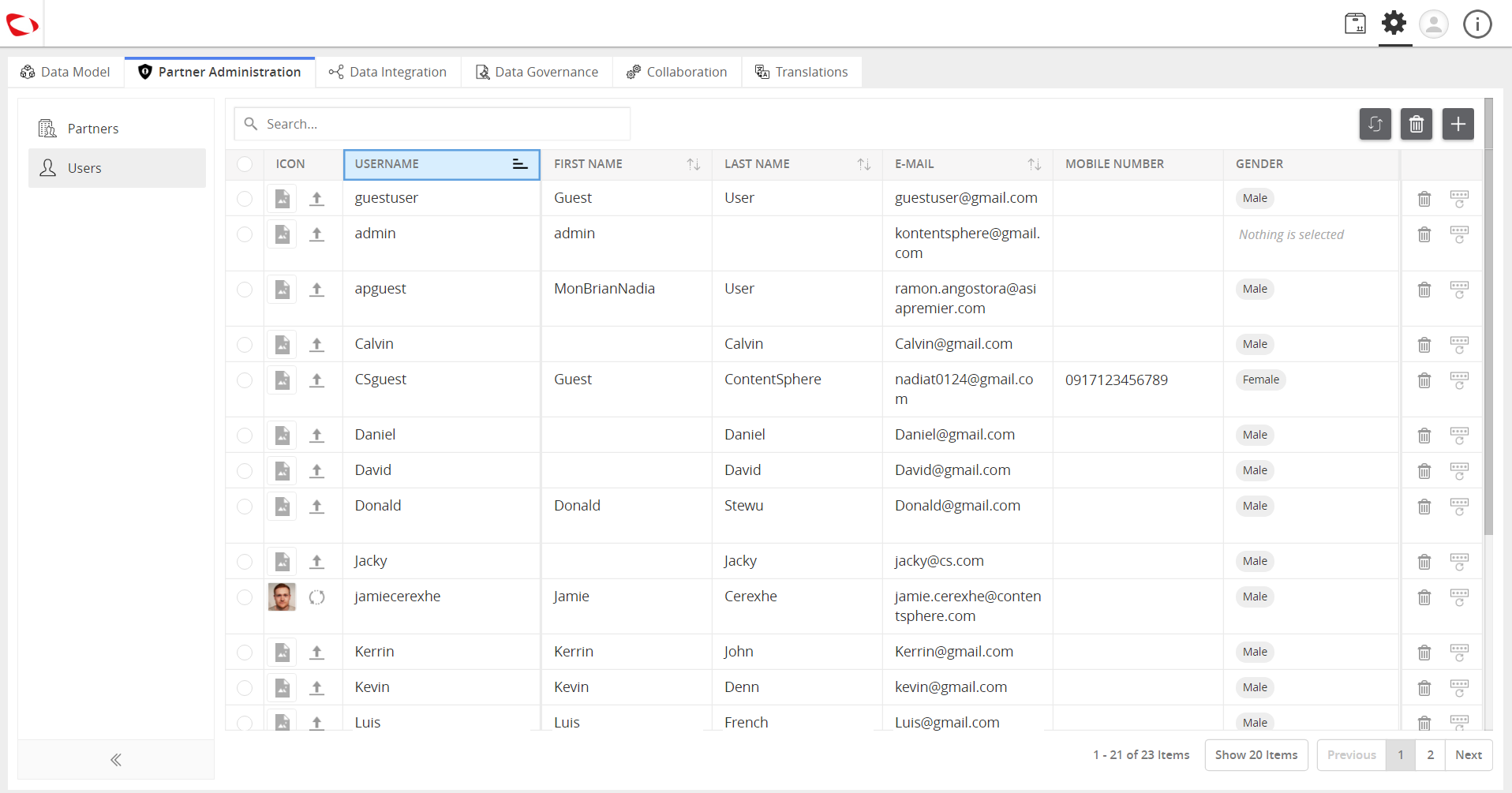
Create Partners (Organization).
- Click on Partners then click on the “+” icon on the right side of the window.
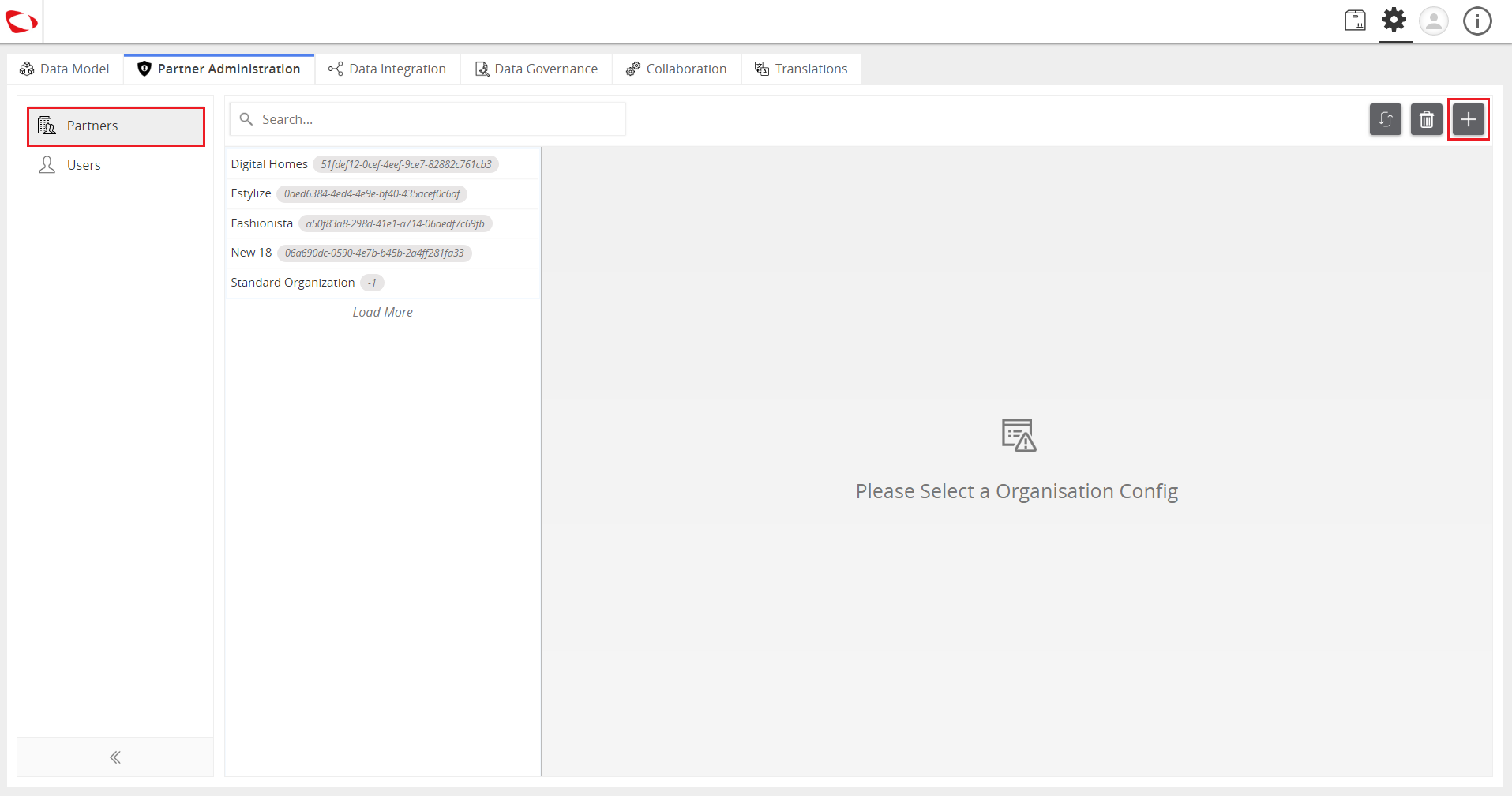
- Enter the name and click on the Create button.
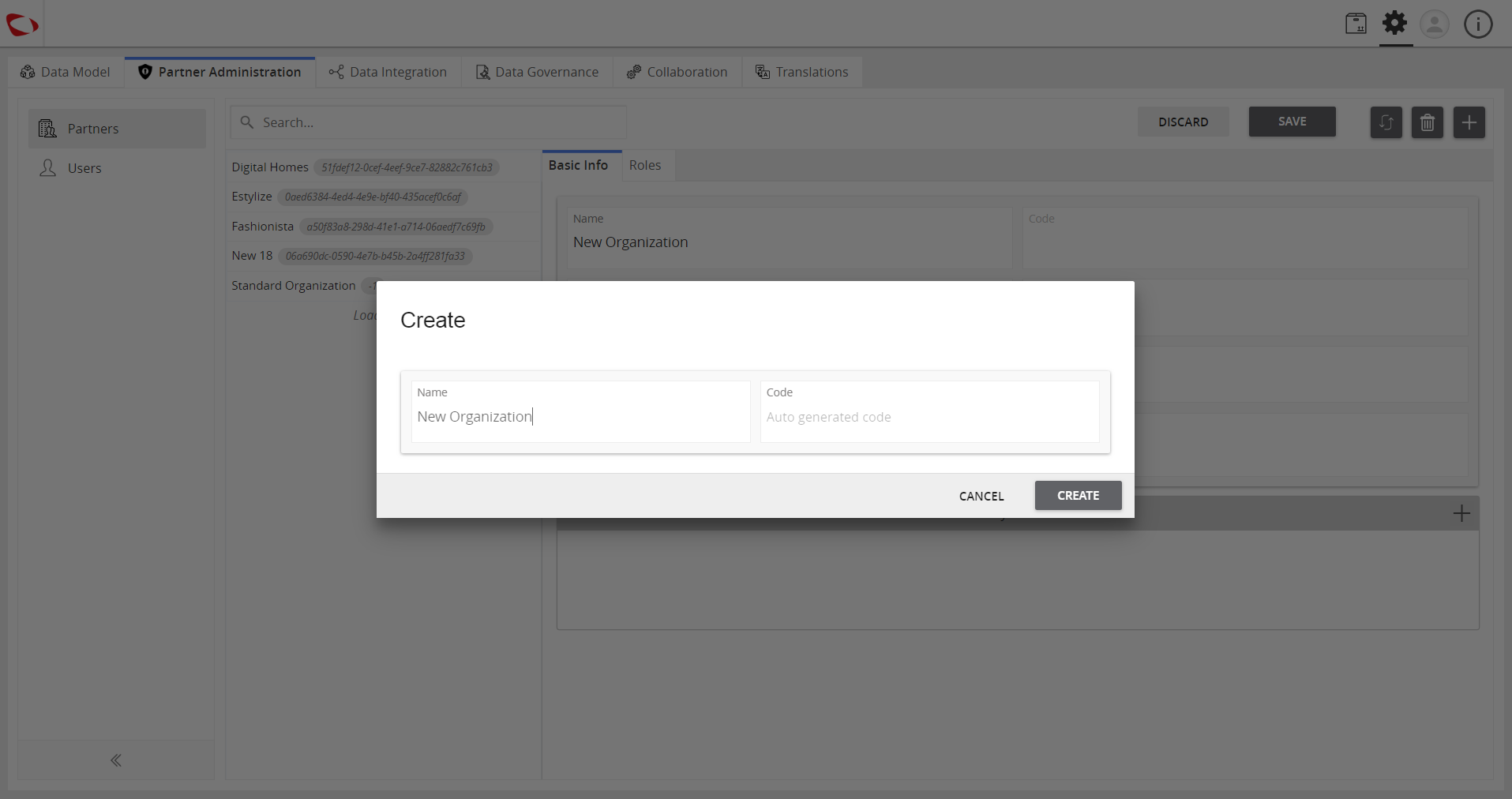
- View the created organization.
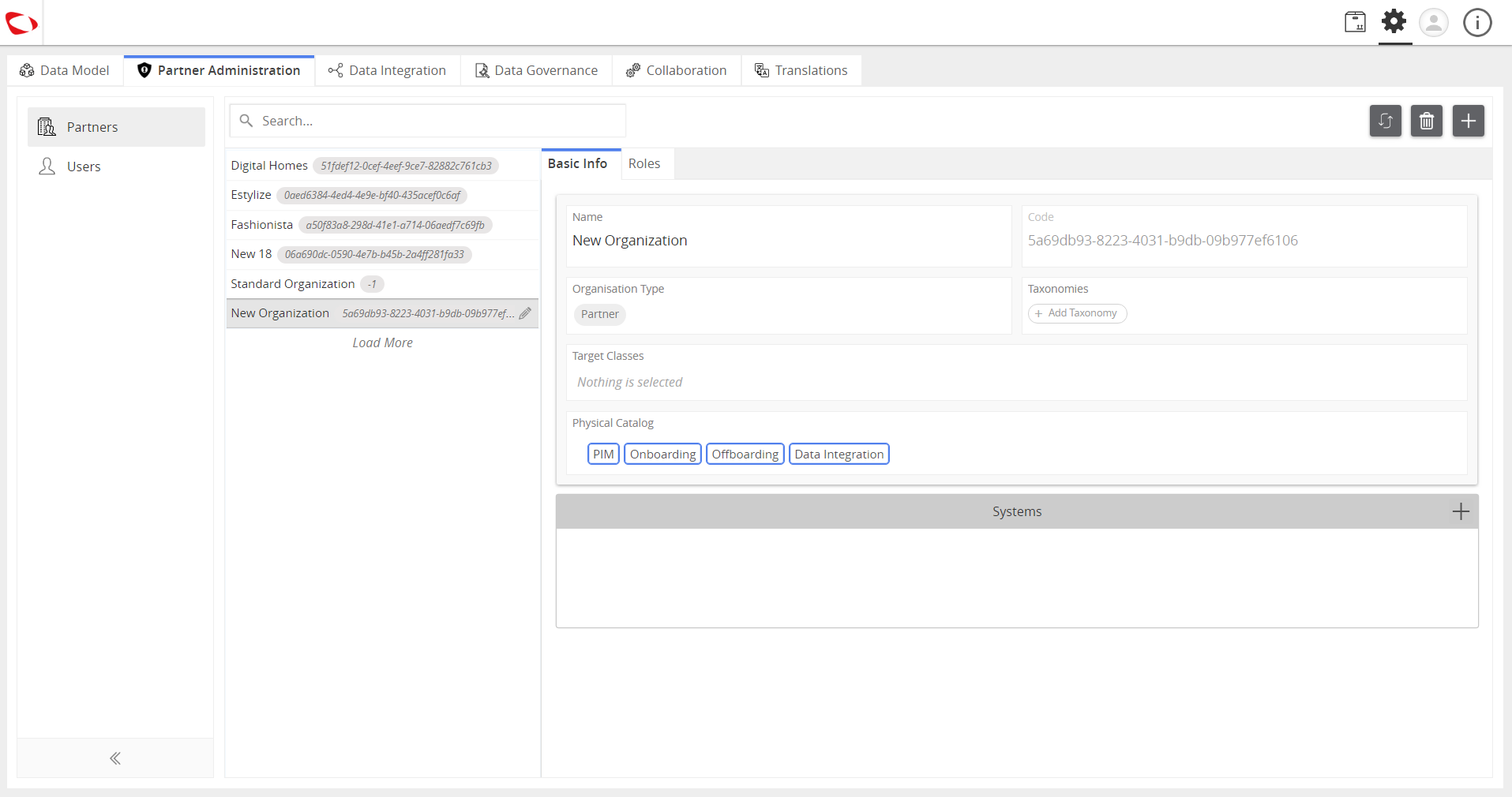
Add roles to the users in the organization.
- Click on the Roles tab
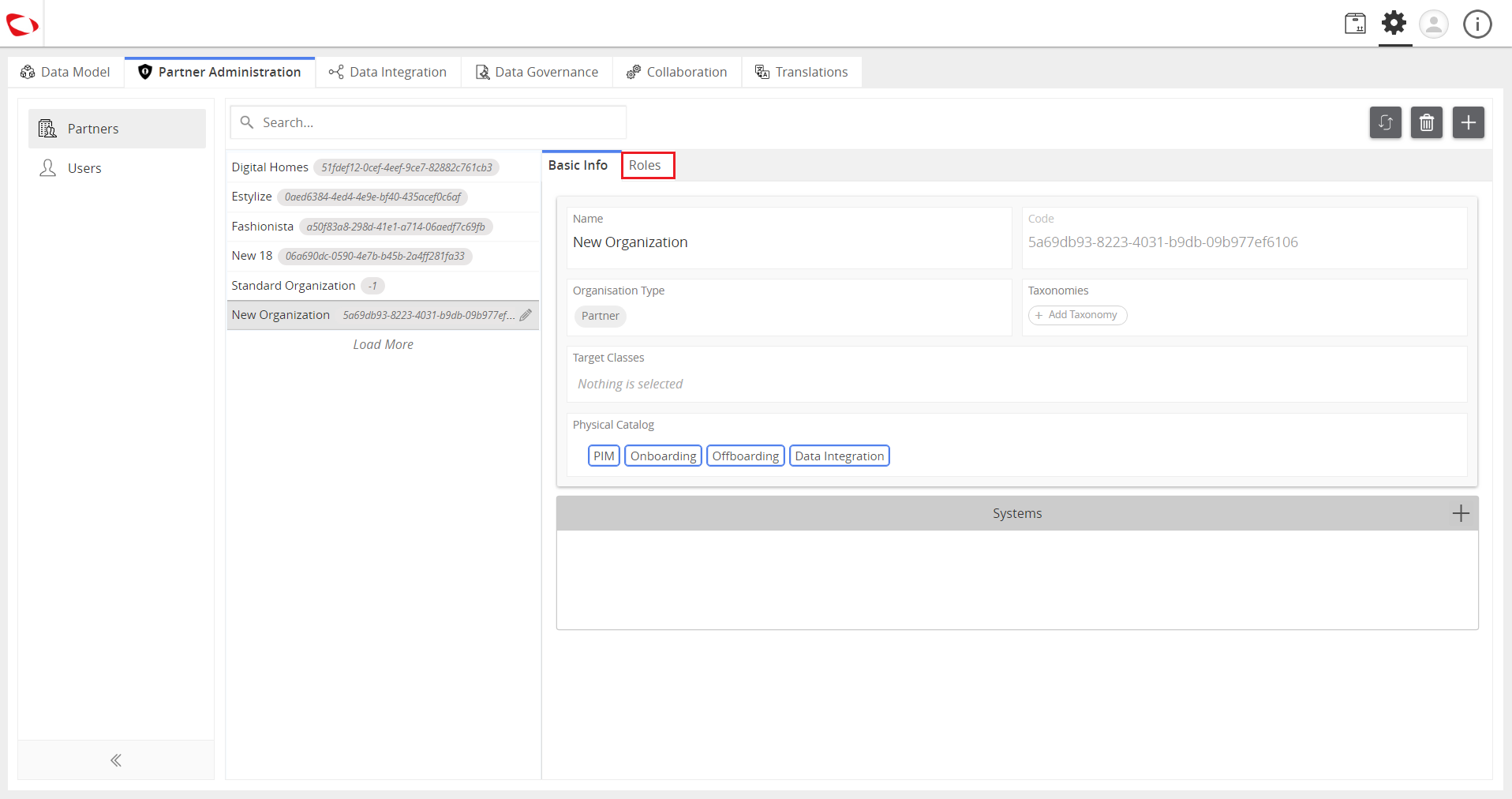
- Click on the “+” sign just below the Roles tab to assign roles.
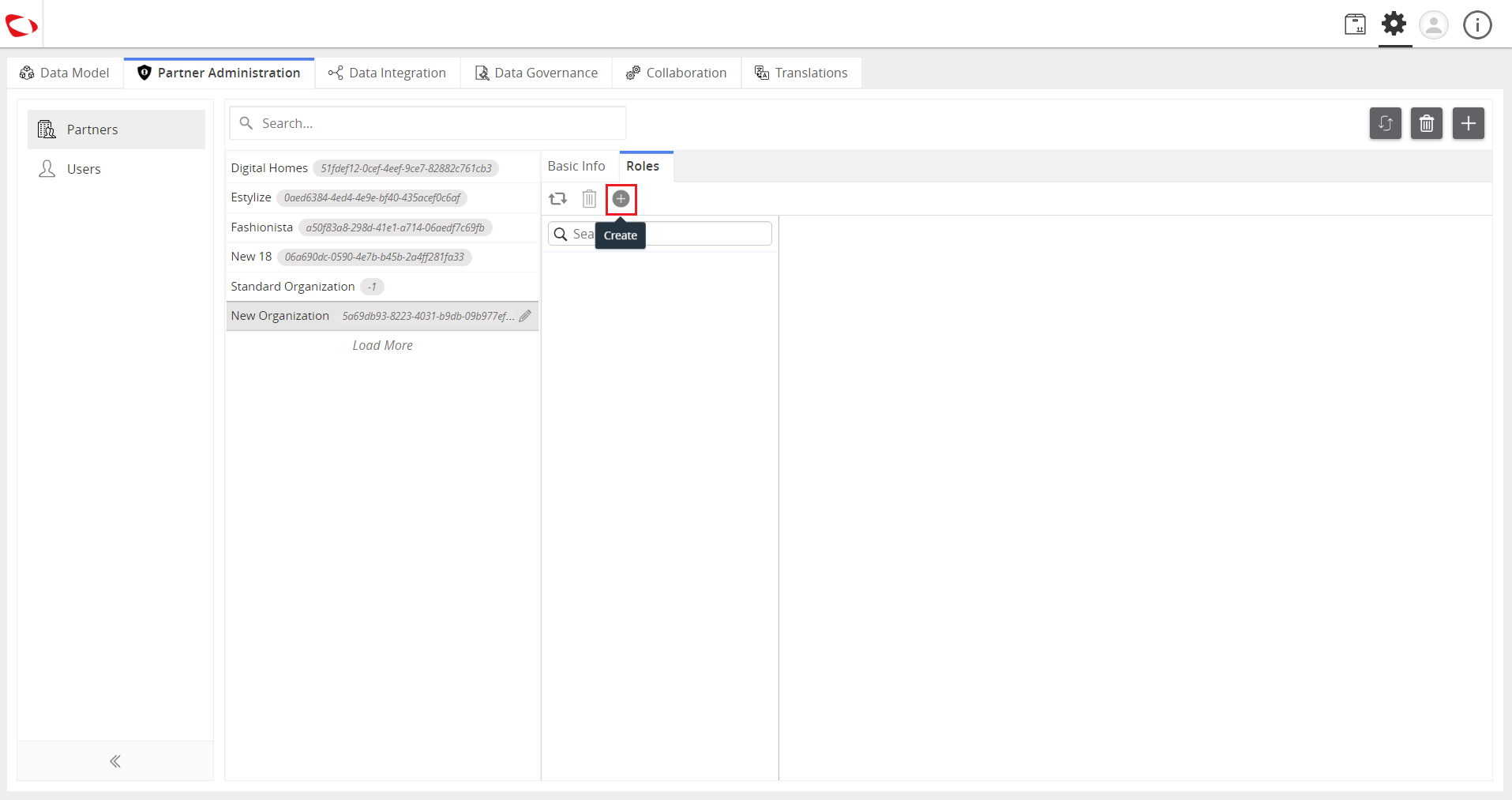
- Enter the name and select the role type then click on the Create button.
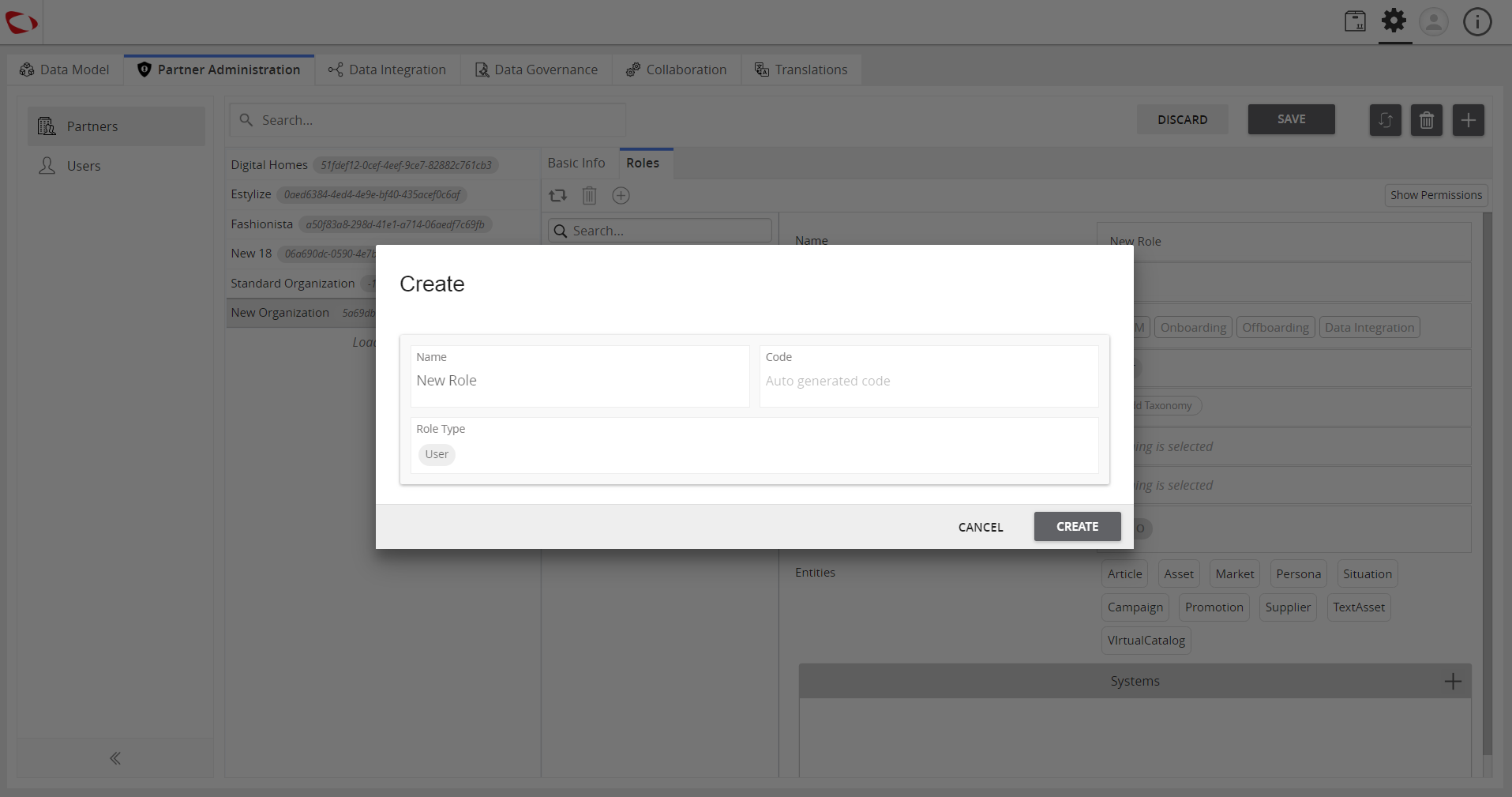
- Select the target class that you want the user to have access to.
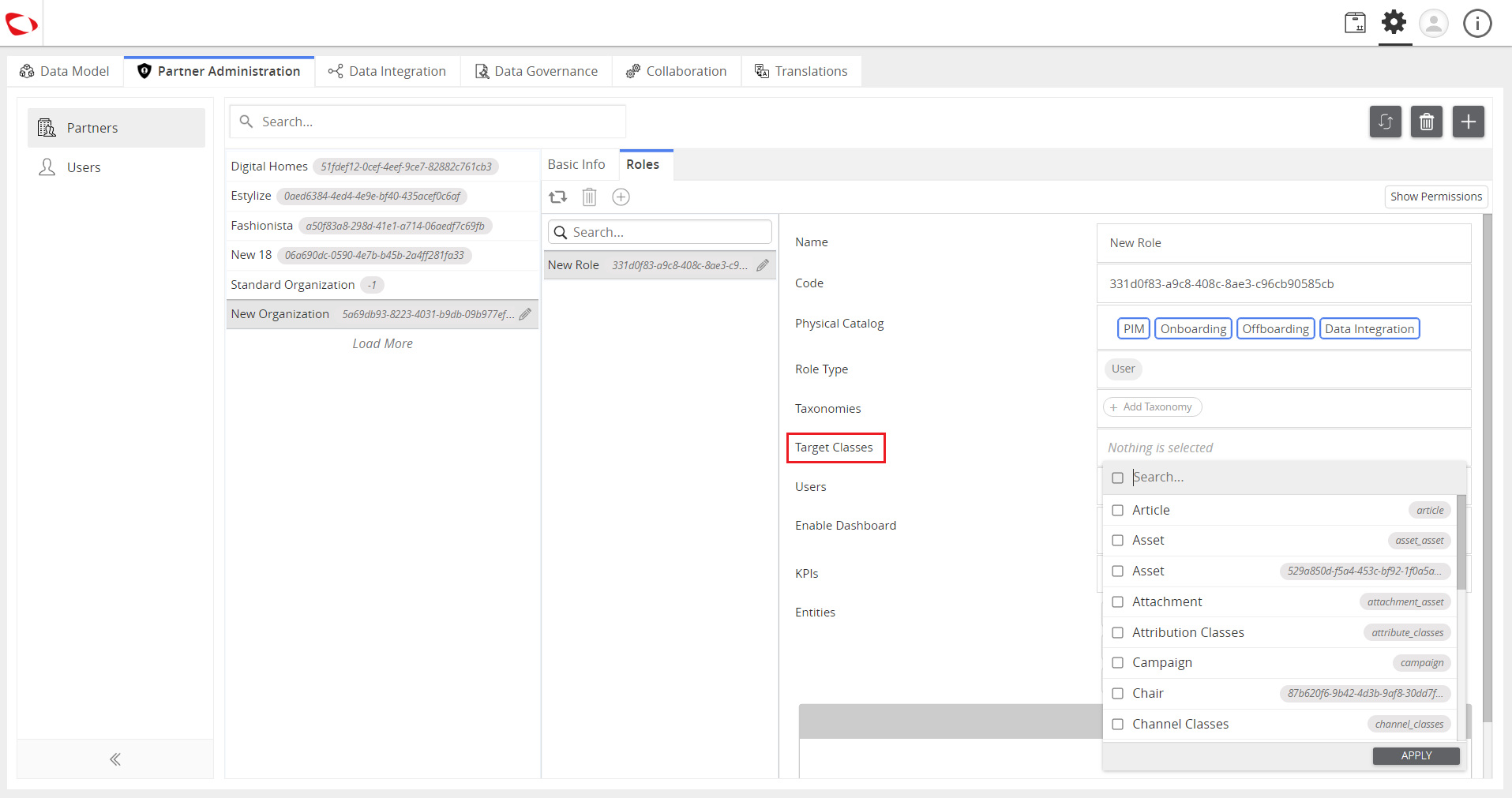
- Select the taxonomy to further categorize the products.
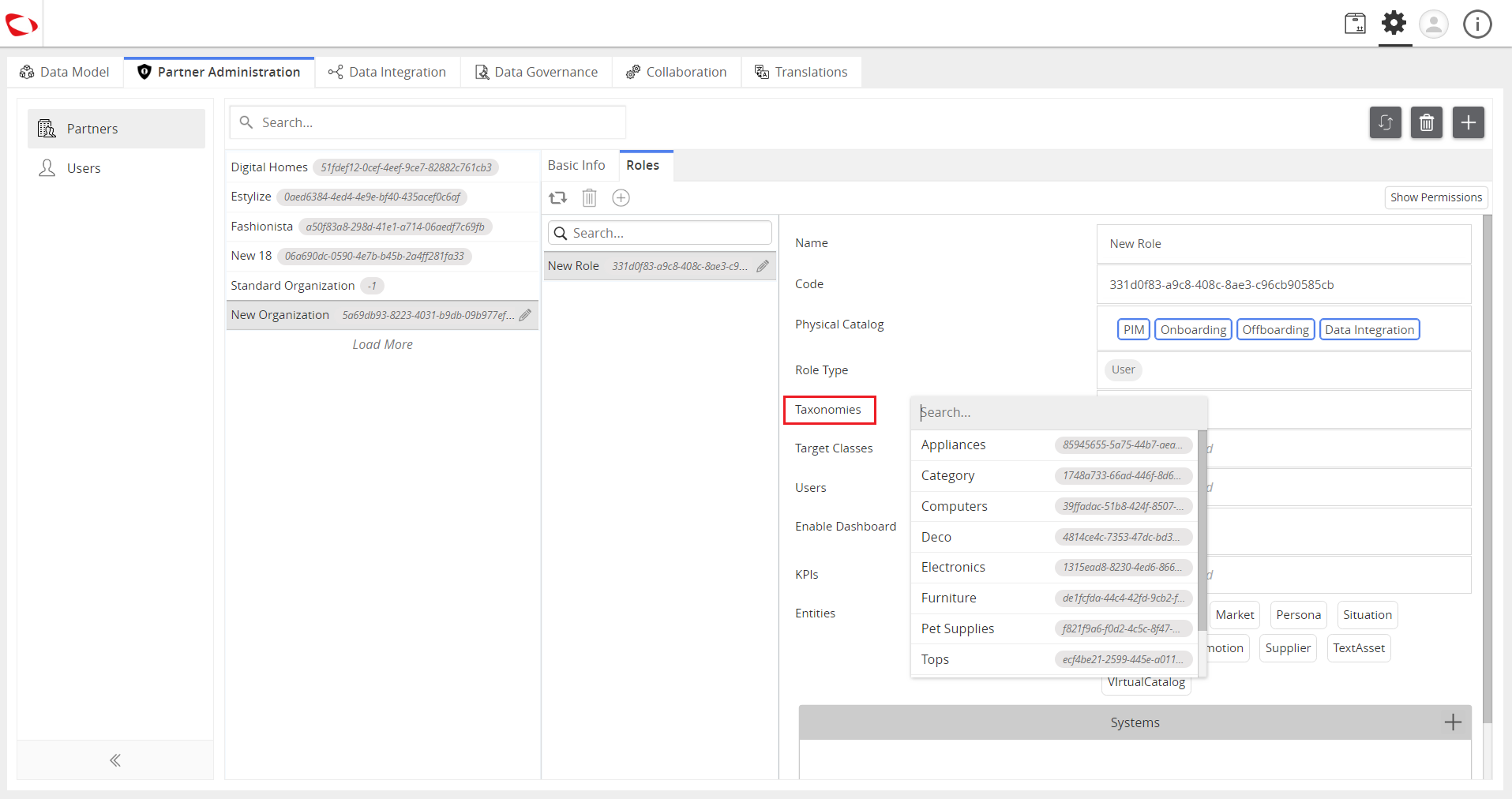
Note: If no class or taxonomy is selected, the user has access to all the classes and taxonomies.
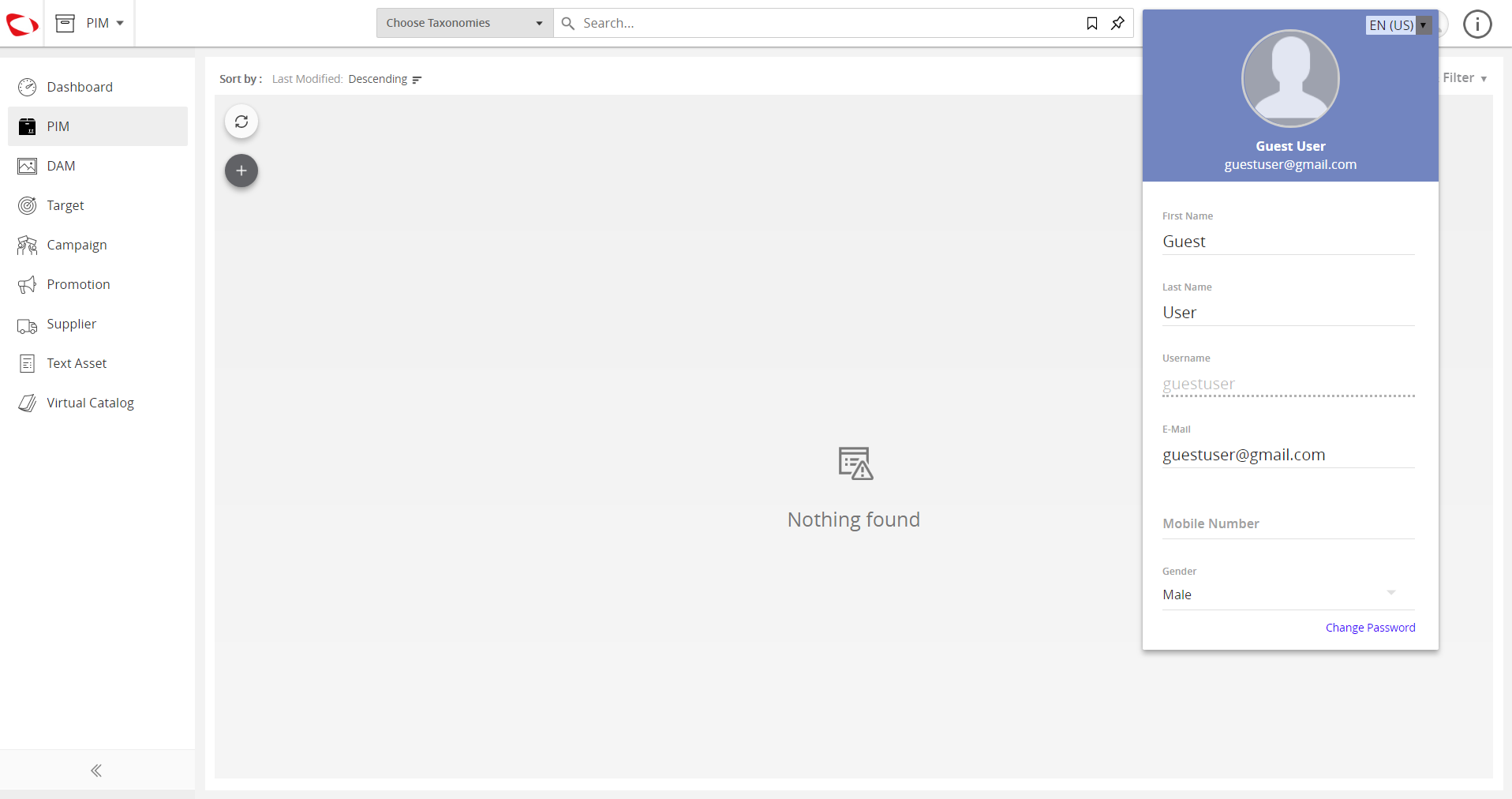
- Log in as the user to view the products assigned to you.

Last updated: Jul 27, 2018