Help Center

Linking Objects

Linking Objects allows an administrator to link an object to multiple taxonomies.

Key Term:
  • Taxonomy: a taxonomy is a scheme of classification used for an organization’s products.
Description:
  • The feature allows the classification of objects to various sub-taxonomies for smooth navigation and easy searching of other linked objects.
  • It can apply multiple taxonomies to a product to show the categories the product falls under.
Related topics:
Application:
  • Link an object to a taxonomy for proper classification.
  • Taxonomy branches serve as classification of the parts.

How-to: Linking Objects

Classify with ease by linking objects, and here’s how to do it.


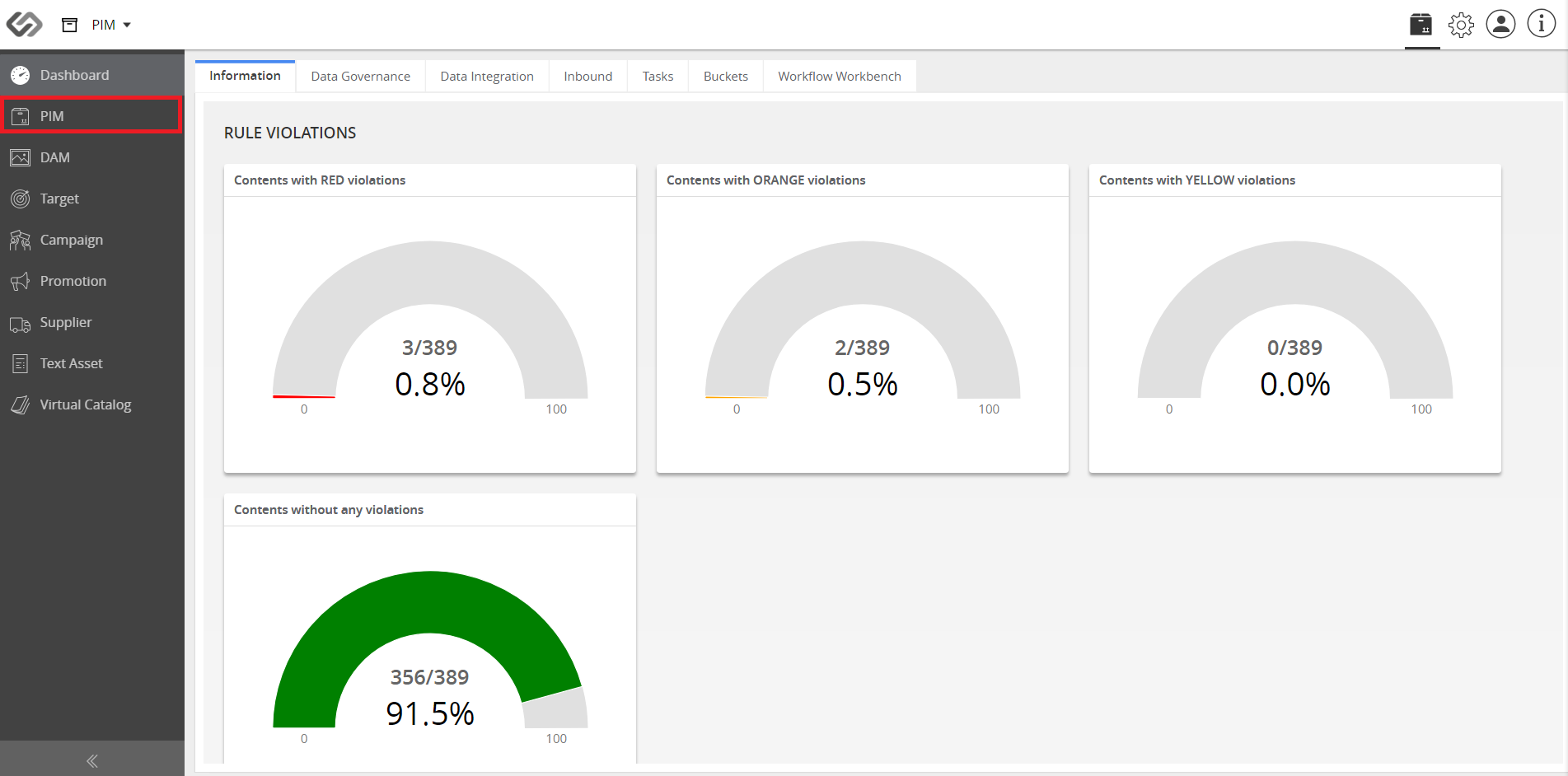
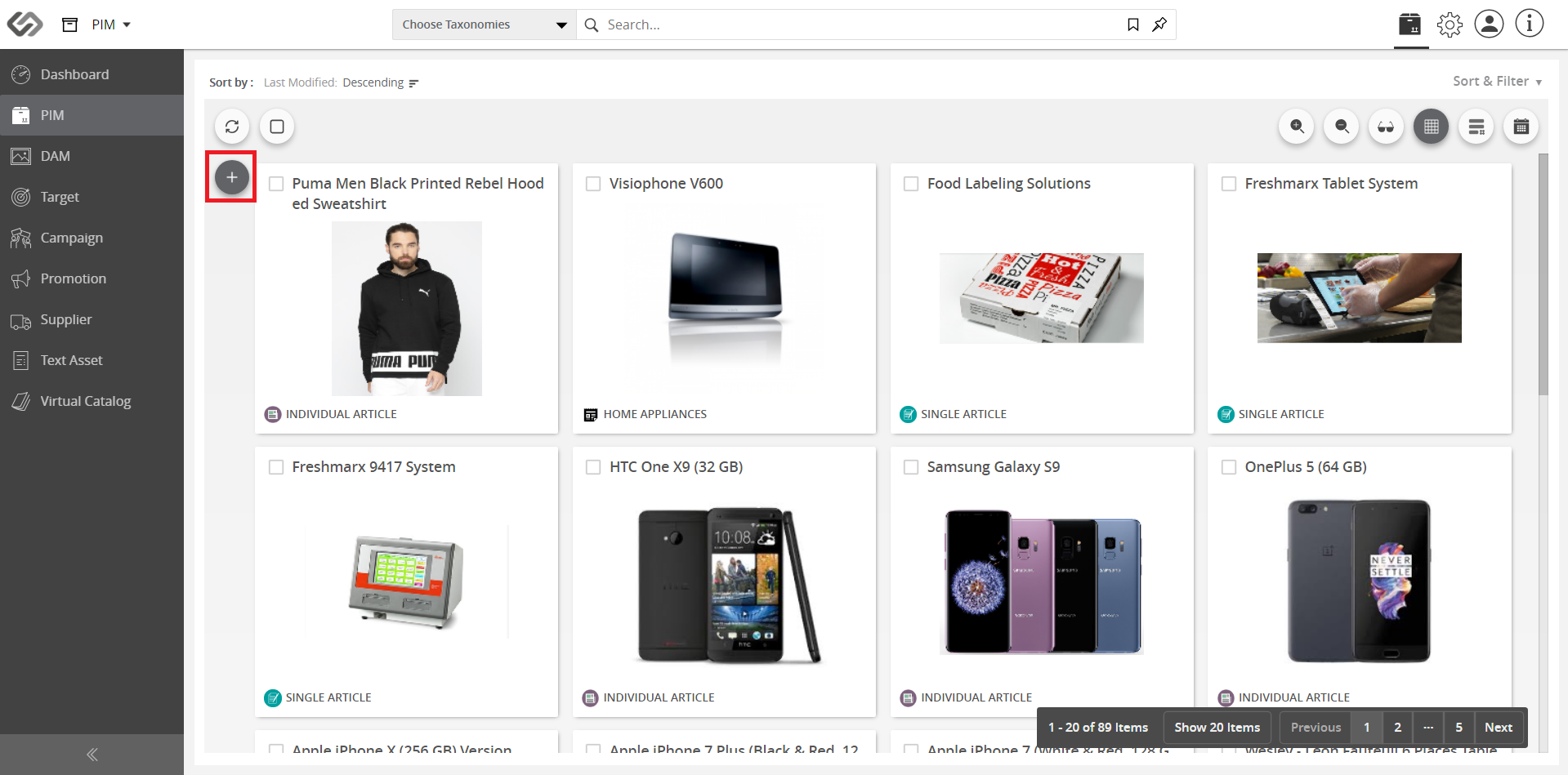
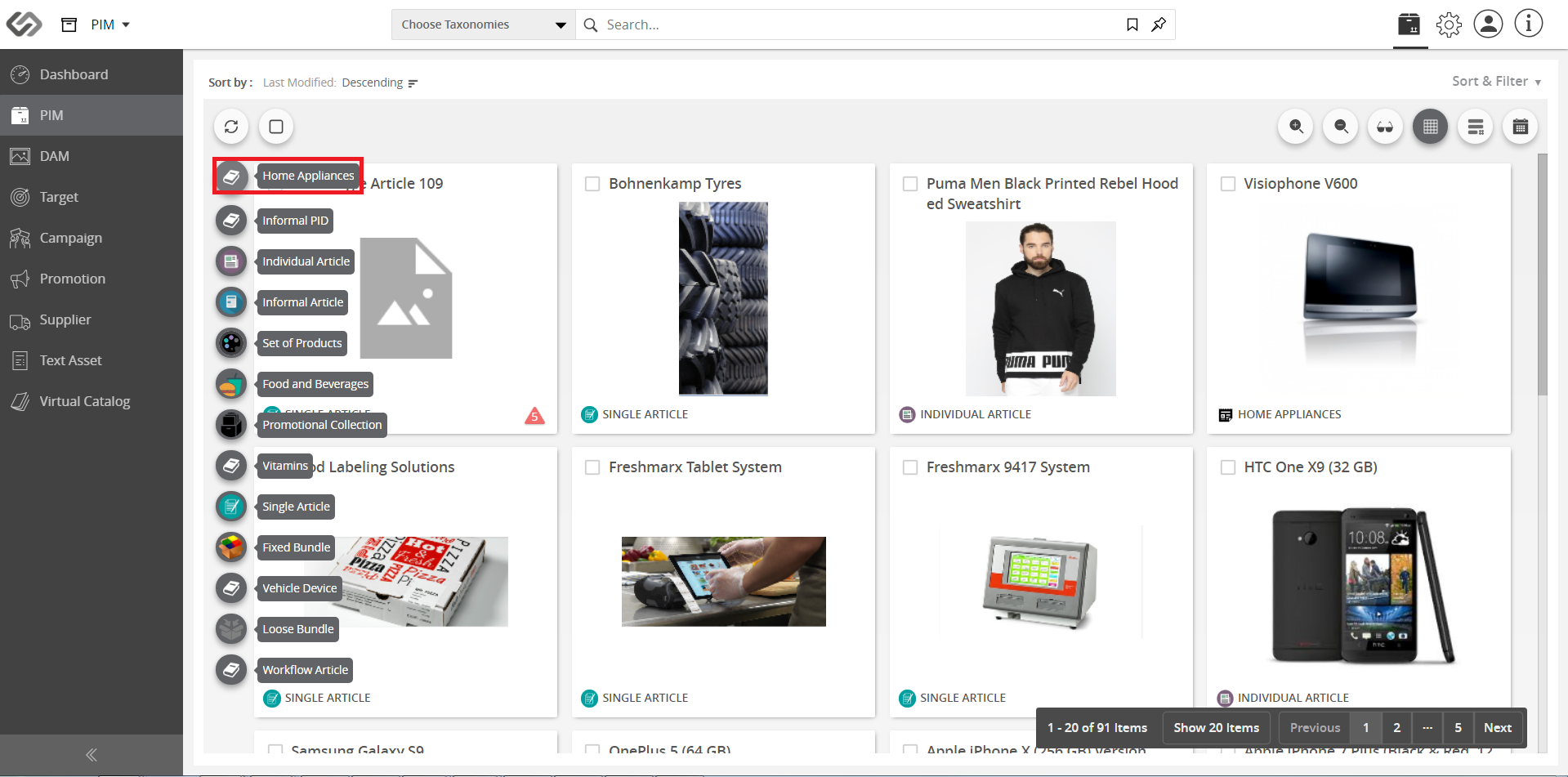
  1. Go to PIM and hover on the “+” icon.
../../../../../_images/cs_linkingobjects_gotopim.PNG


../../../../../_images/cs_linkingobjects_gotopim2hover.PNG


  1. Select your product.
../../../../../_images/cs_linkingobjects_selectproduct.PNG


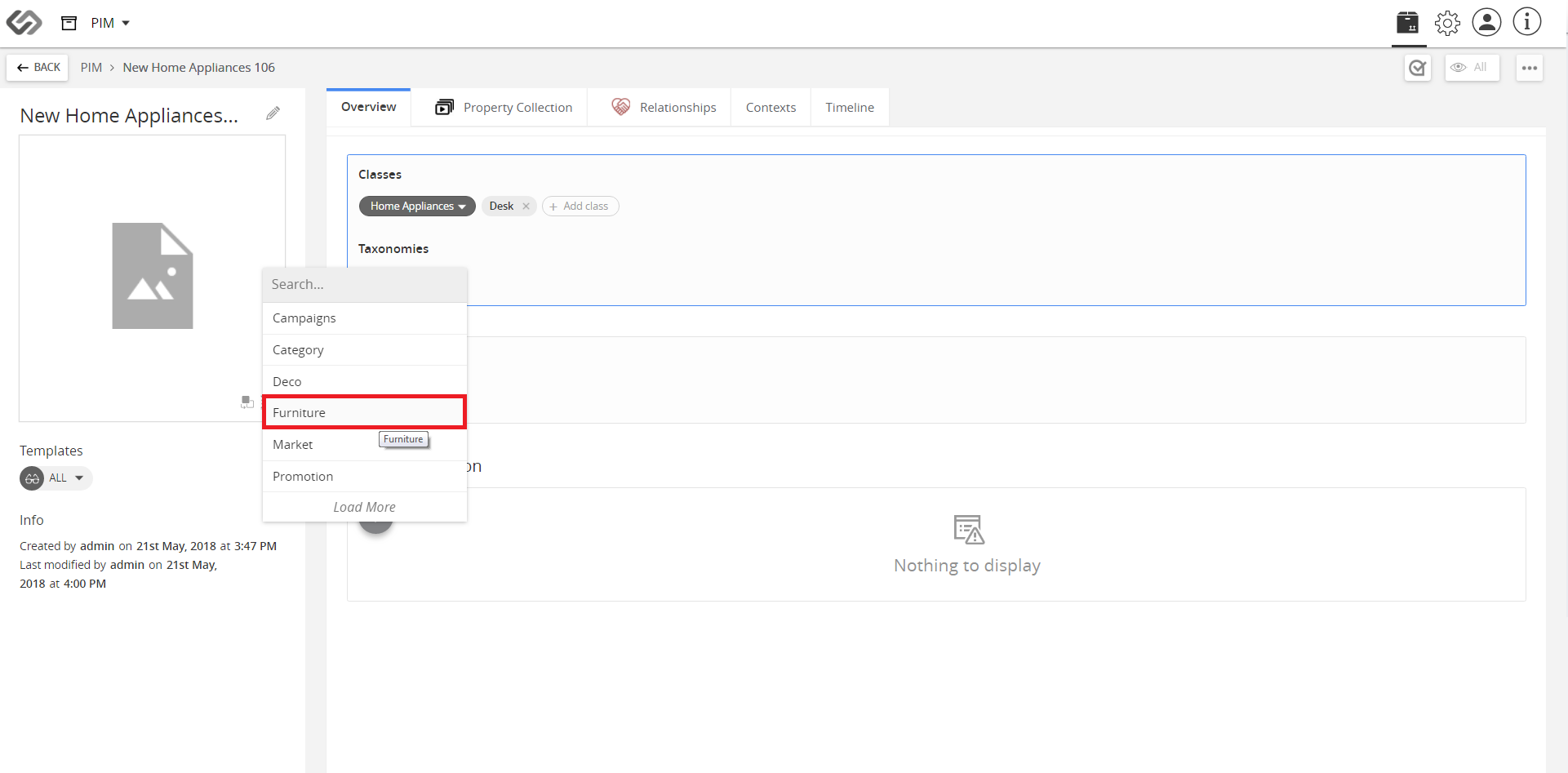
  1. On the Overview tab, click Add Taxonomy.
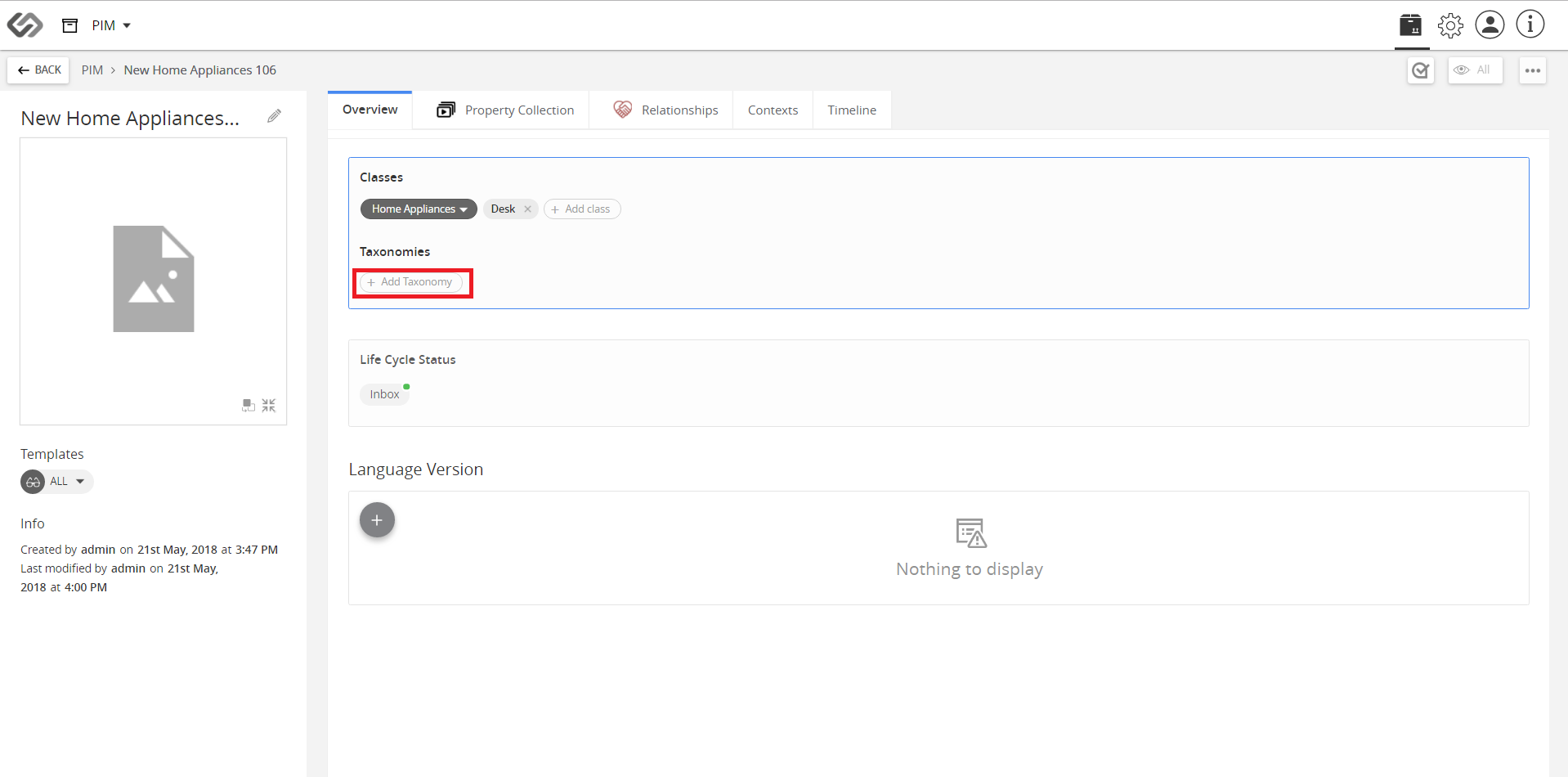
../../../../../_images/cs_linkingobjects_clickaddtaxonomy.PNG


../../../../../_images/cs_linkingobjects_clickaddtaxonomy2.PNG


  1. Property collection is added via Taxonomy. You can link more products if necessary.
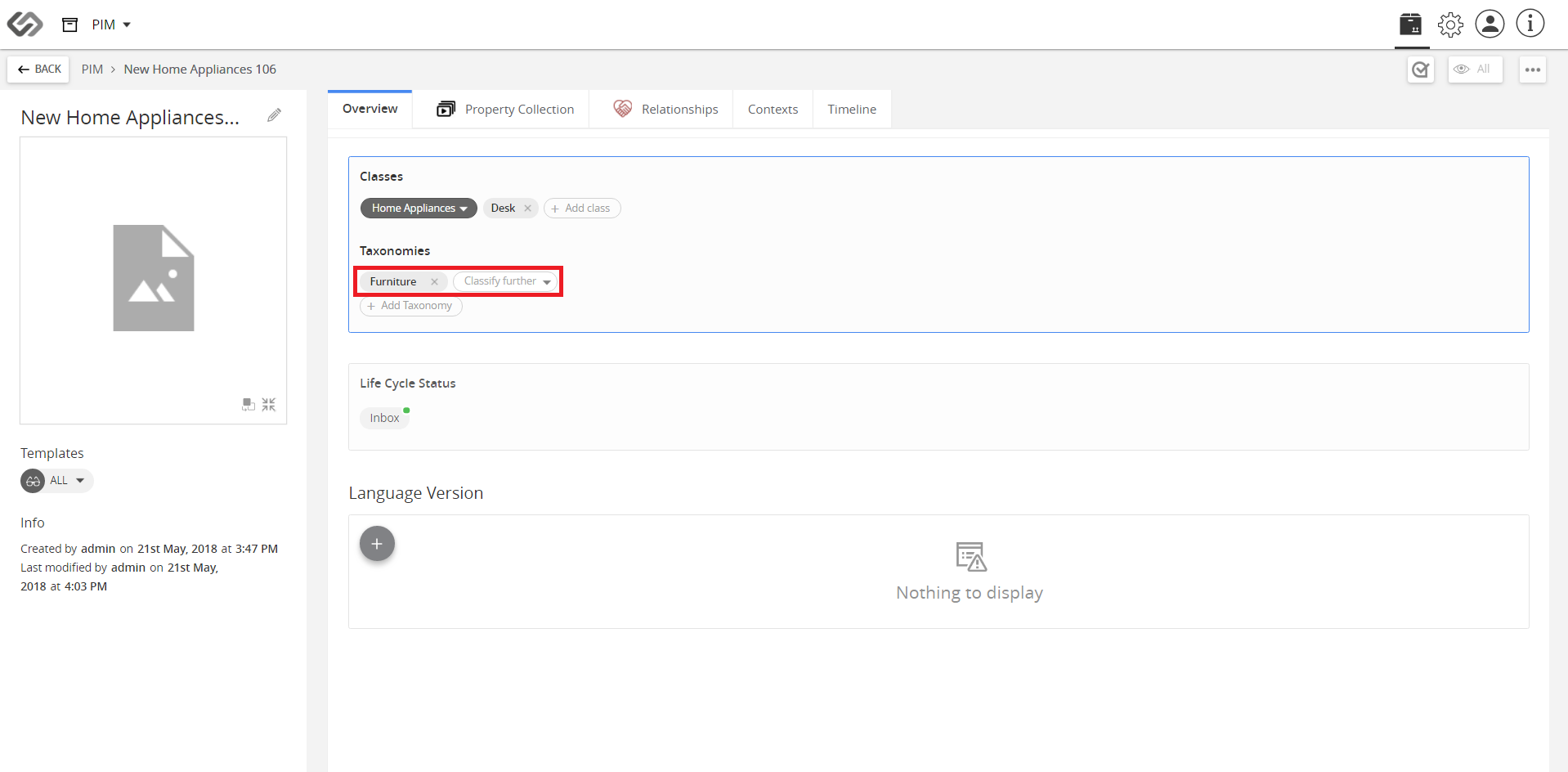
../../../../../_images/cs_linkingobjects_propertycollectionadded.PNG


Contentserv line

Last updated: Jul 27, 2018