Help Center

Manage Concatenated Attributes

The Manage Concatenated Attributes is a feature that has the functionality to set up concatenated text-based attributes.

Key Term:
  • Attribute: A data field which describes a product.
Description:
  • This feature is used to concatenate two or more attributes to form one new attribute.

  • Example:

    Long Description = Name + Attribute1 + Attribute2 + Price

Related topics:
Application:
  • The feature will allow an administrator to set up a concatenated attribute that will use other attributes in the system.

  • Example:

    An administrator sets up a new concatenated attribute, named New Description that will be a result of combining the long and short descriptions of a product.

How-to: Manage Concatenated Attributes

To do this feature, follow the steps below:


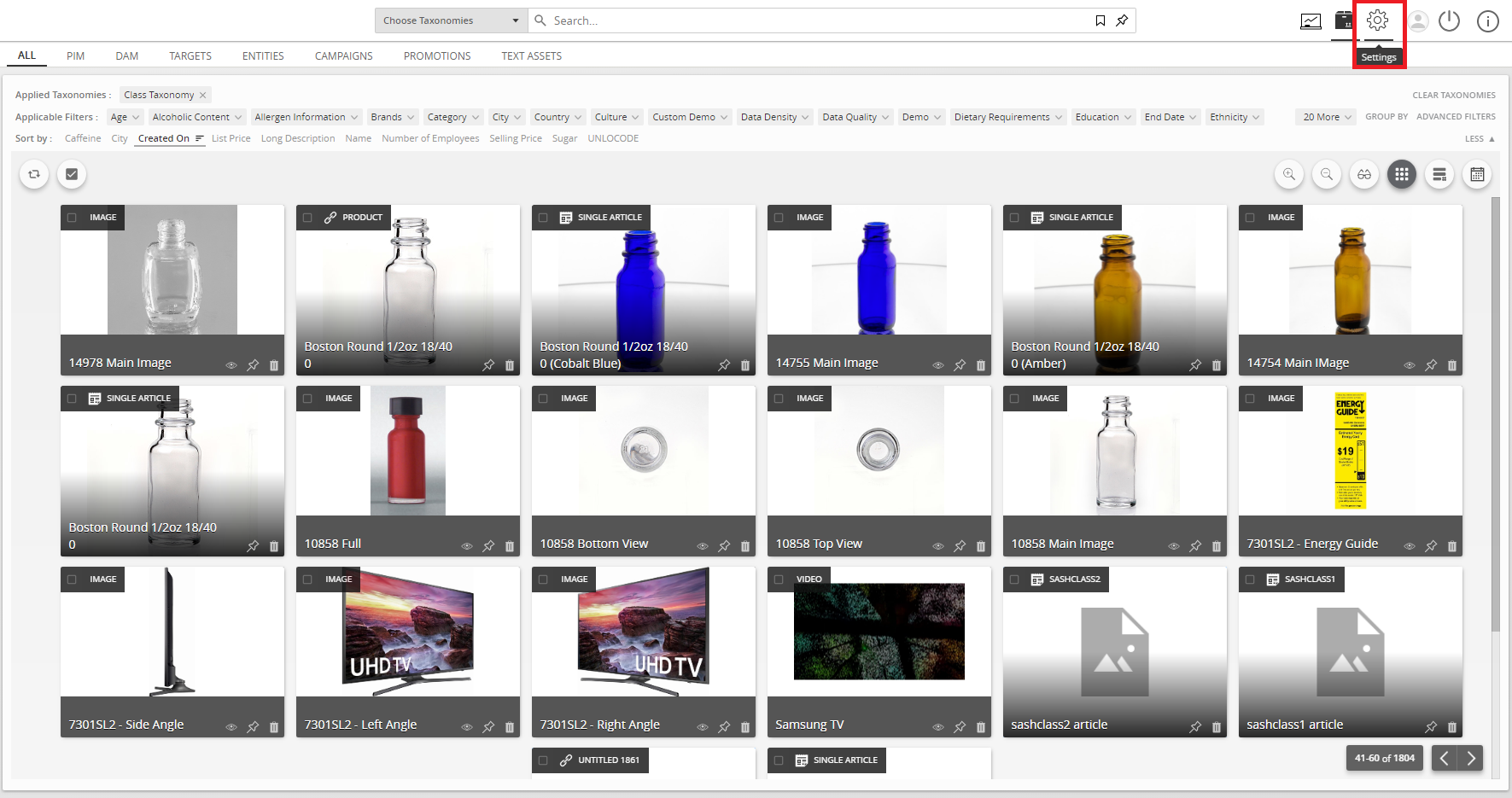
  1. Go to Settings.
../../../../../_images/manageconcatenatedattributes_gotoconfigsettings.PNG


  1. Go to the Attribute Configuration section.
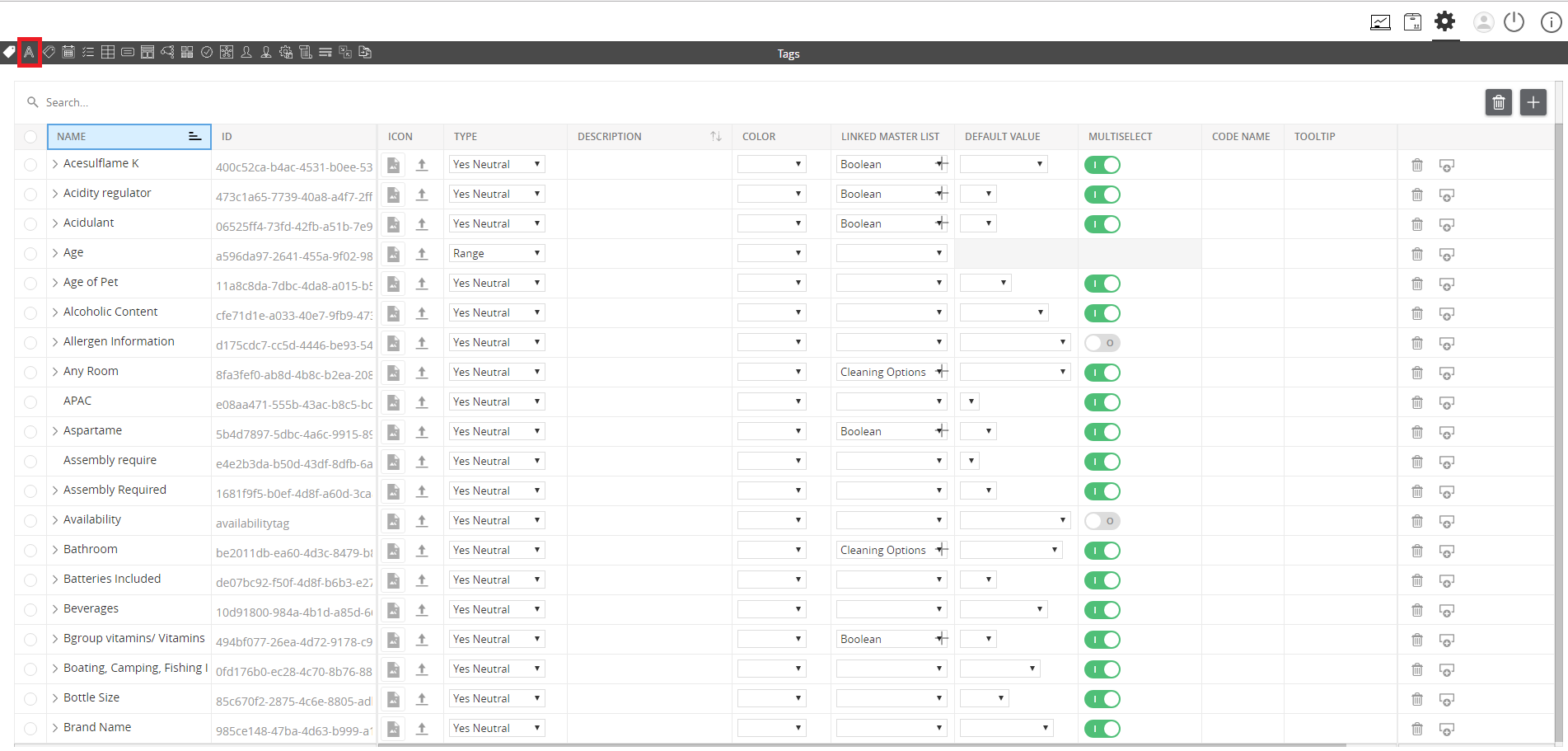
../../../../../_images/managedifferenttypesofattributes_clickonattributeconfigurationsection.PNG


  1. Click the “+” icon to create an attribute.
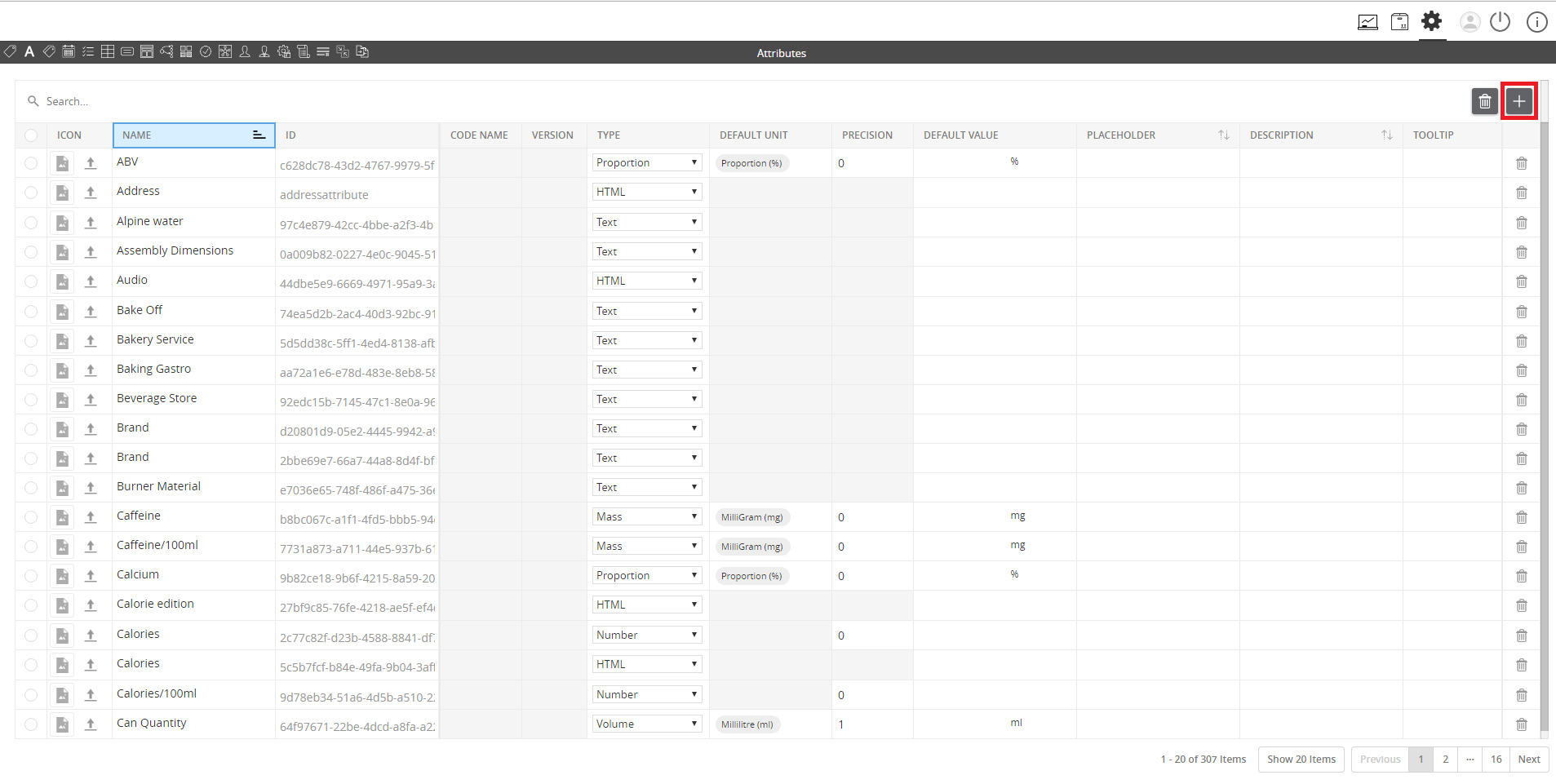
../../../../../_images/manageconcatenatedattributes_clicktheicontocreateanattribute.PNG


  1. Name the new attribute and choose Concatenated from the selection.
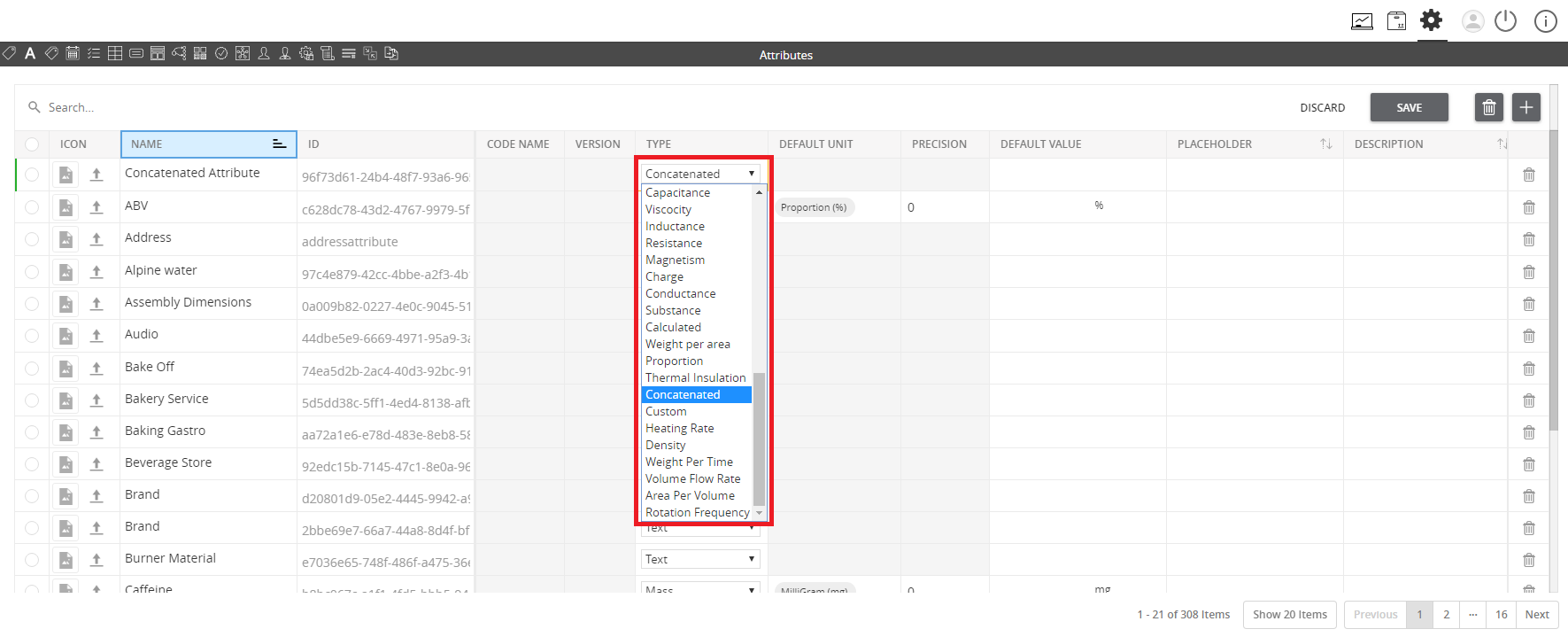
../../../../../_images/manageconcatenatedattributes_namethenewattribute.PNG


  1. Scroll right and go to the Concatenation Formula section.
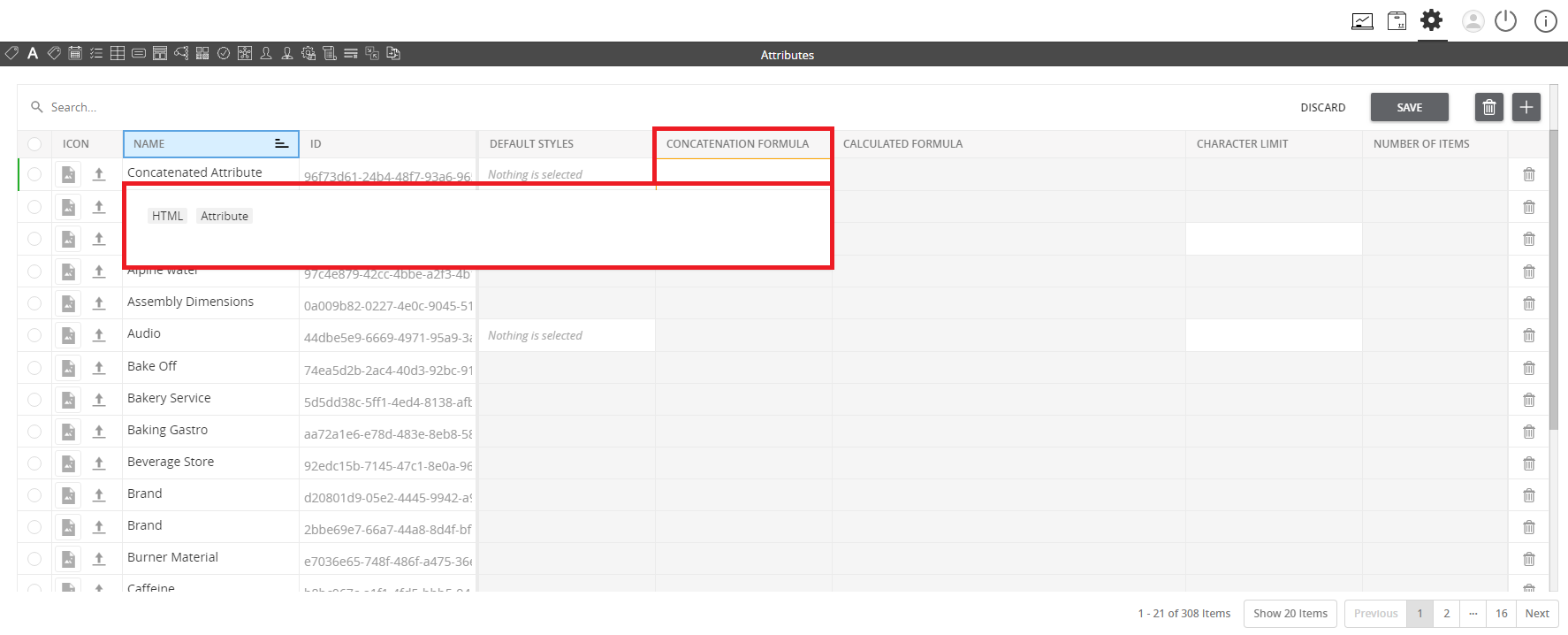
../../../../../_images/manageconcatenatedattributes_scrollrightandgotoconcatenationformulasection.PNG


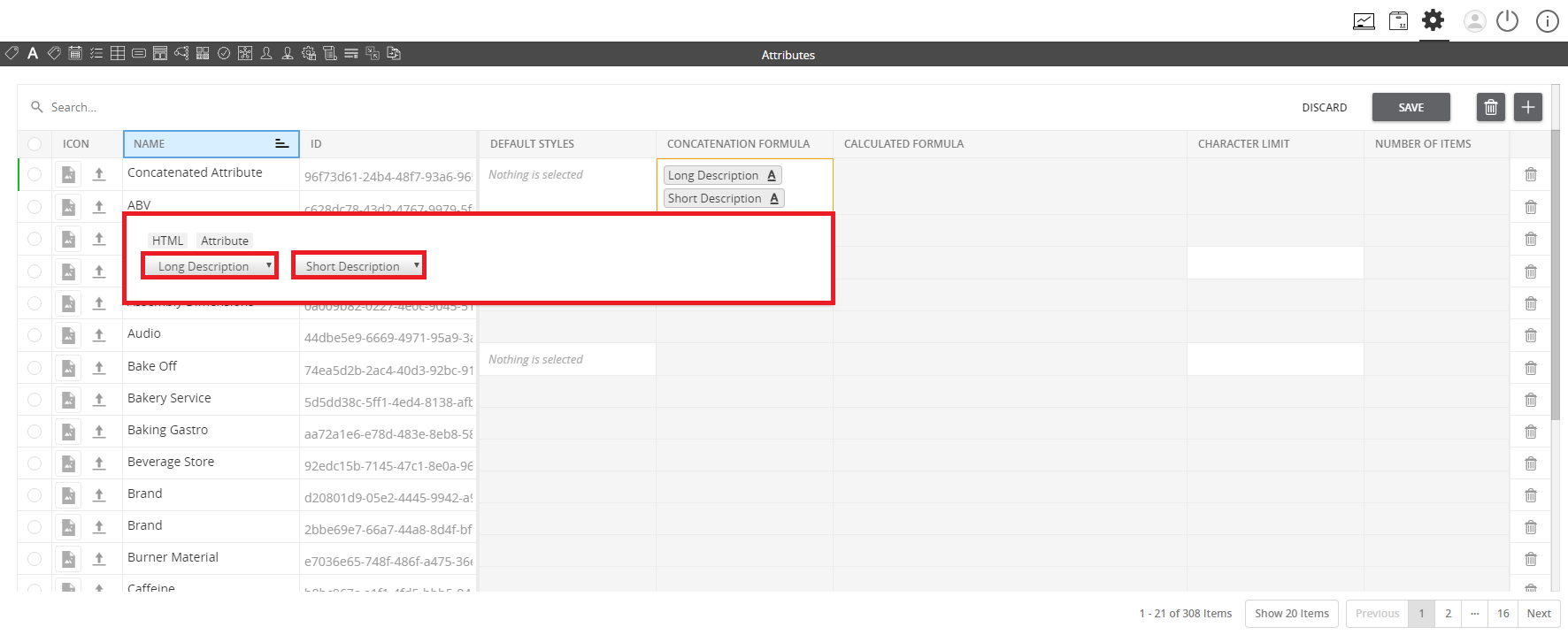
  1. Select the attributes to be concatenated in the formula by (1) clicking on Attribute on the pop-up window and then (2) selecting the attributes that will be used.
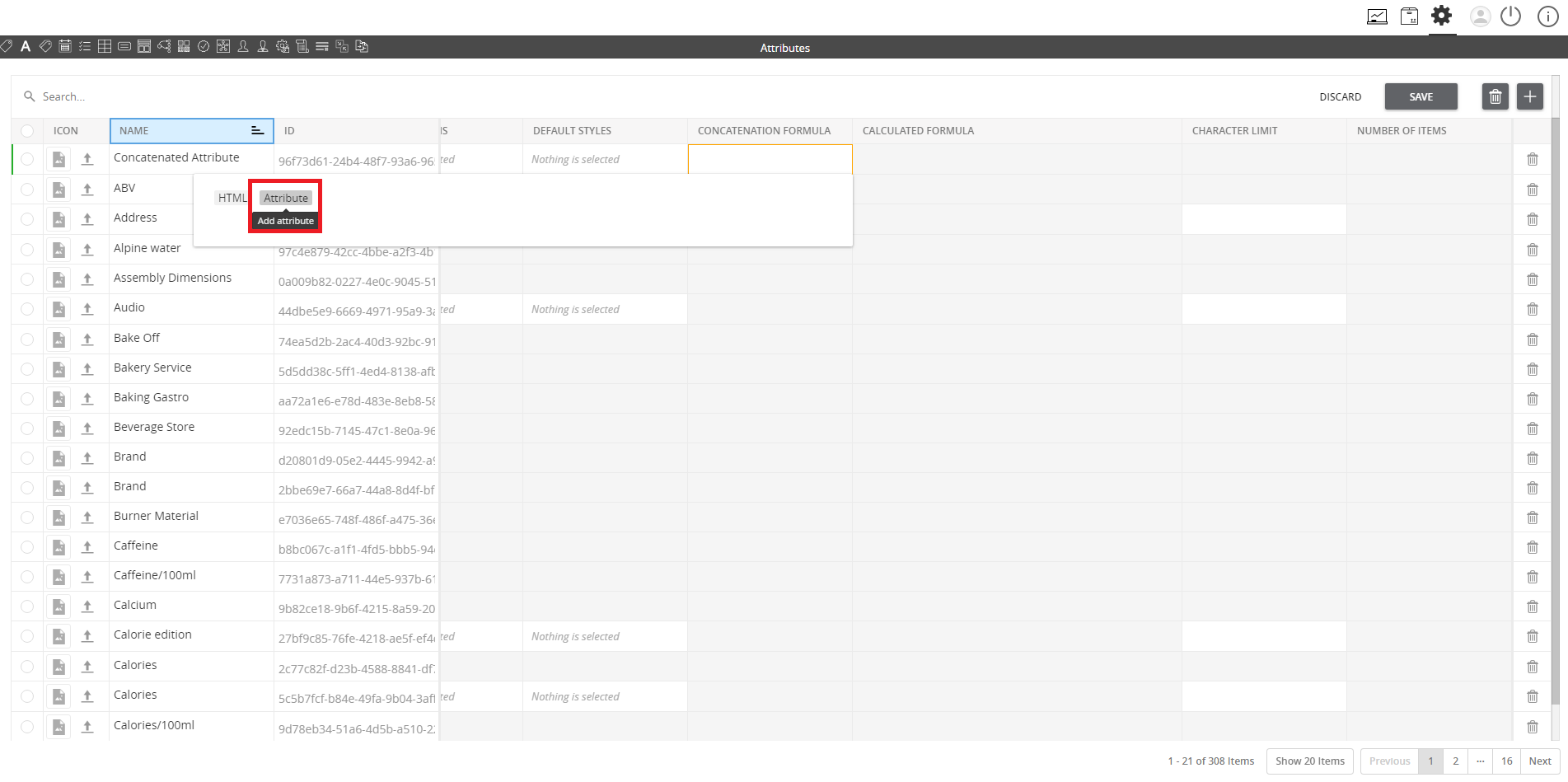
../../../../../_images/manageconcatenatedattributes_selecttheattributestobeconcatenated.PNG

../../../../../_images/manageconcatenatedattributes_selecttheattributestobeconcatenated2.PNG


  1. Provide the values for the attributes that have been used in the previous step (e.g. long description and short description). Check that the new concatenated attribute will be automatically populated.
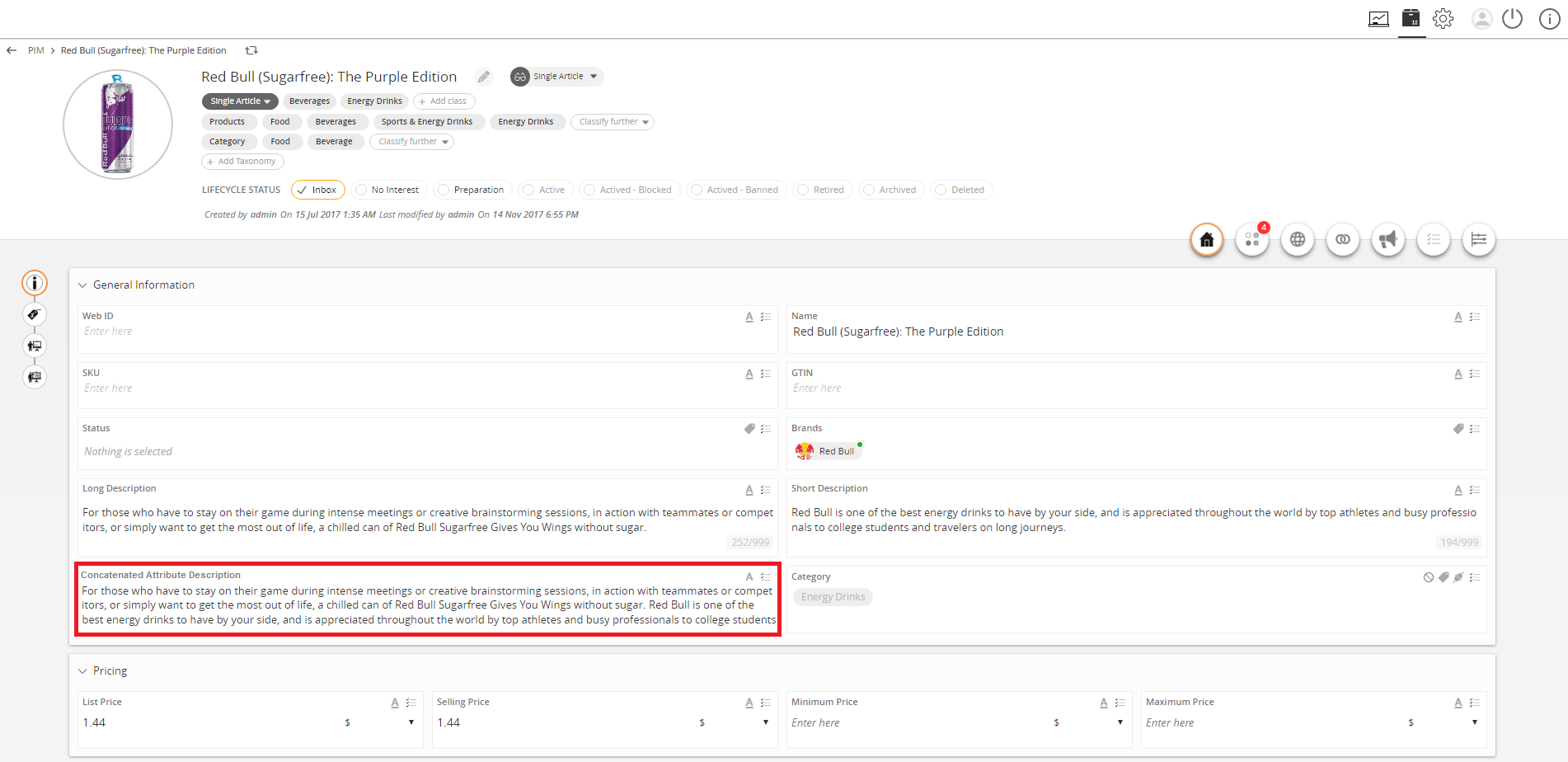
../../../../../_images/manageconcatenatedattributes_providethevalues.PNG


Contentserv line

Last updated: Jul 27, 2018