
Remedy Quality Issues
Remedy Quality Issues is a data governance feature that edits records with incorrect data or data with non-conforming quality so as to improve the quality profile of a product.
| Key Term: |
|
| Description: |
|
| Related topics: | |
| Application: |
|
How-to: Create Rule Violation
To create a rule violation, follow these steps:
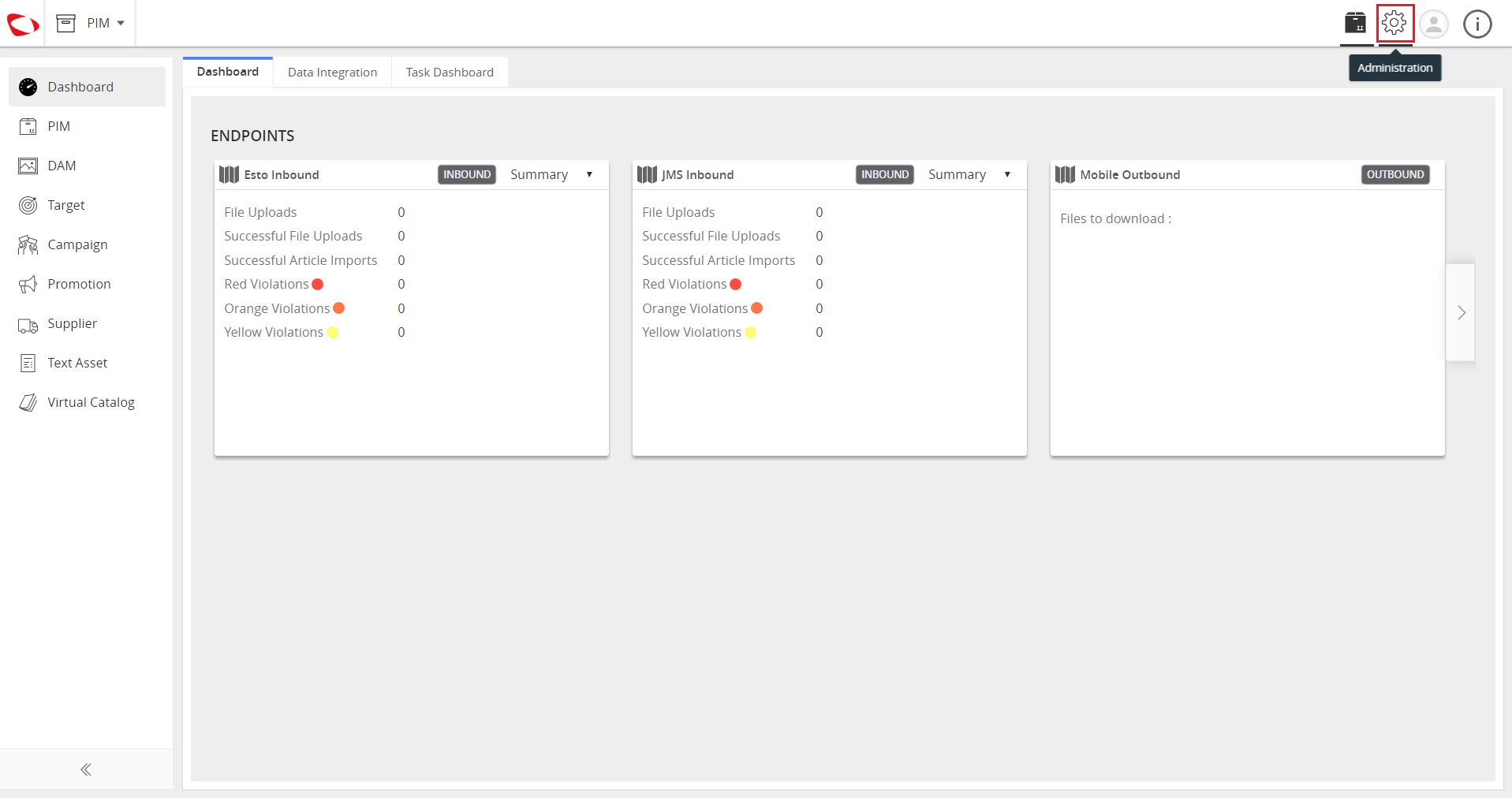
- Log in and click on the Administration button to enter the configuration page.
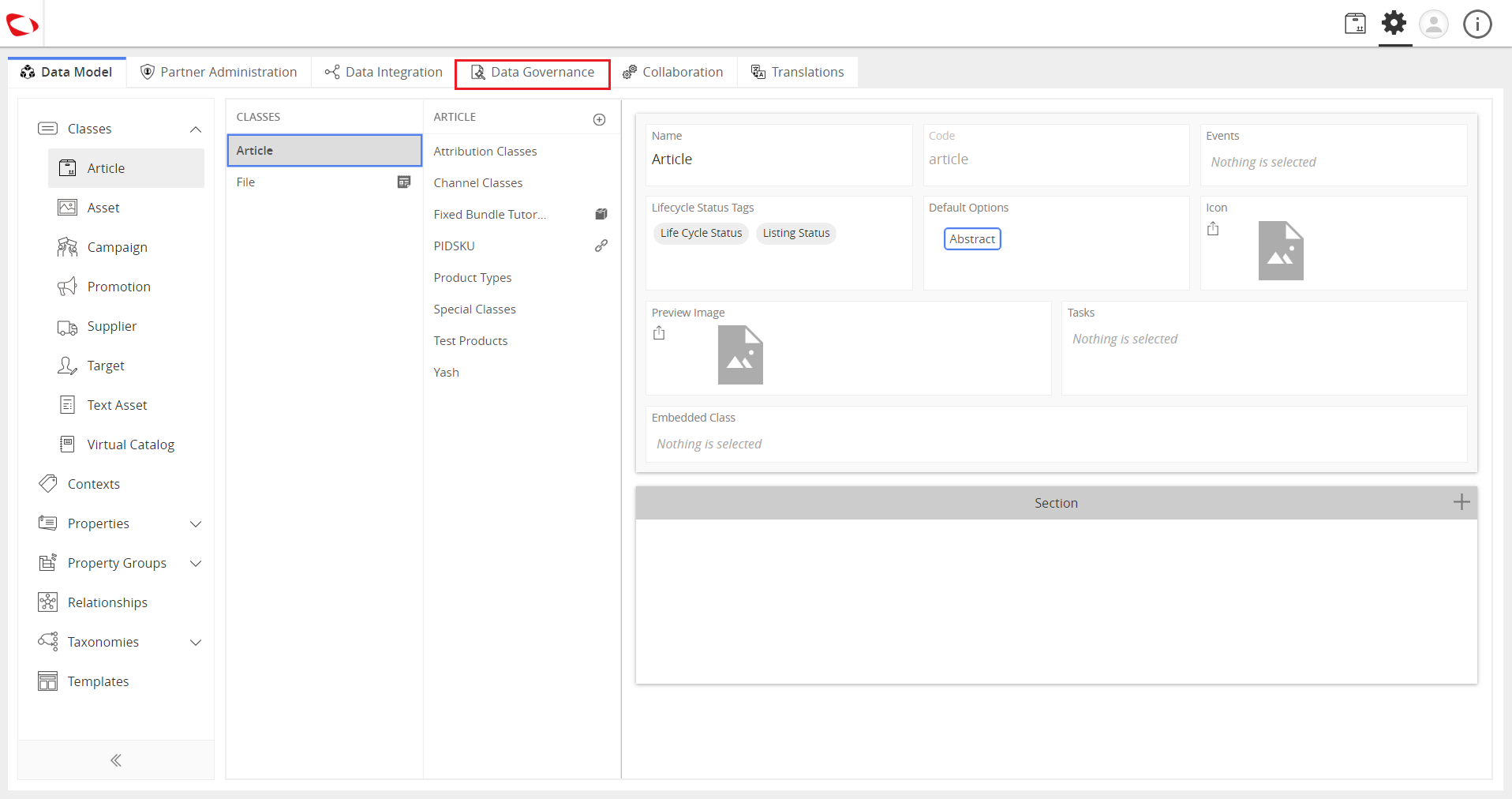
- Click on the Data Governance tab.
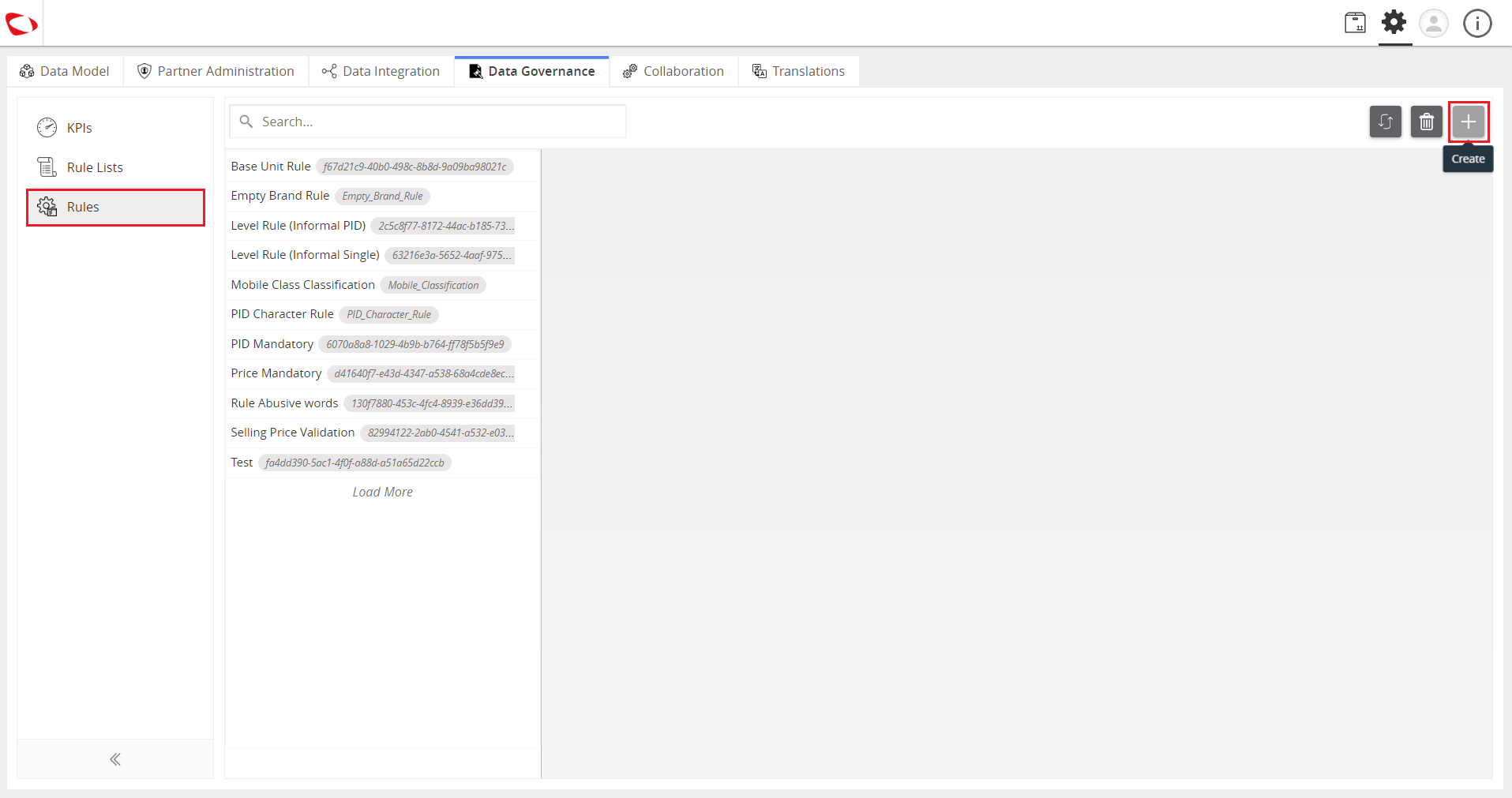
- Click on Rules then click on the “+” icon to create a rule.
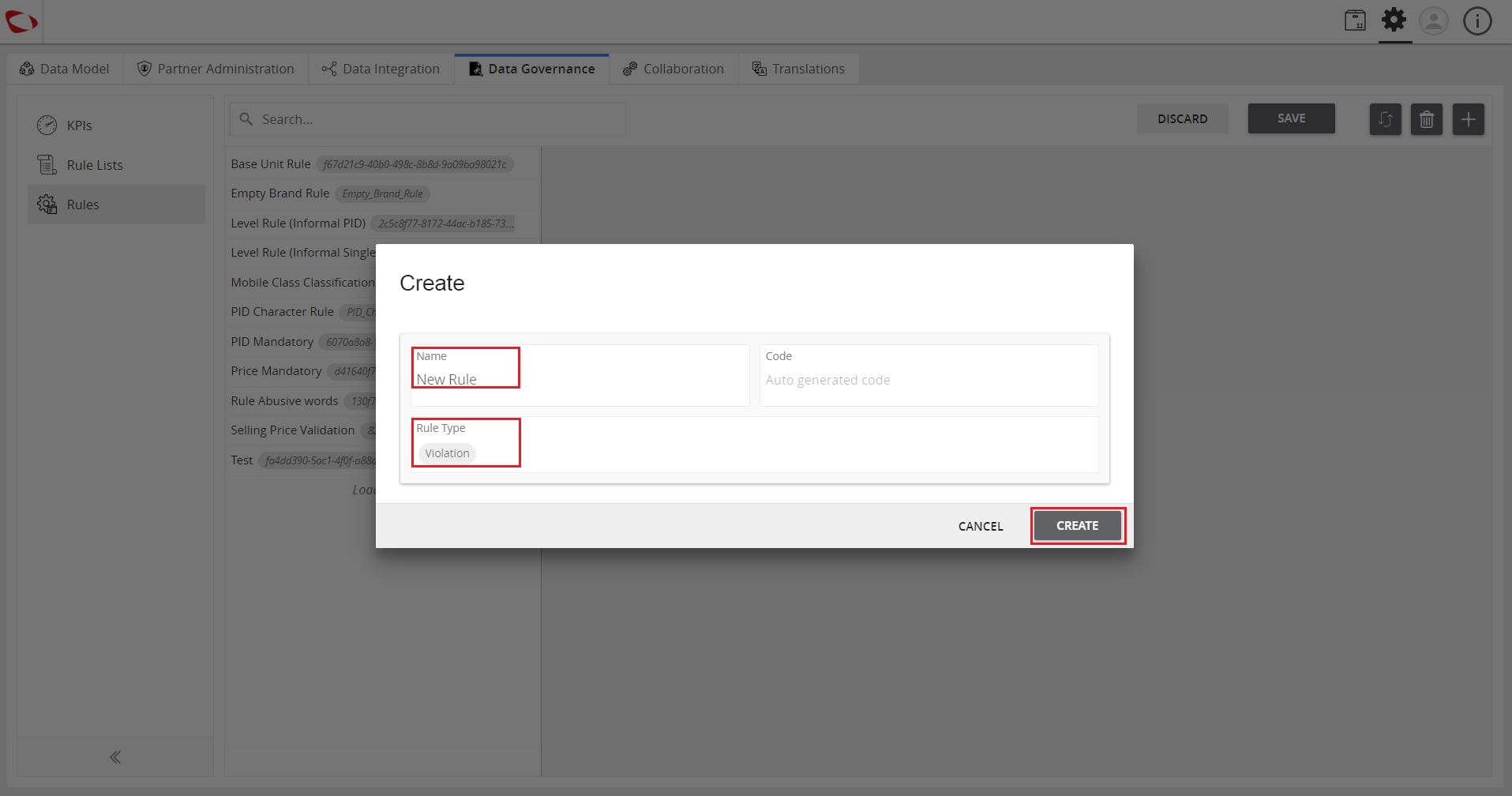
- Enter the name and select Violation as rule type, then click on the Create button.
- Select the Partners, Endpoints, and Physical Catalogs to which the rule is to be applied.
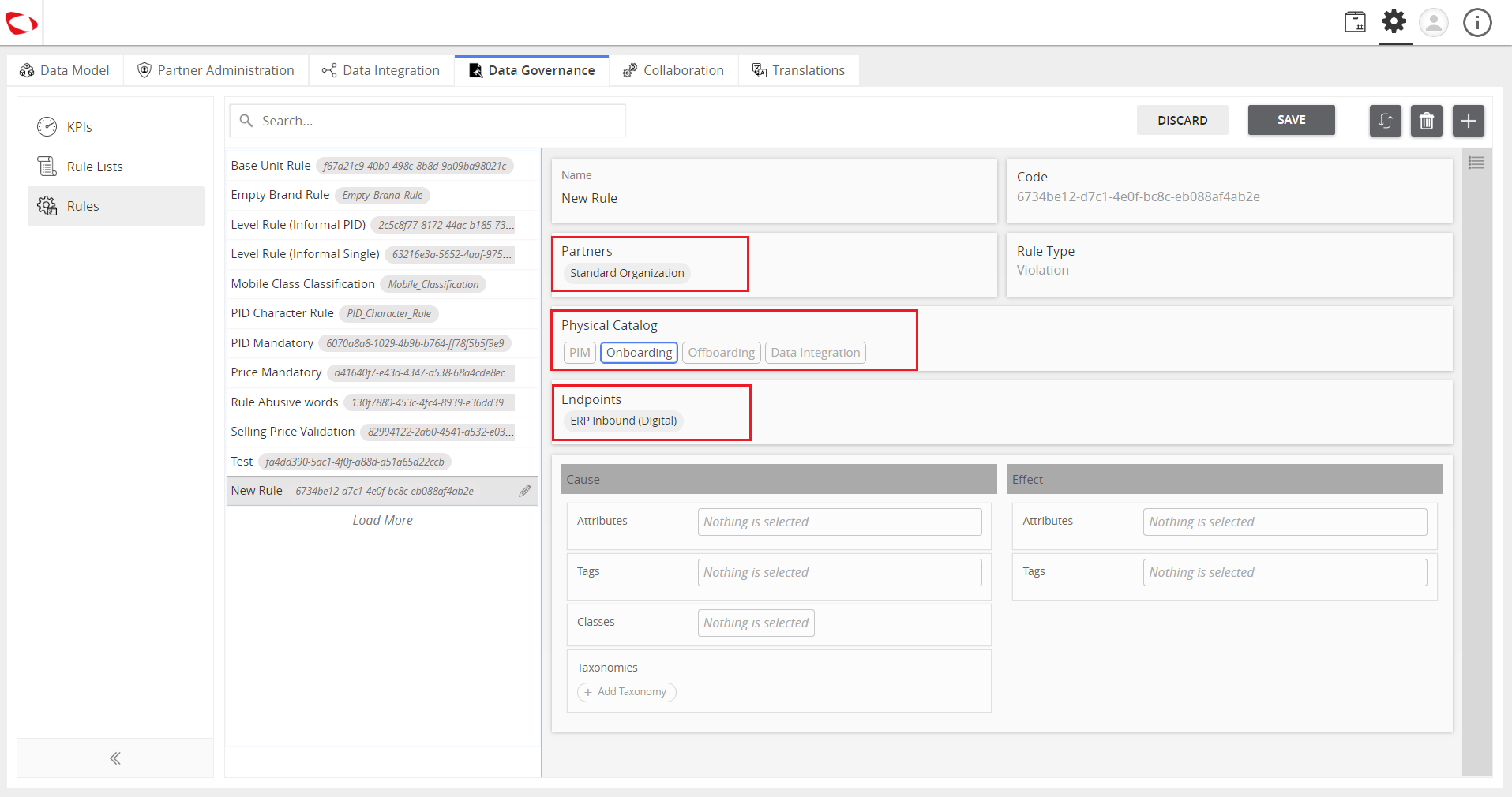
- In the Cause section, select the attributes, tags, and classes to which the rule will be applied. Take note that leaving the configuration details empty will apply the rule to every attribute, tag, and class.
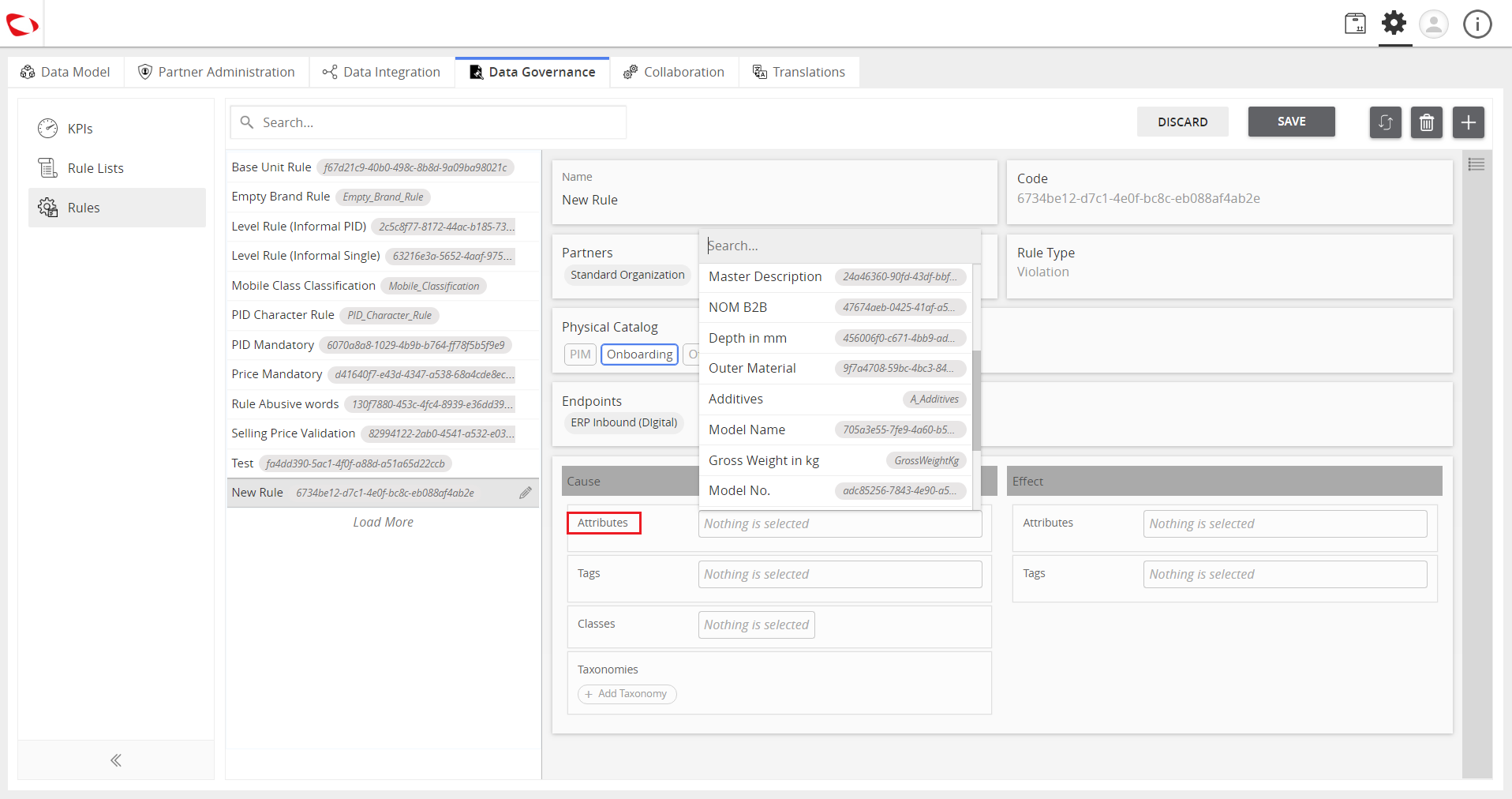
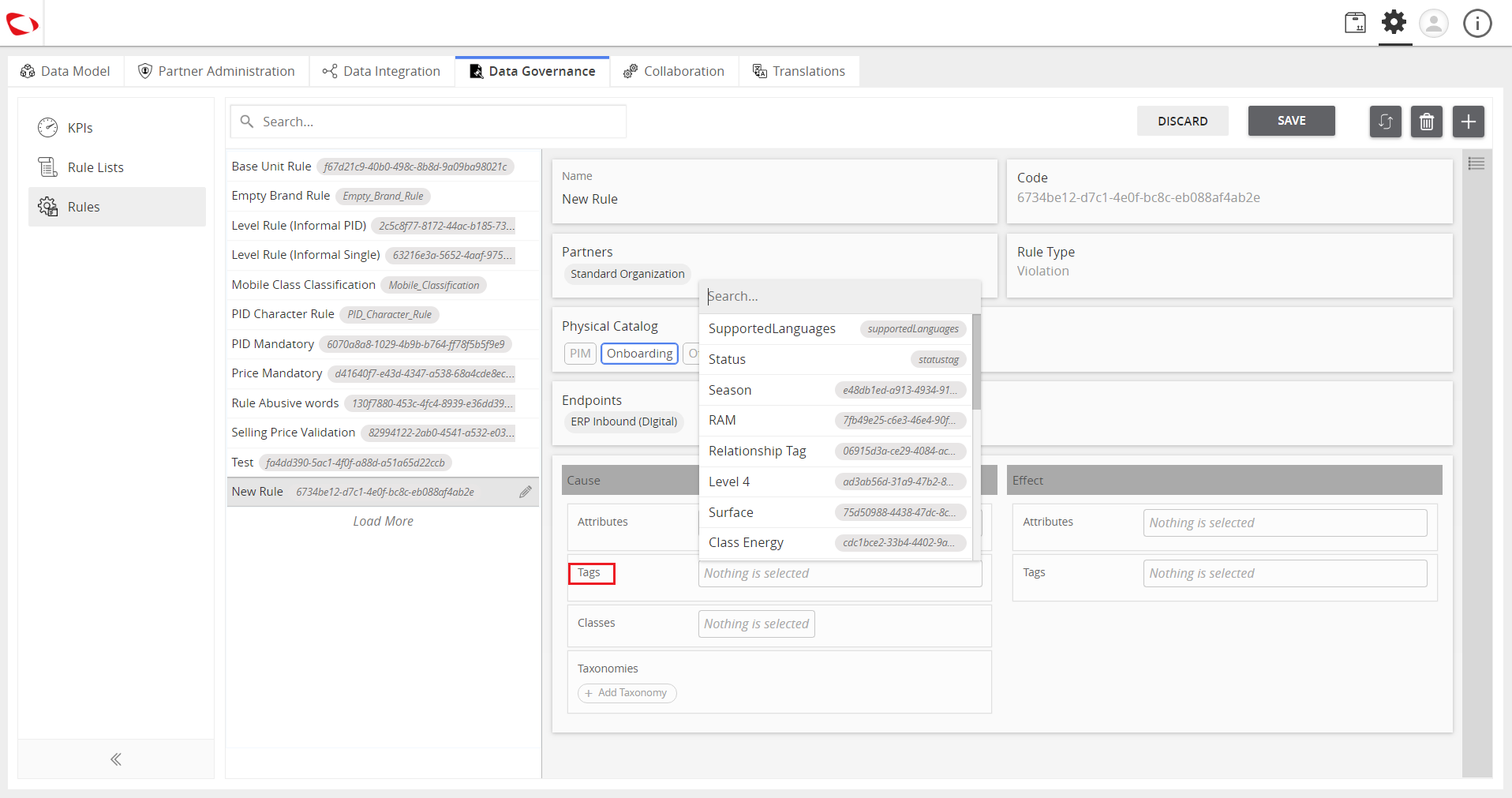
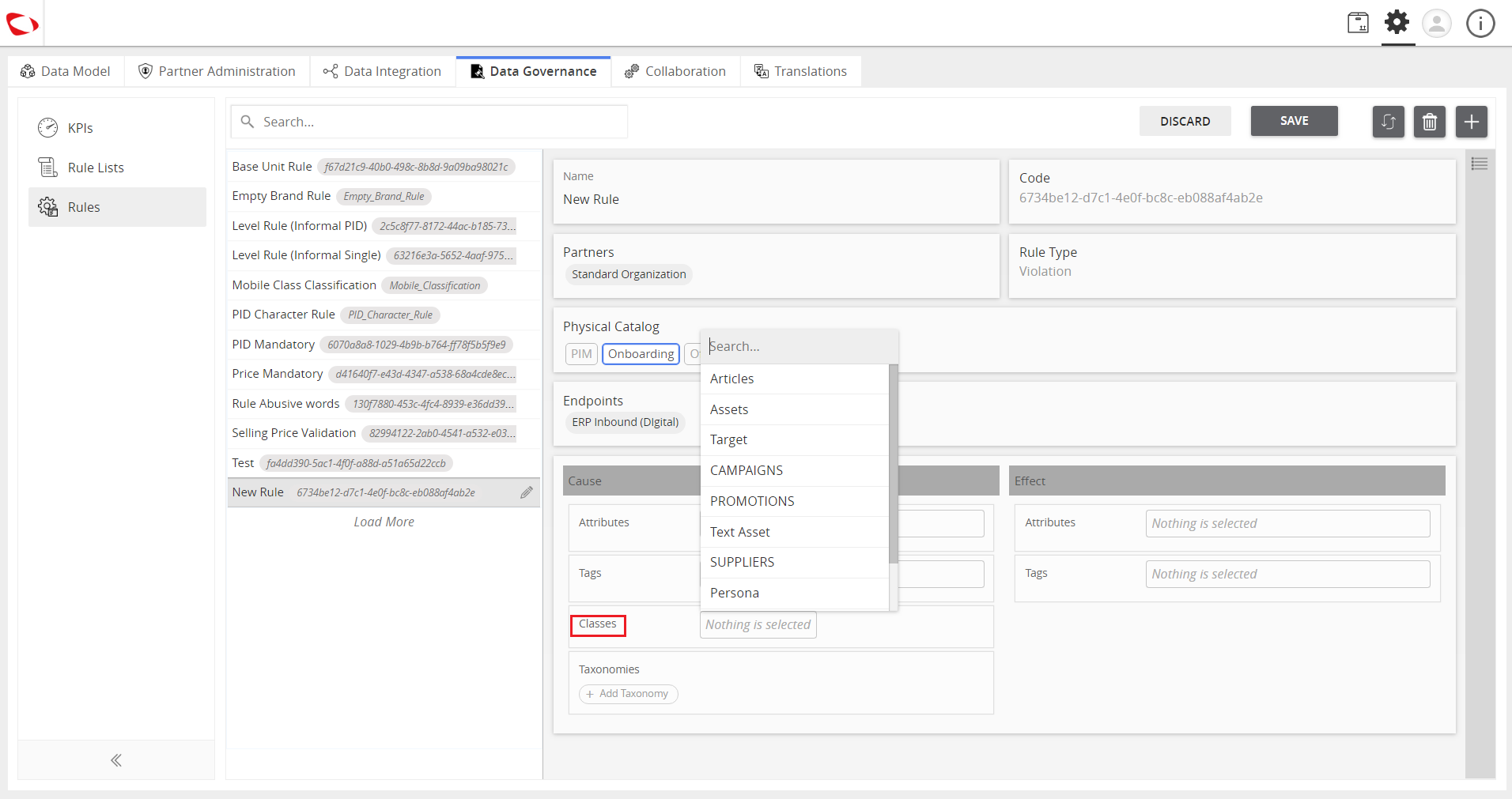
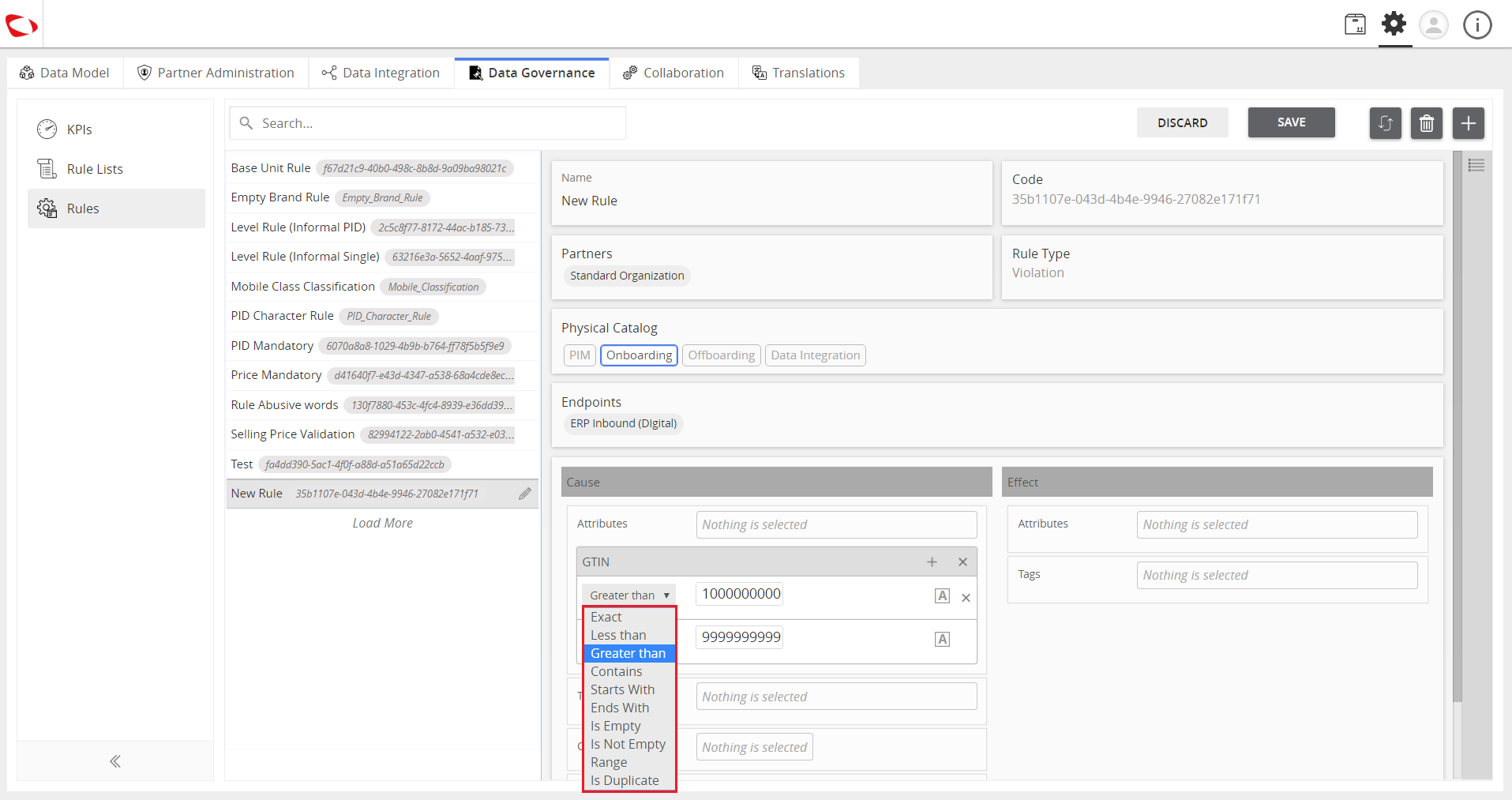
- After selecting the attribute, select the type of violation.
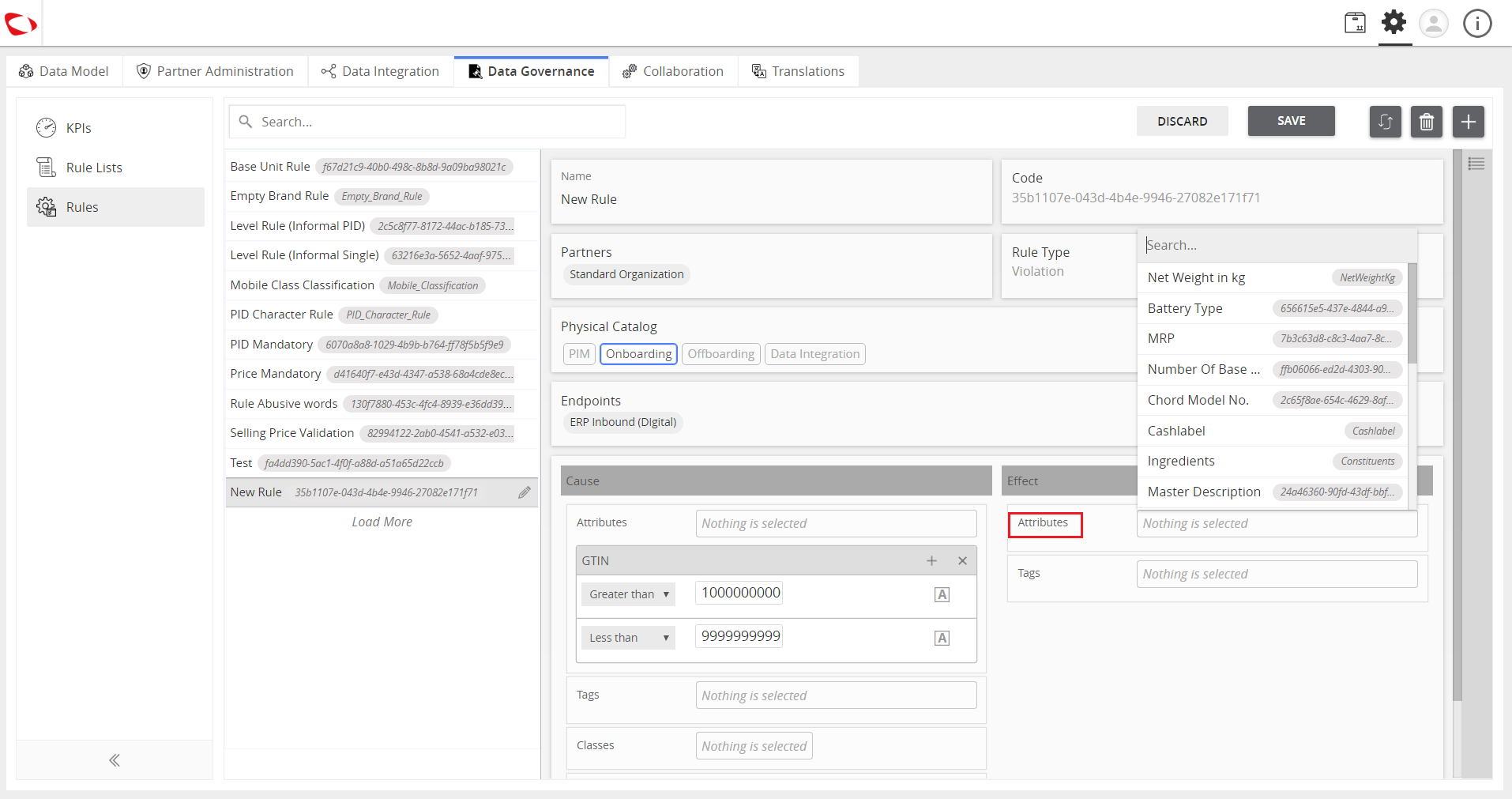
- In the Effect section, select the attribute to which the violation will be reflected.
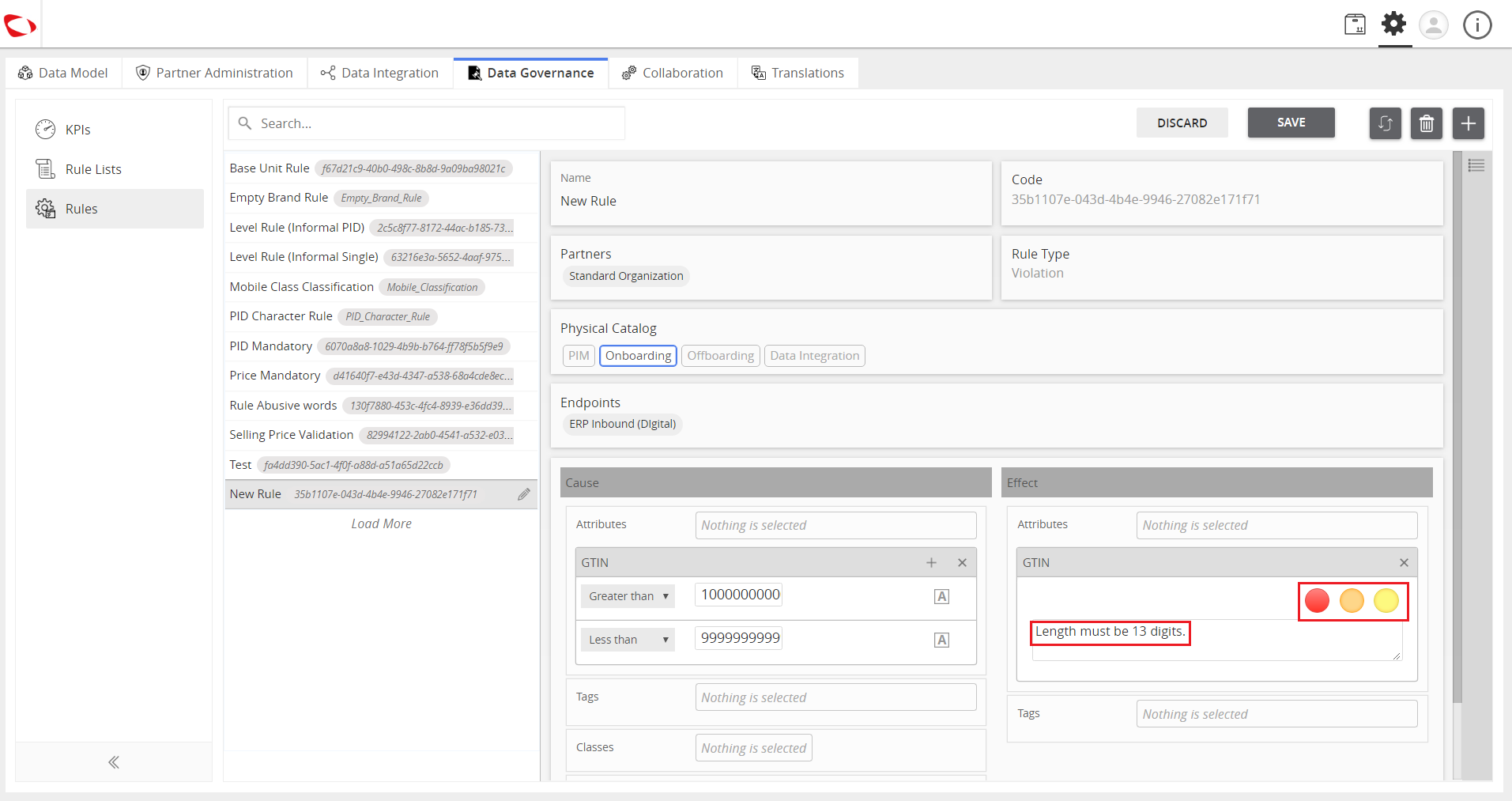
- Select the color and enter the description to be shown whenever the violation occurs.
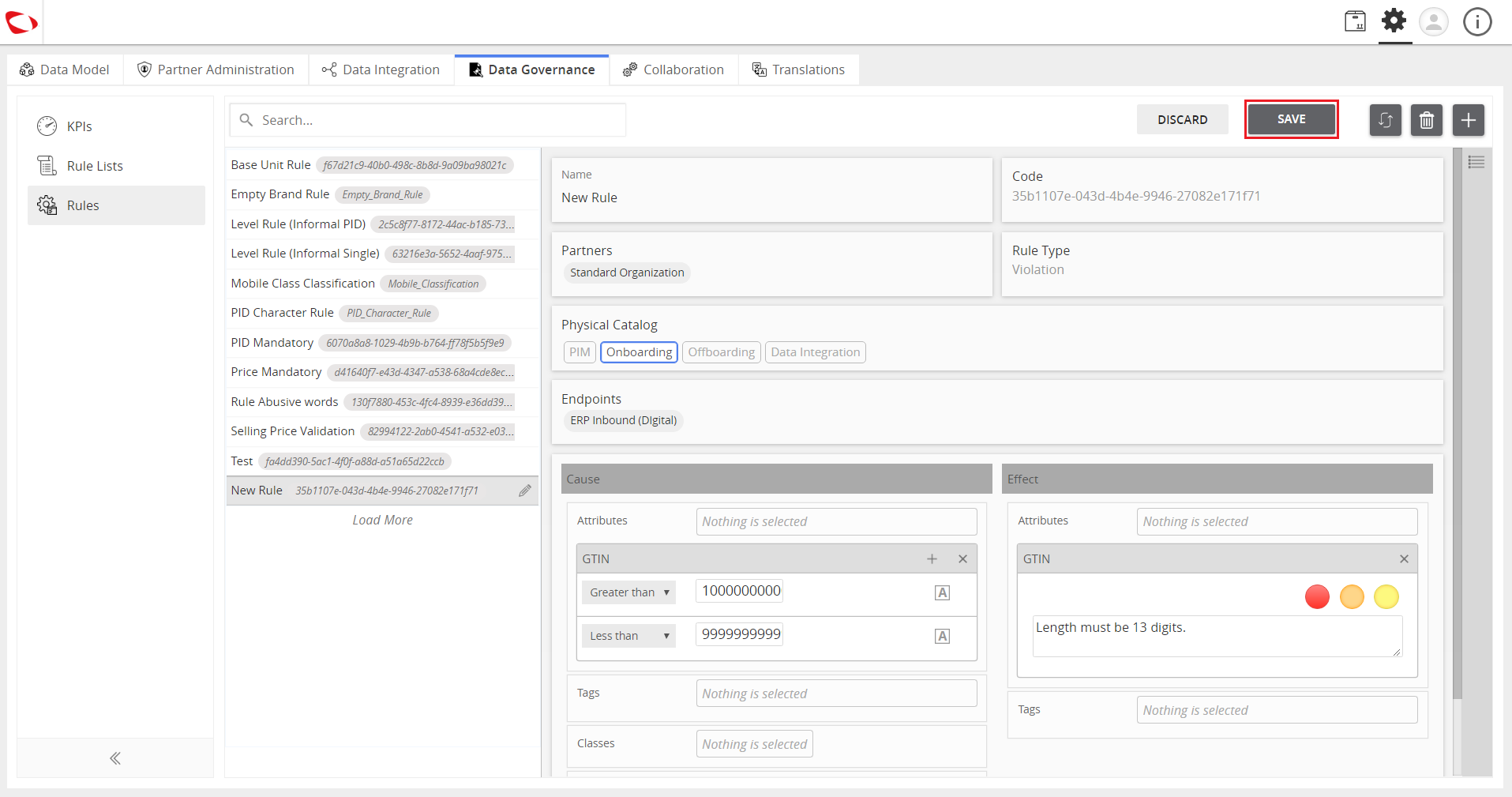
- Click on the Save button.

Last updated: Jul 27, 2018