
Manage Taxonomy
The feature, Manage Taxonomy is an interface that provides users the ability to create, update, edit, or delete taxonomies. It is the primary way that we update taxonomies in the Contentserv system.
| Key Term: |
|
| Description: |
|
| Related topics: | |
| Application: |

|
How-to: Simple Taxonomy Tree
Here’s how to do a simple taxonomy tree.
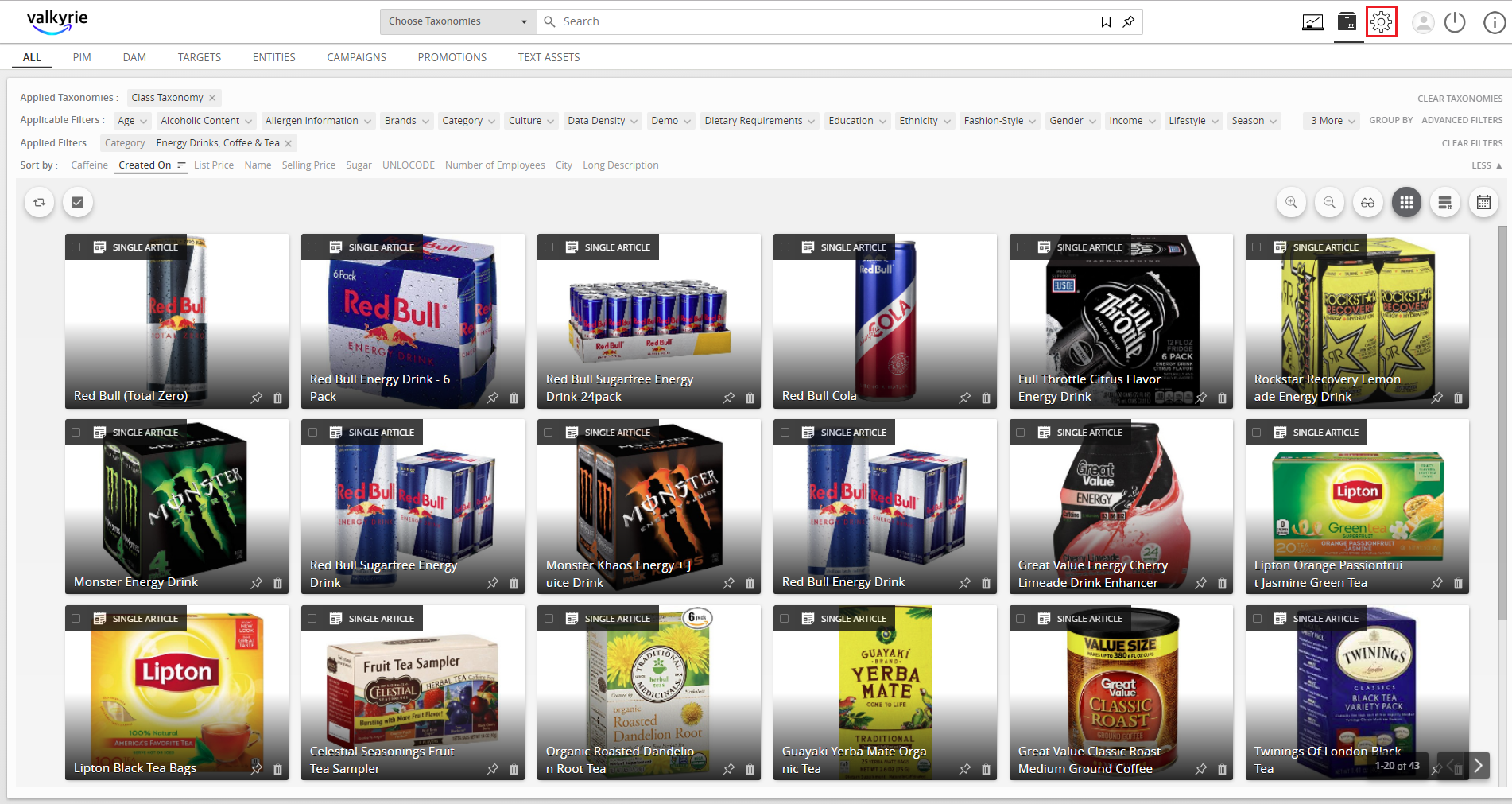
- Click the Gear icon to go to Settings.
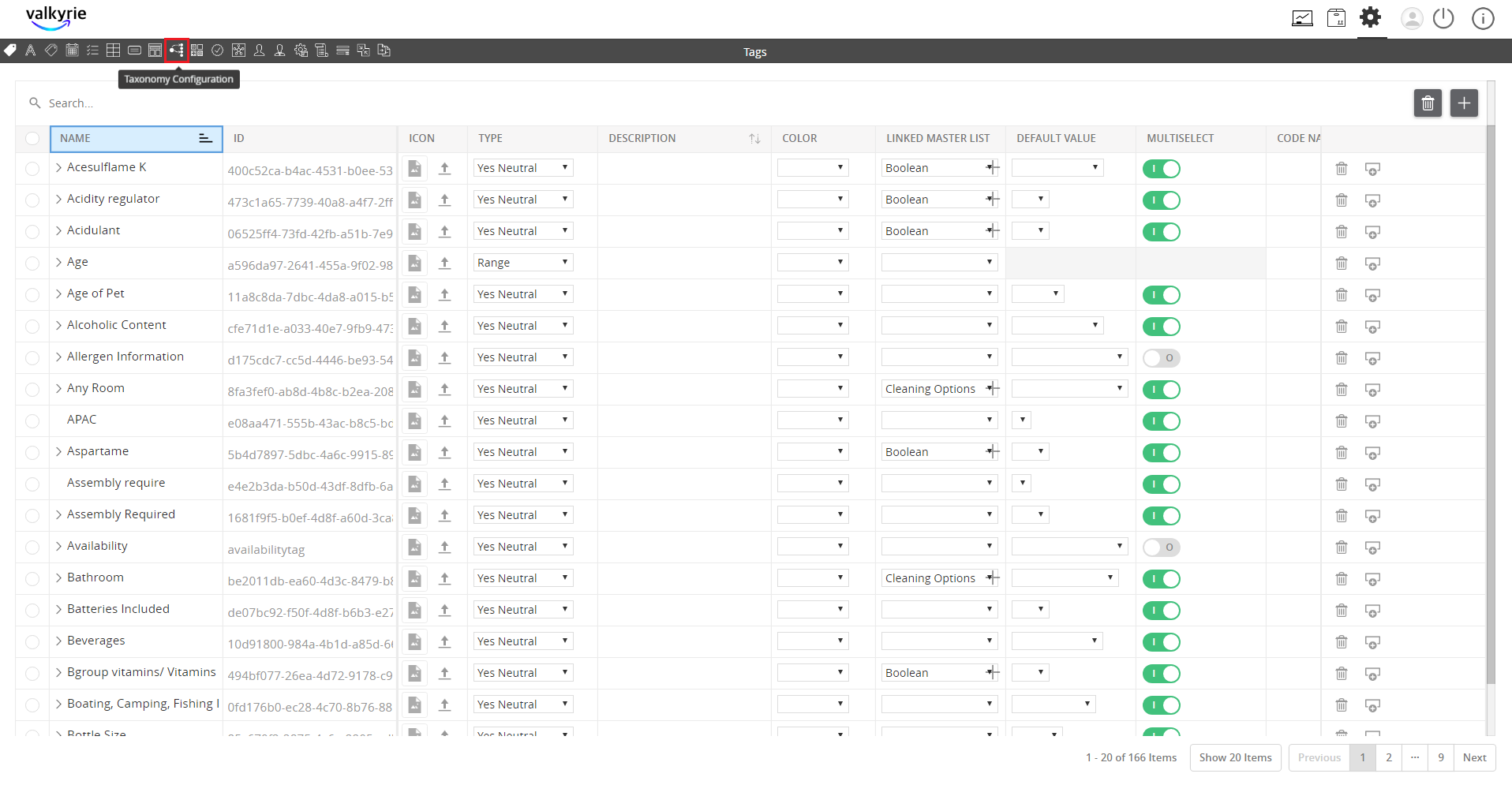
- Click the Taxonomy Configuration button.
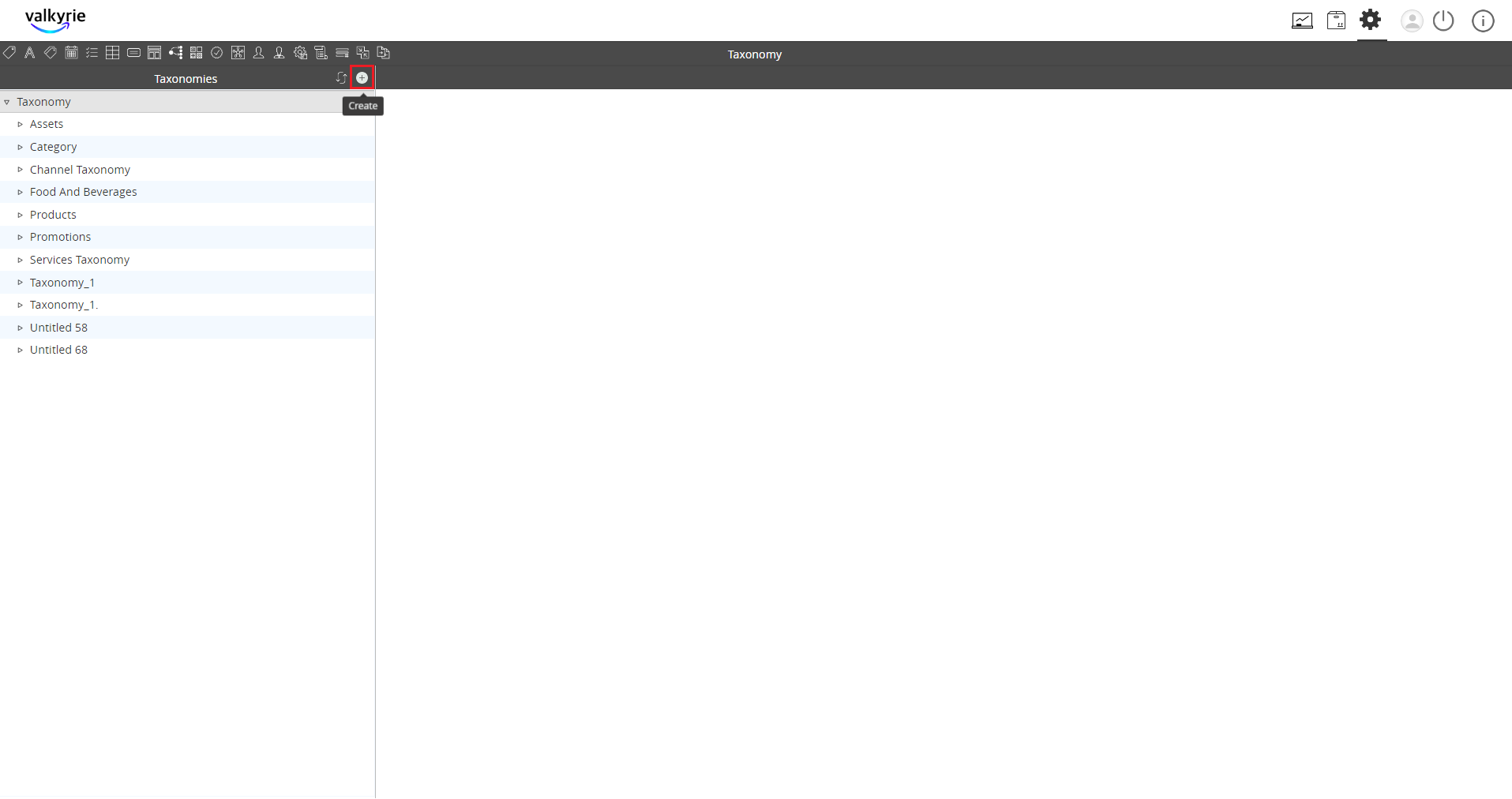
- Click on the “+” icon to create a new taxonomy.
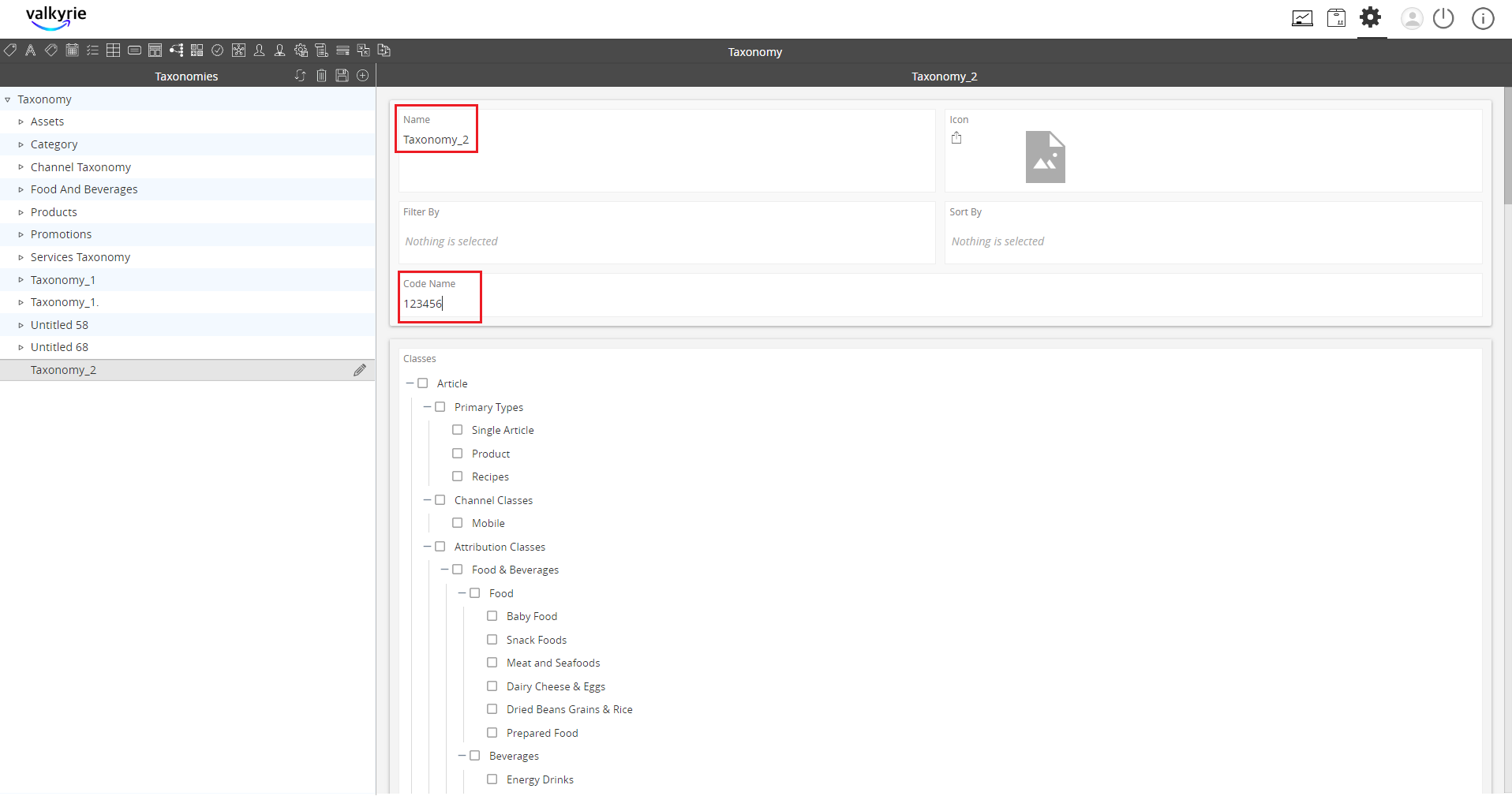
- Enter the necessary data and click Save.
- To make a hierarchy, click on the taxonomy then click Create.
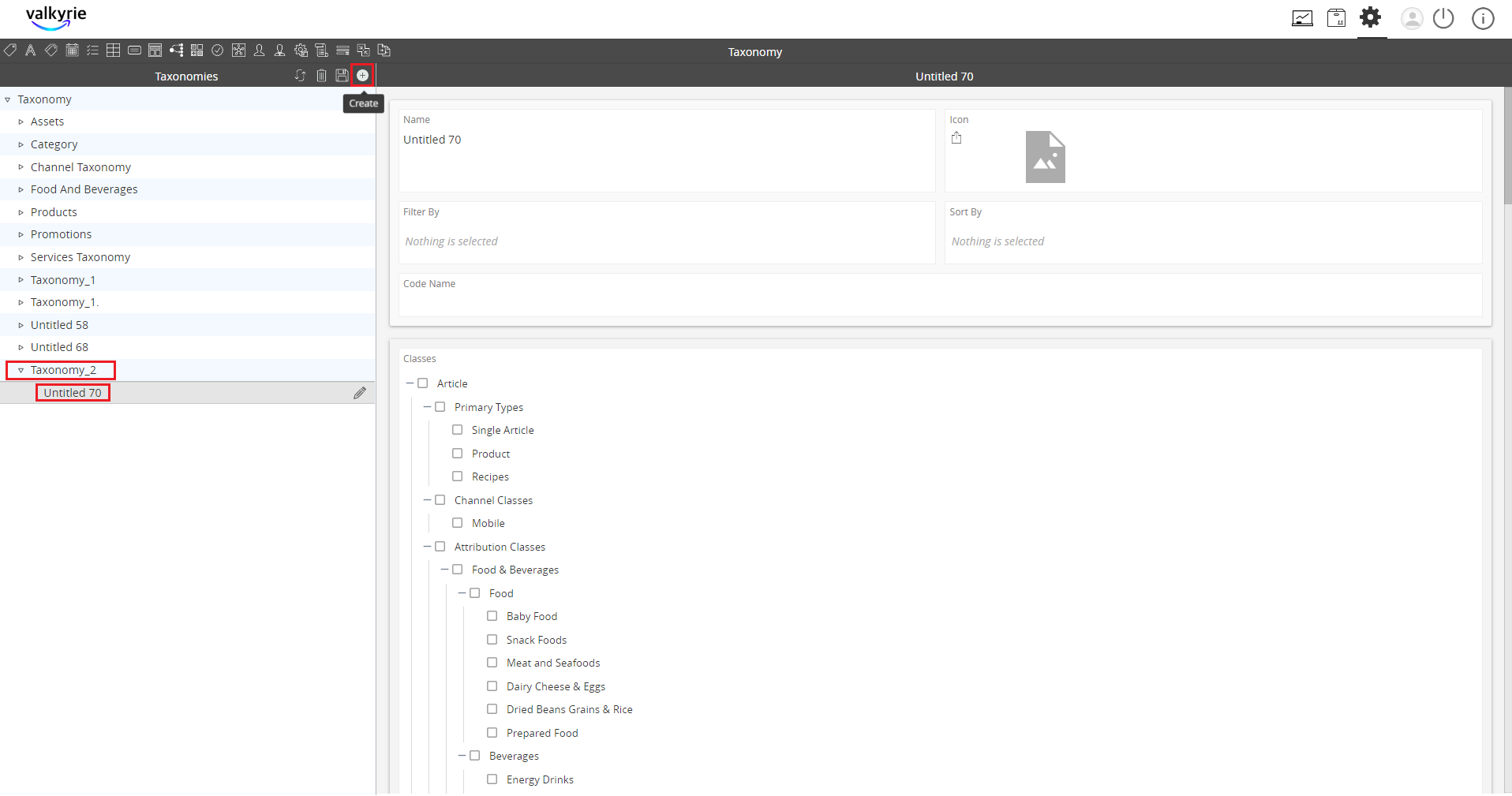
- Click the “+” icon to add property collection and click Apply.
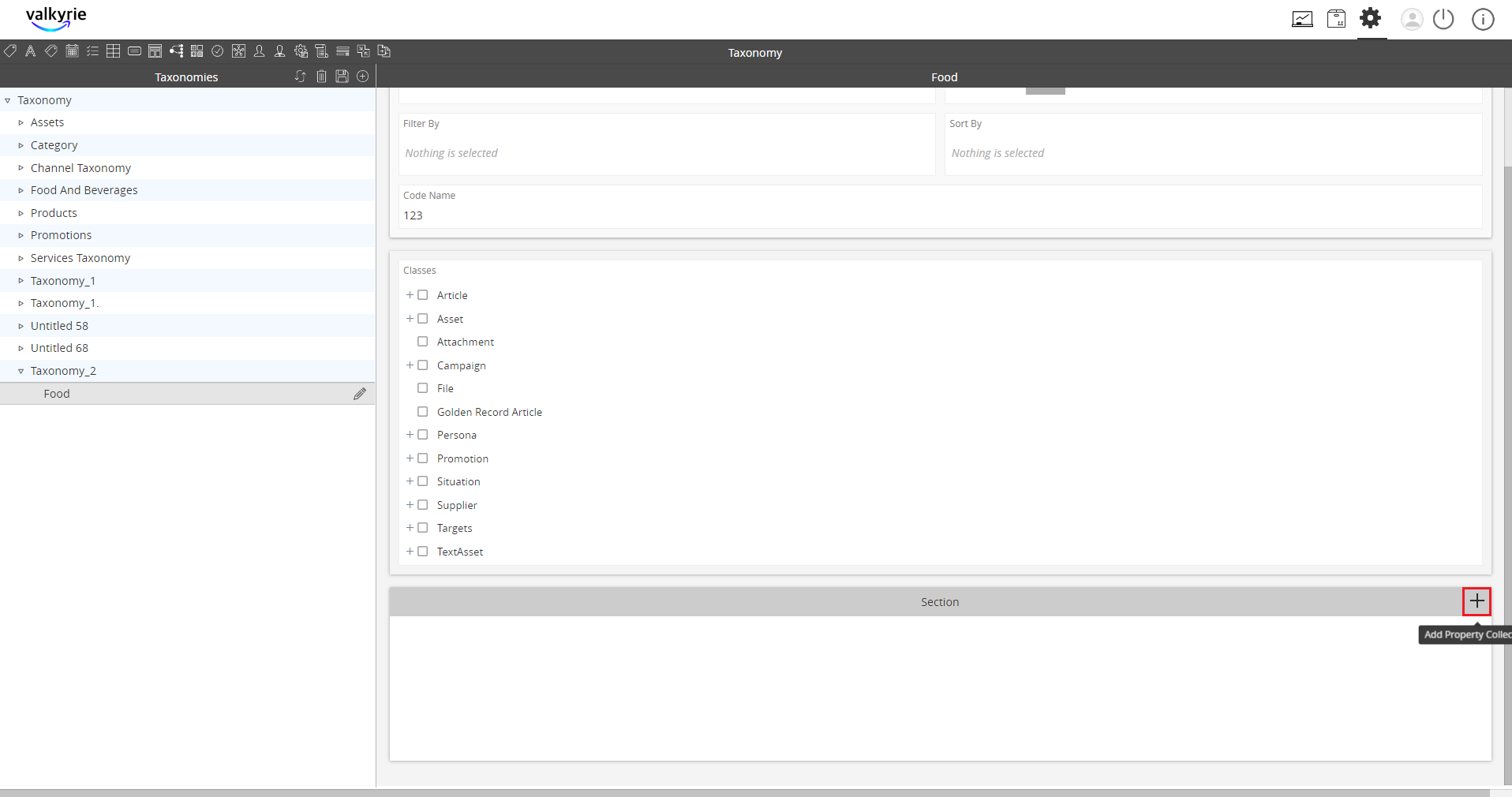
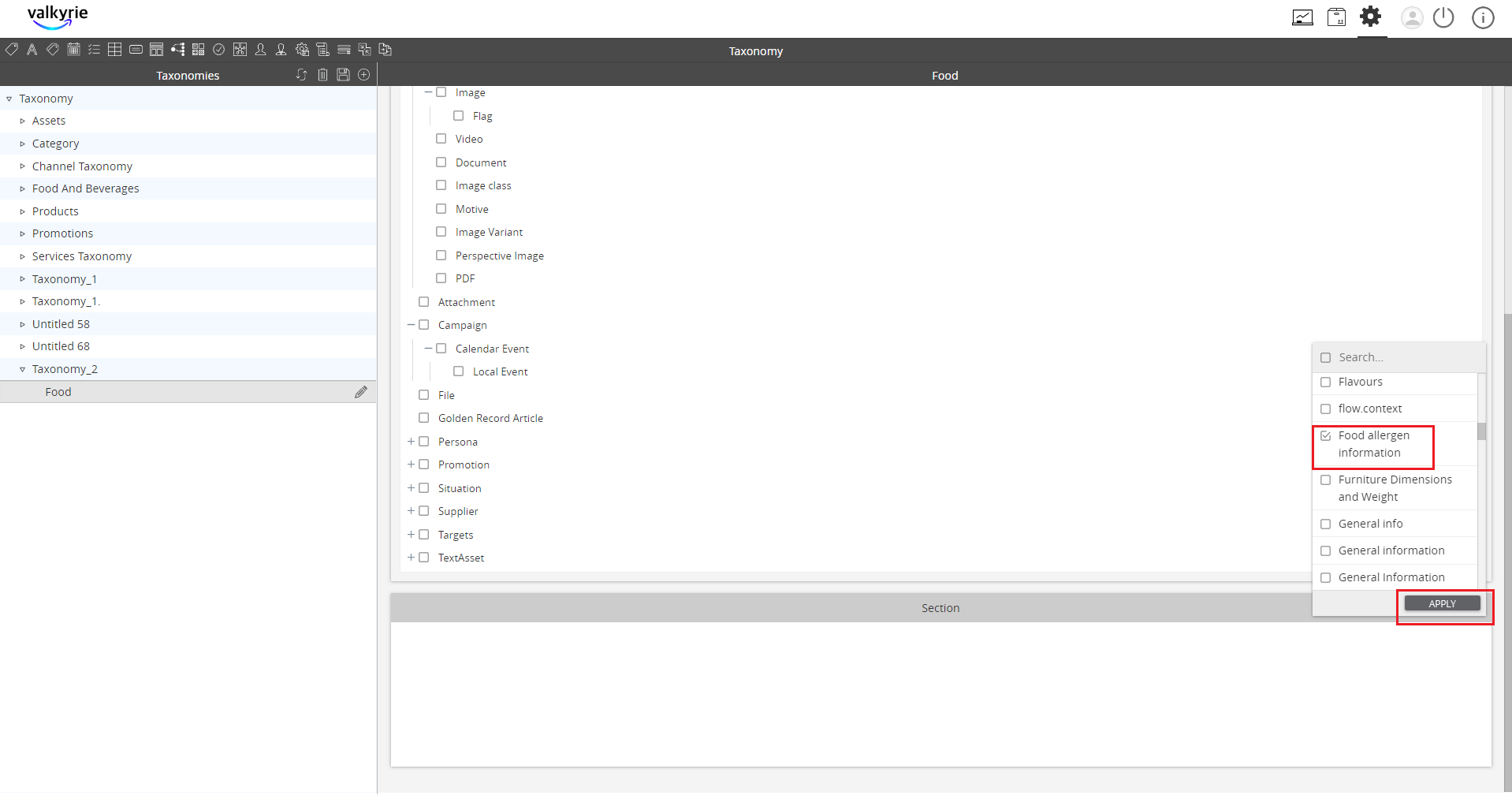
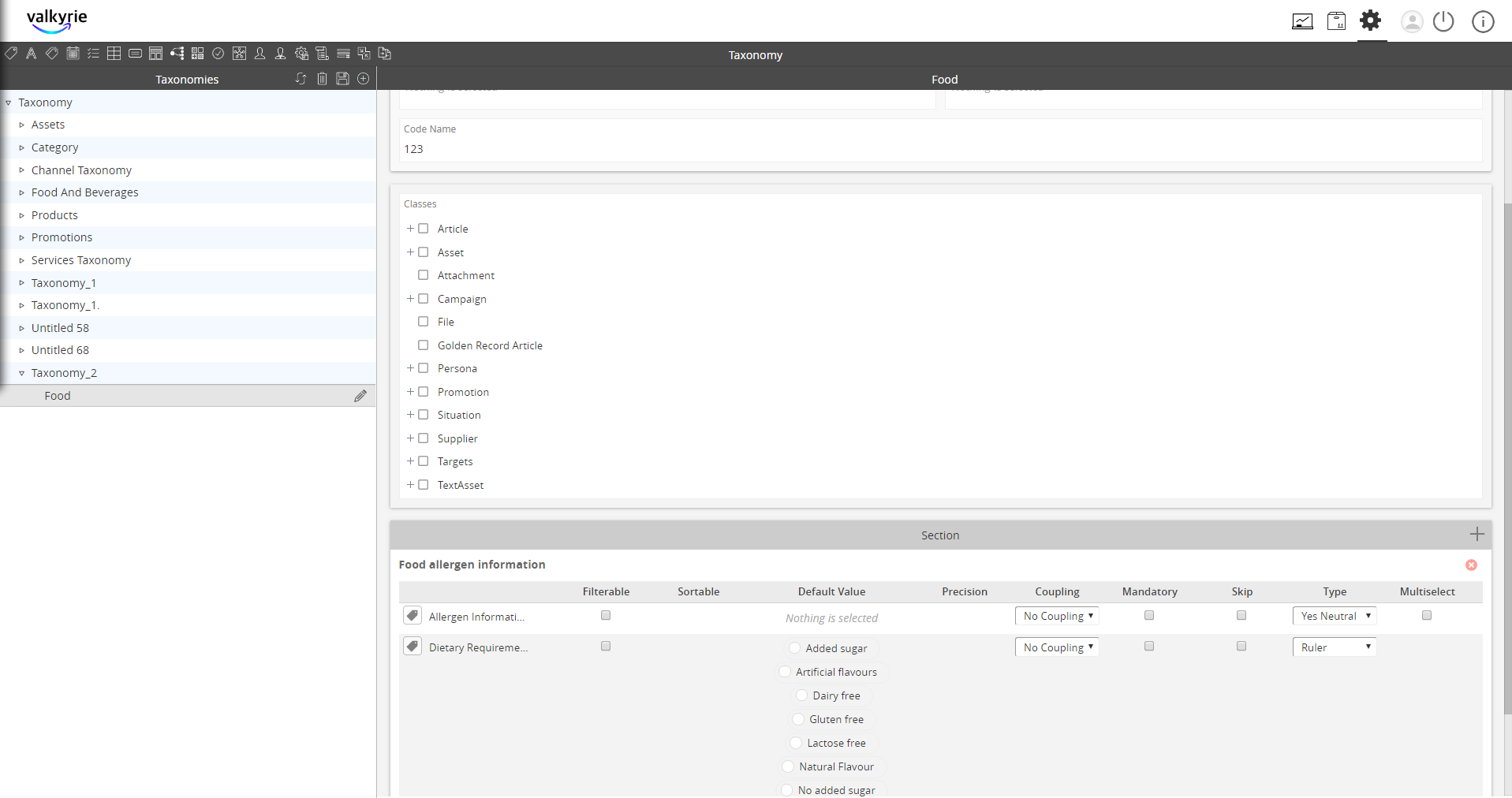
- Go to PIM. Hover on the “+” icon and select the product.
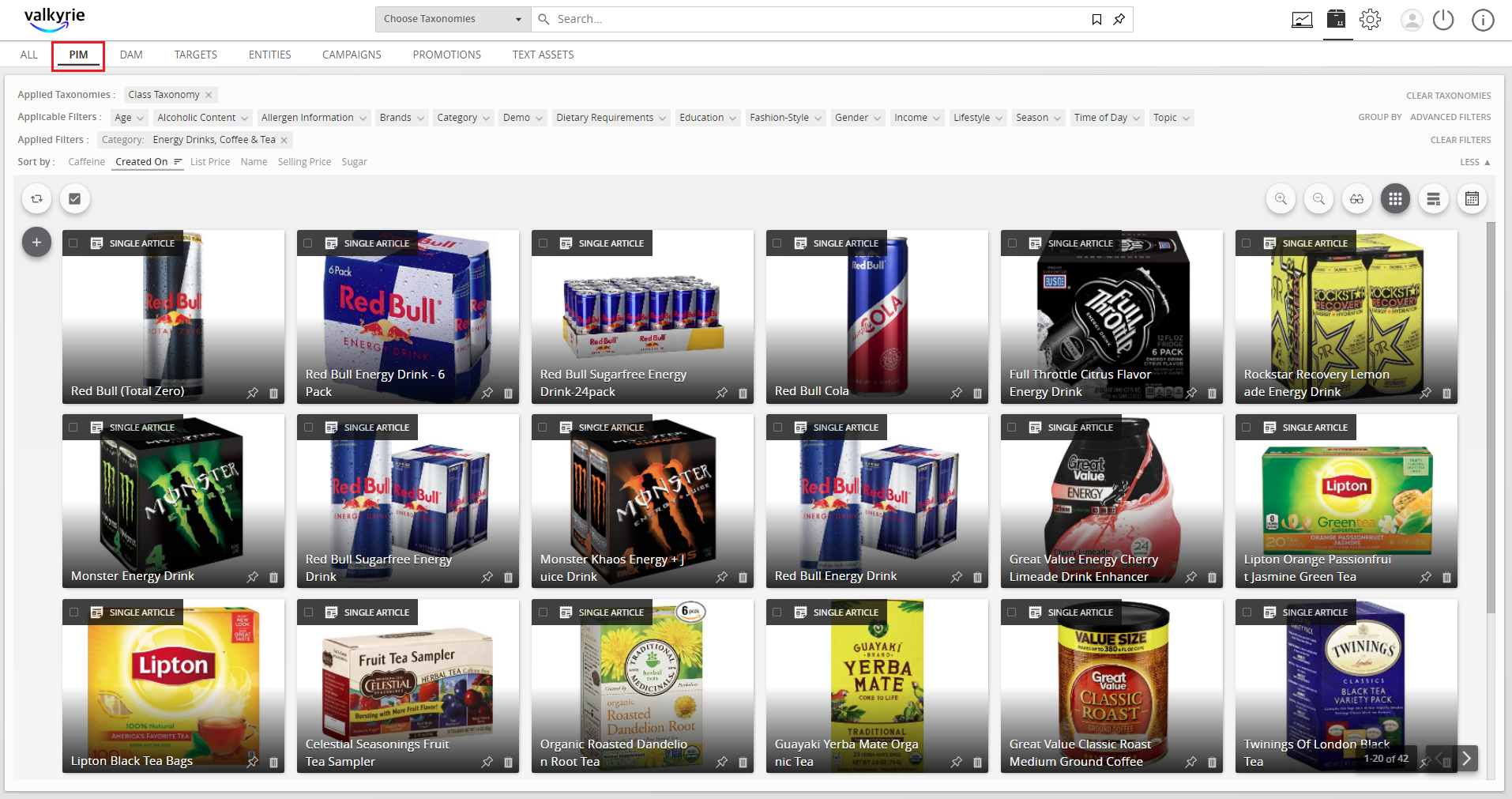
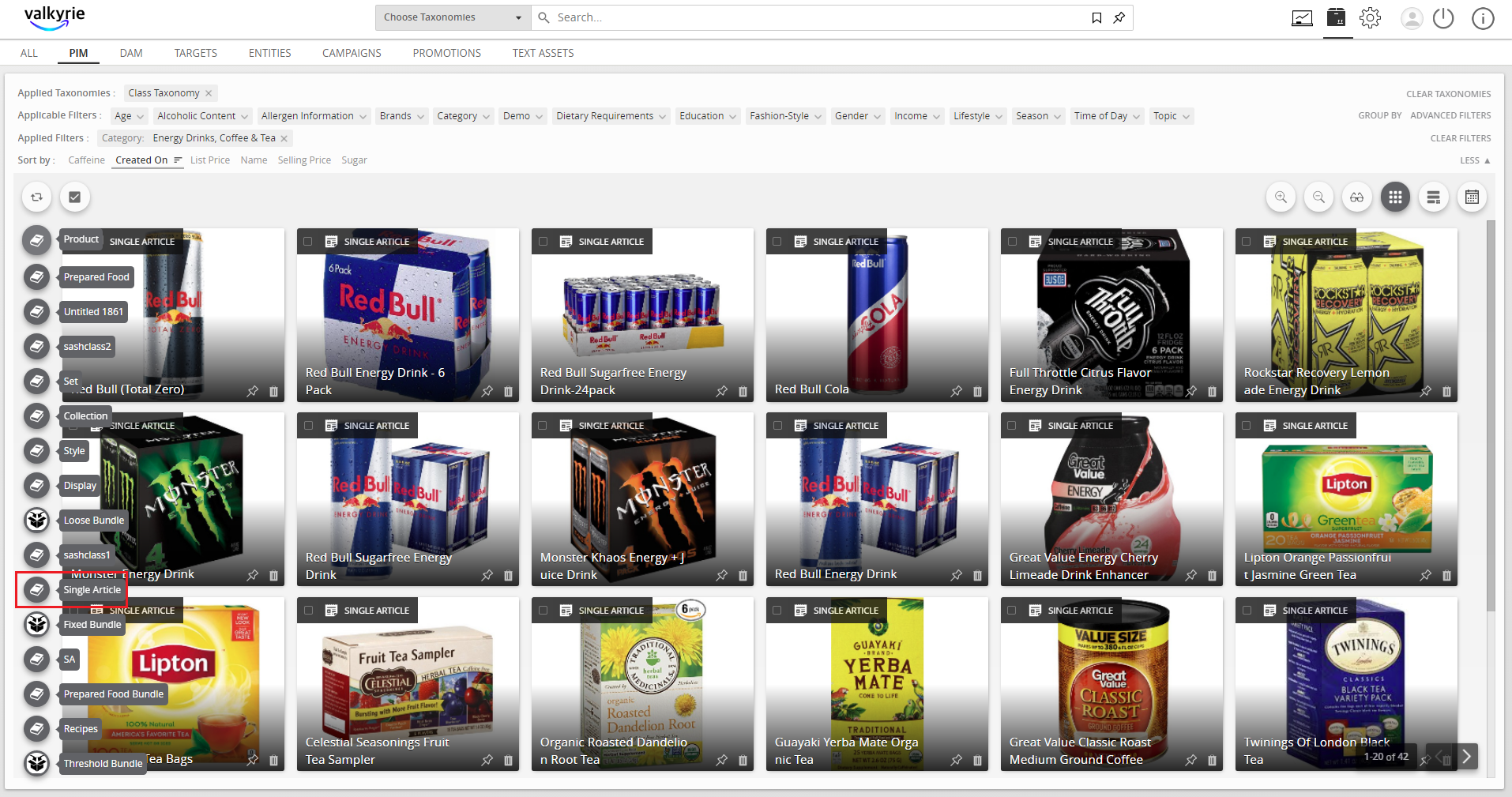
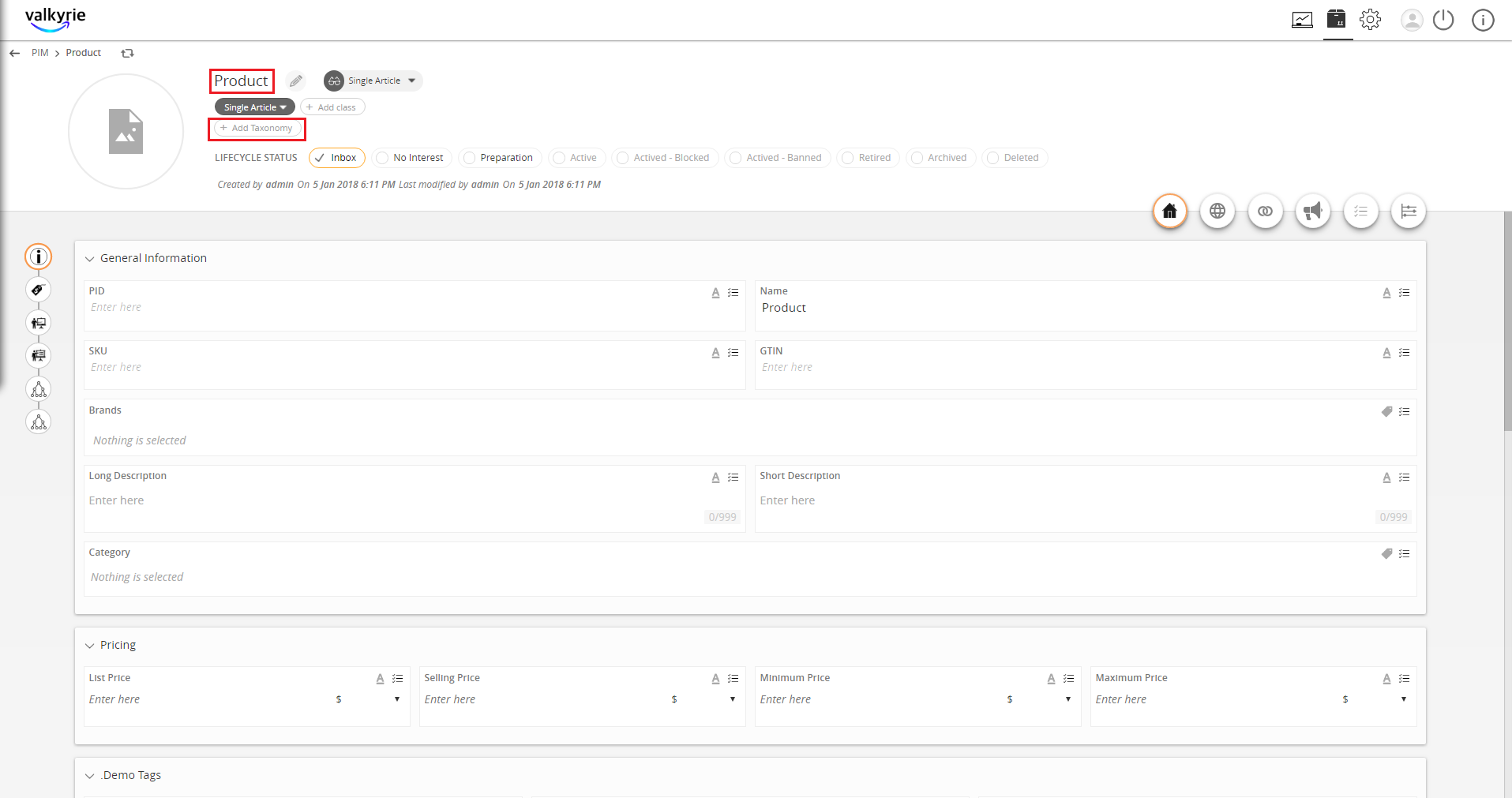
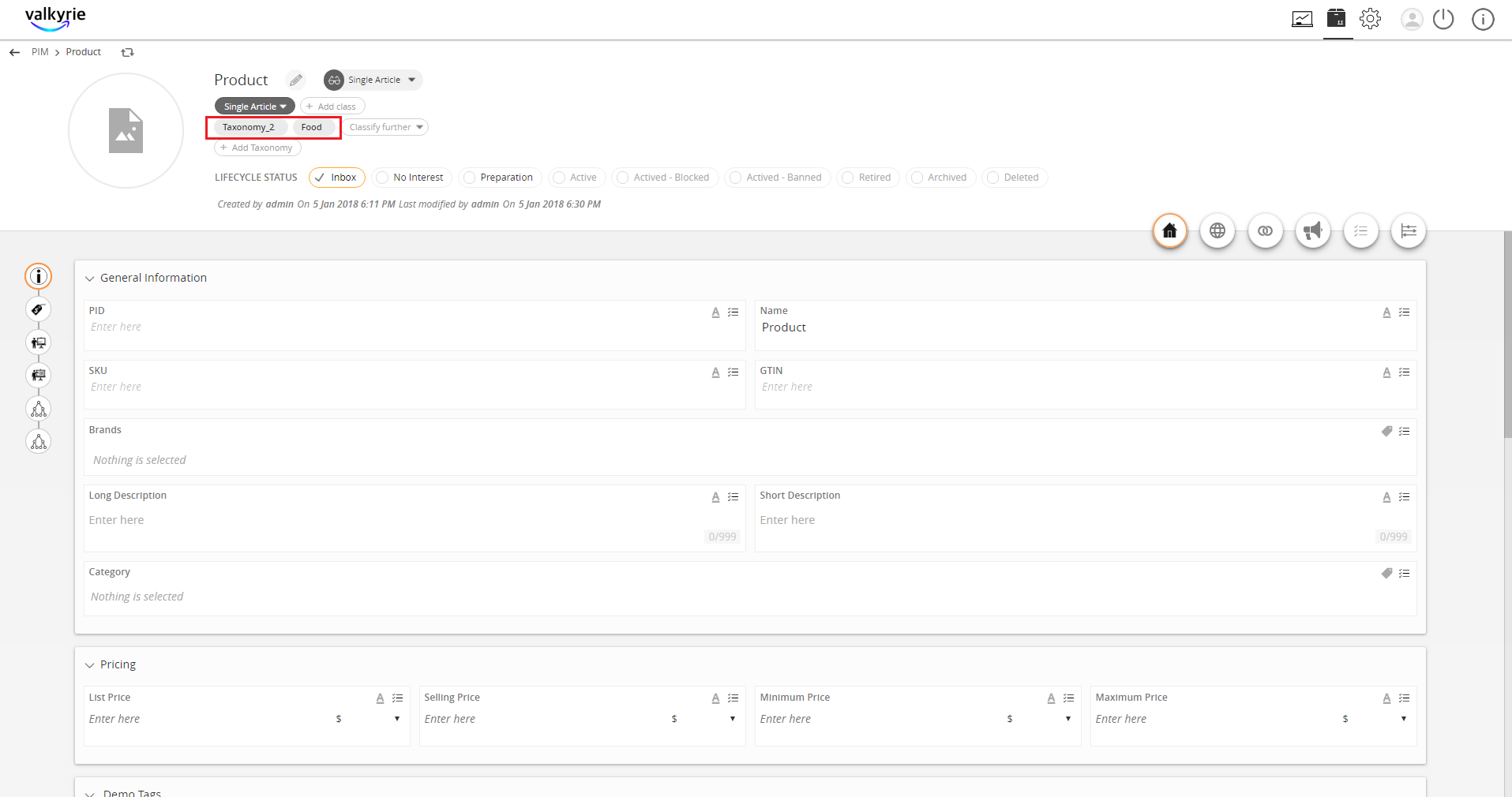
- Enter the necessary data and click Add Taxonomy.
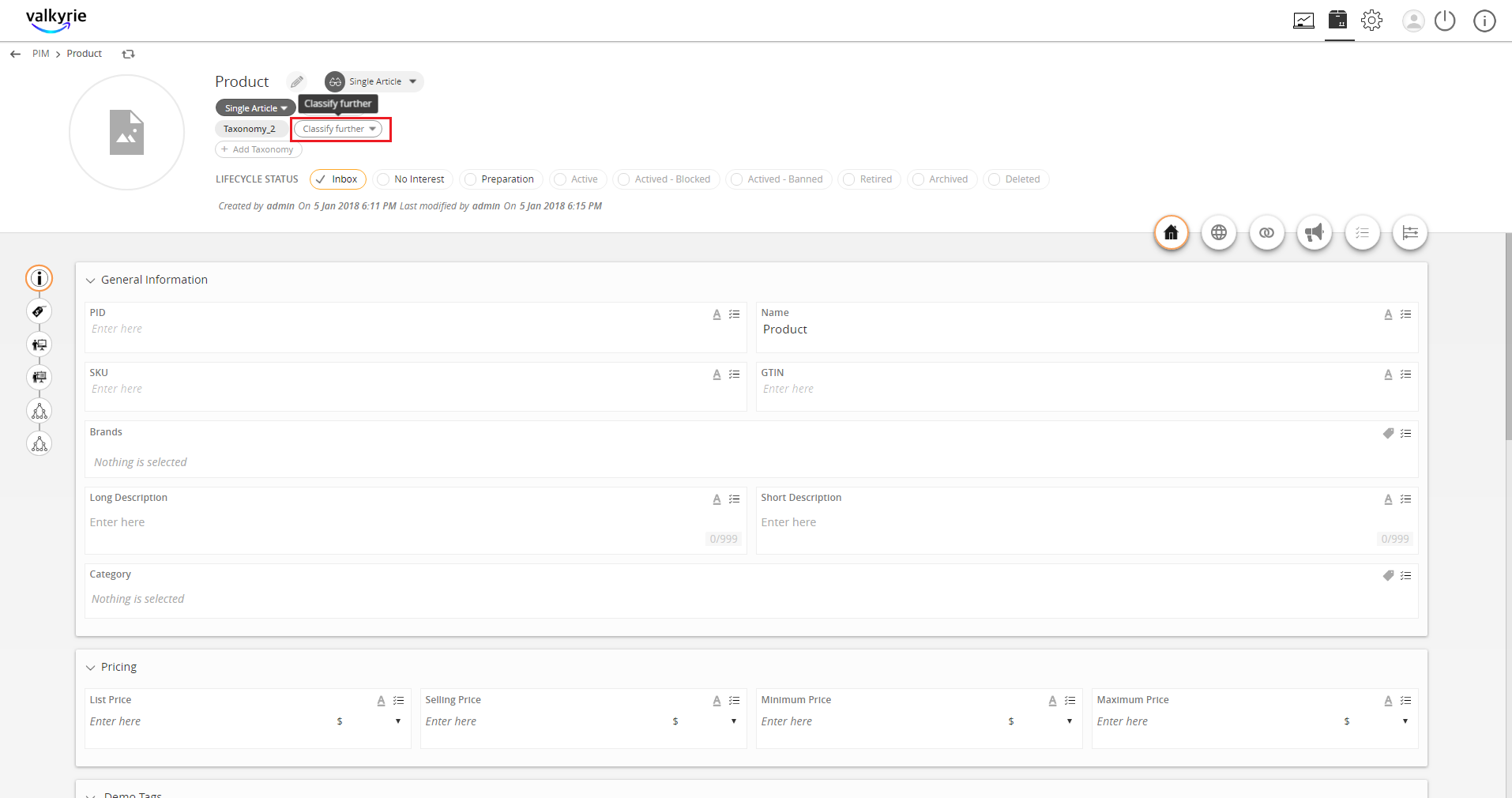
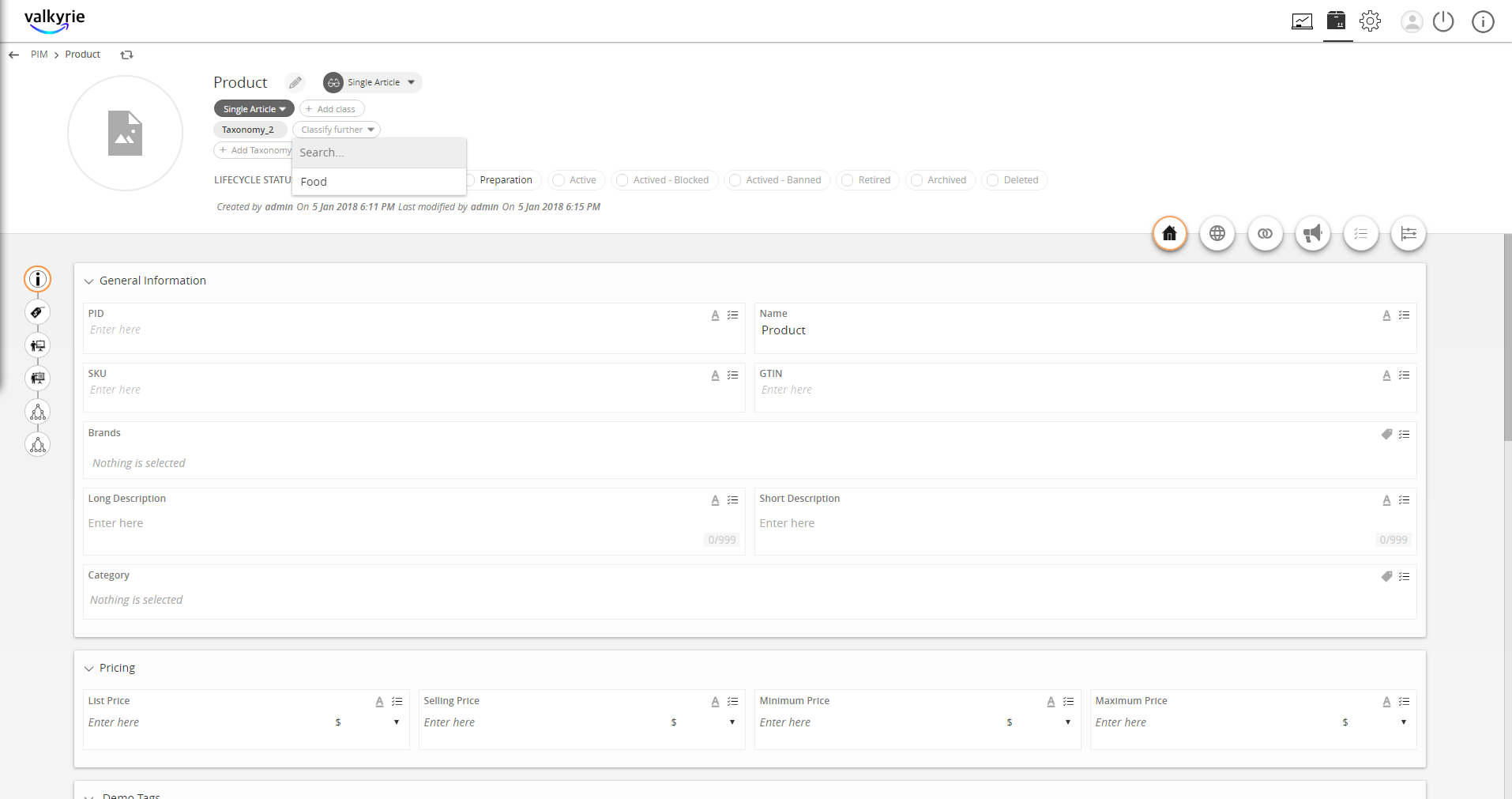
- For additional classification, click Classify further.

Last updated: Jul 27, 2018