
Documents: .docx, .pptx, .pdf, .indd
The Documents feature allows the user to upload documents of various formats to the DAM.
| Key Term: |
|
| Description: |
|
| Related topics: | |
| Application: |
|
How-to: Upload/Import Documents of Various Formats
To upload/import documents of various formats, follow these steps:
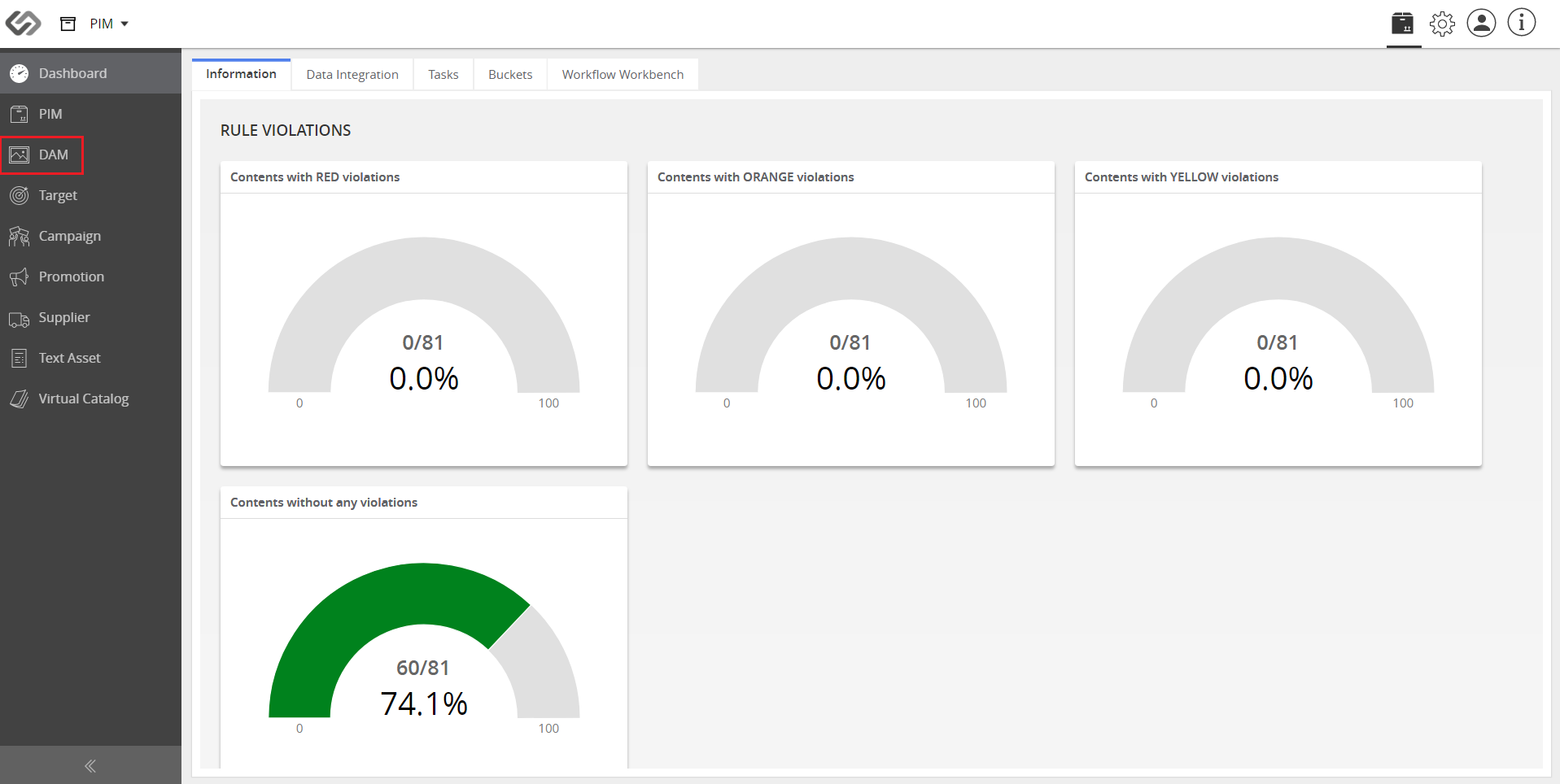
- Log in to the application. Go to DAM.
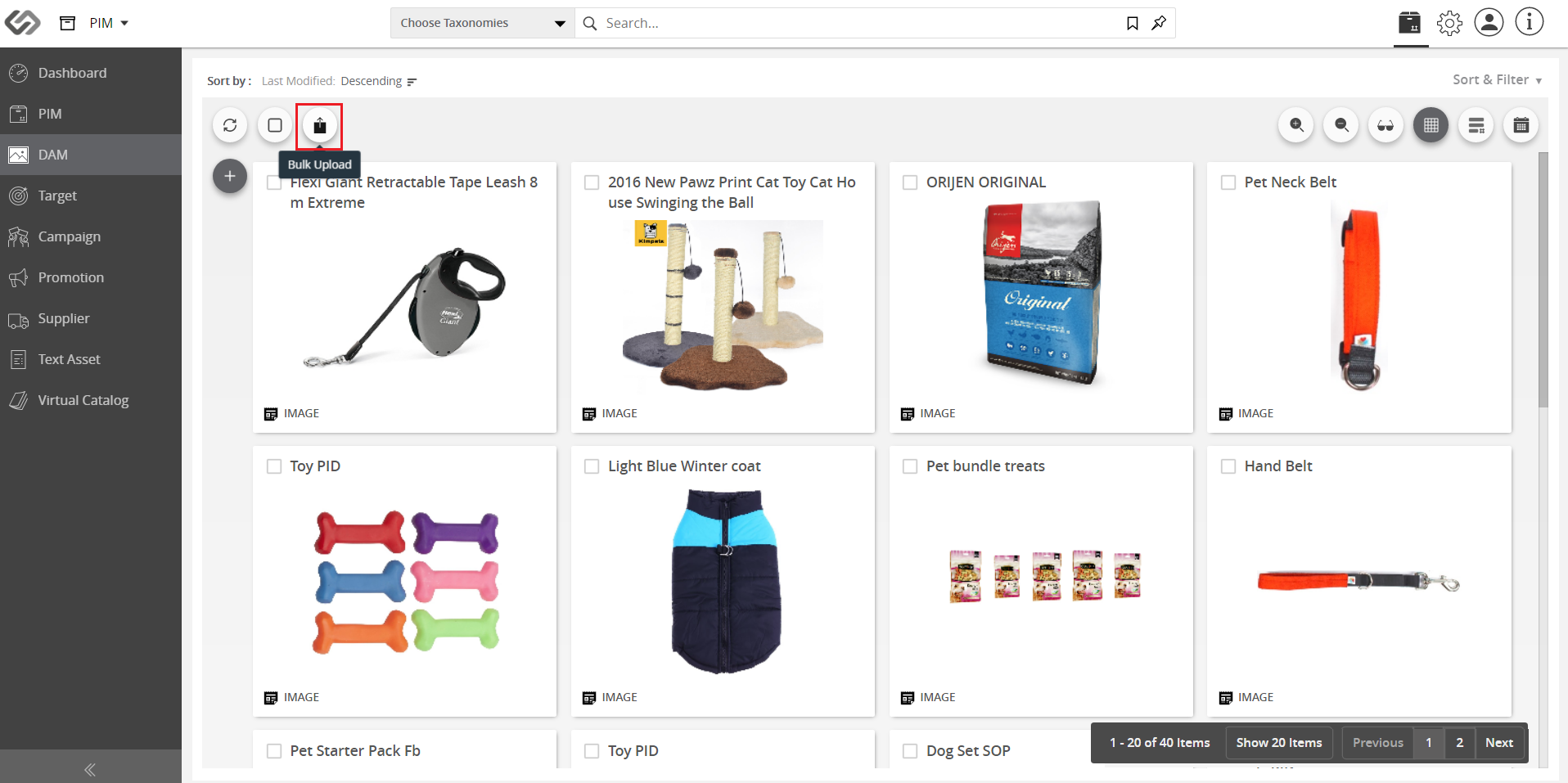
- Click on the Bulk Upload icon.
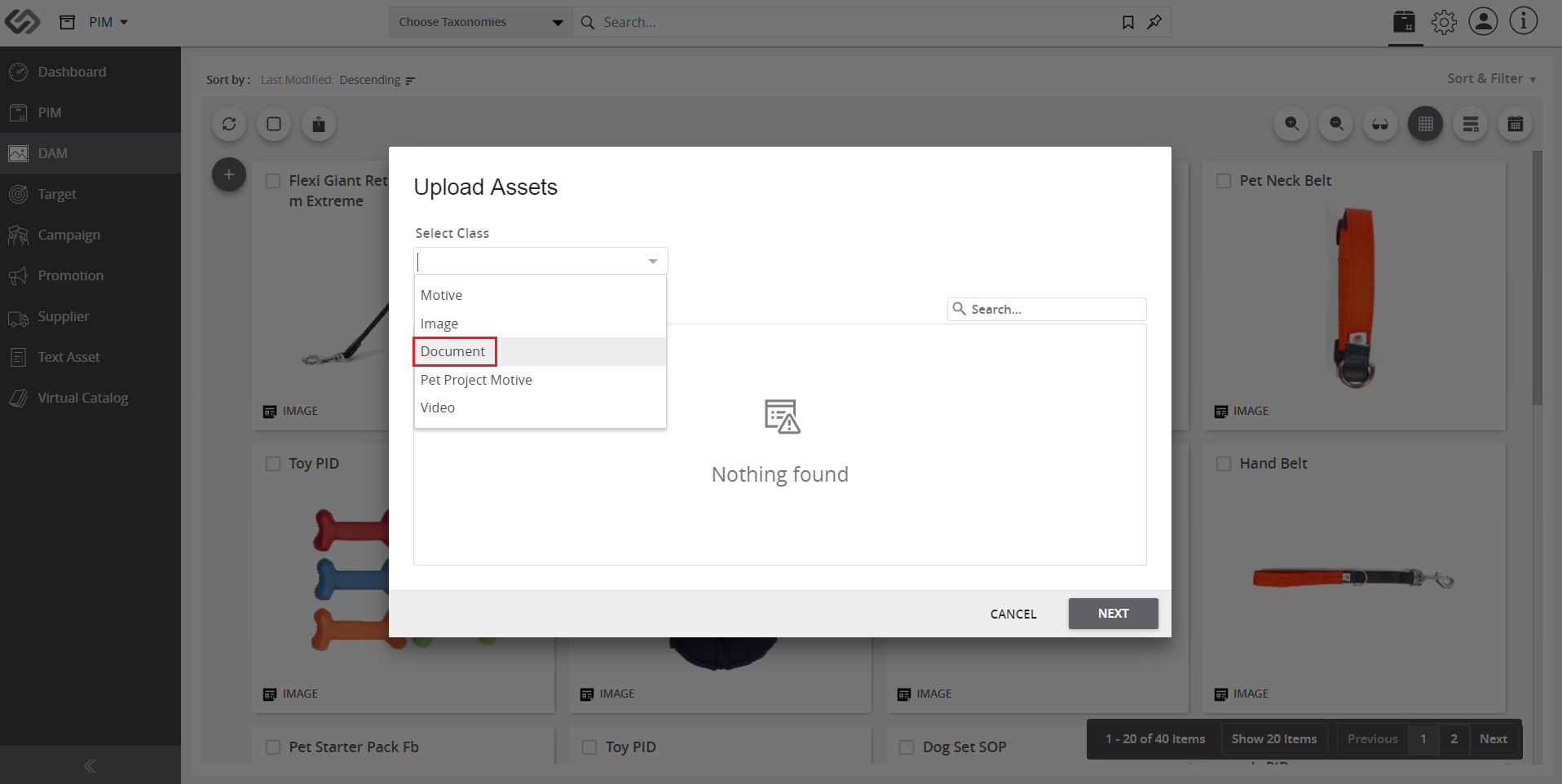
- On the pop-up window, select the Document class to upload documents. Selecting the Collections is optional.
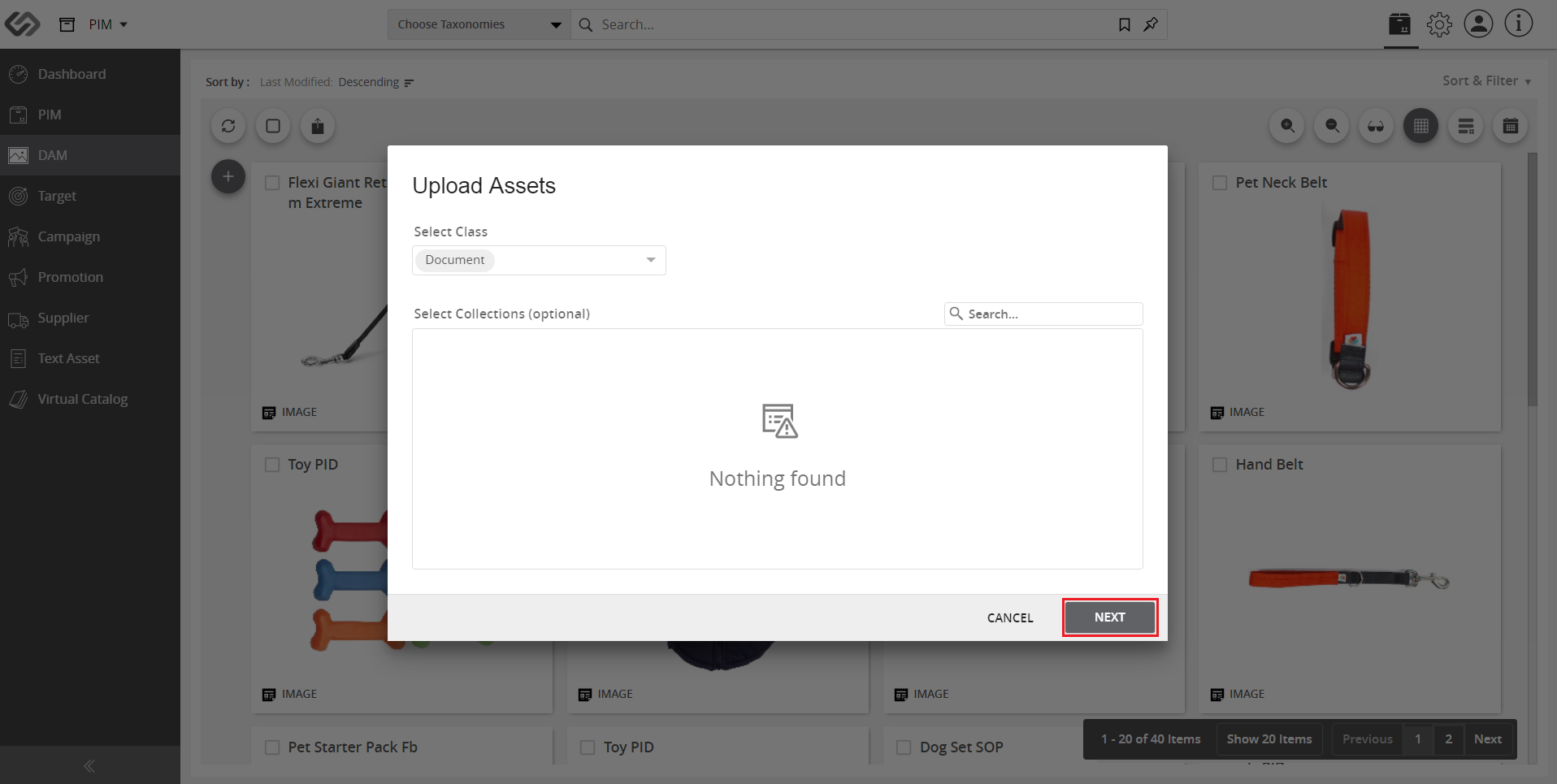
- Click on the Next button.
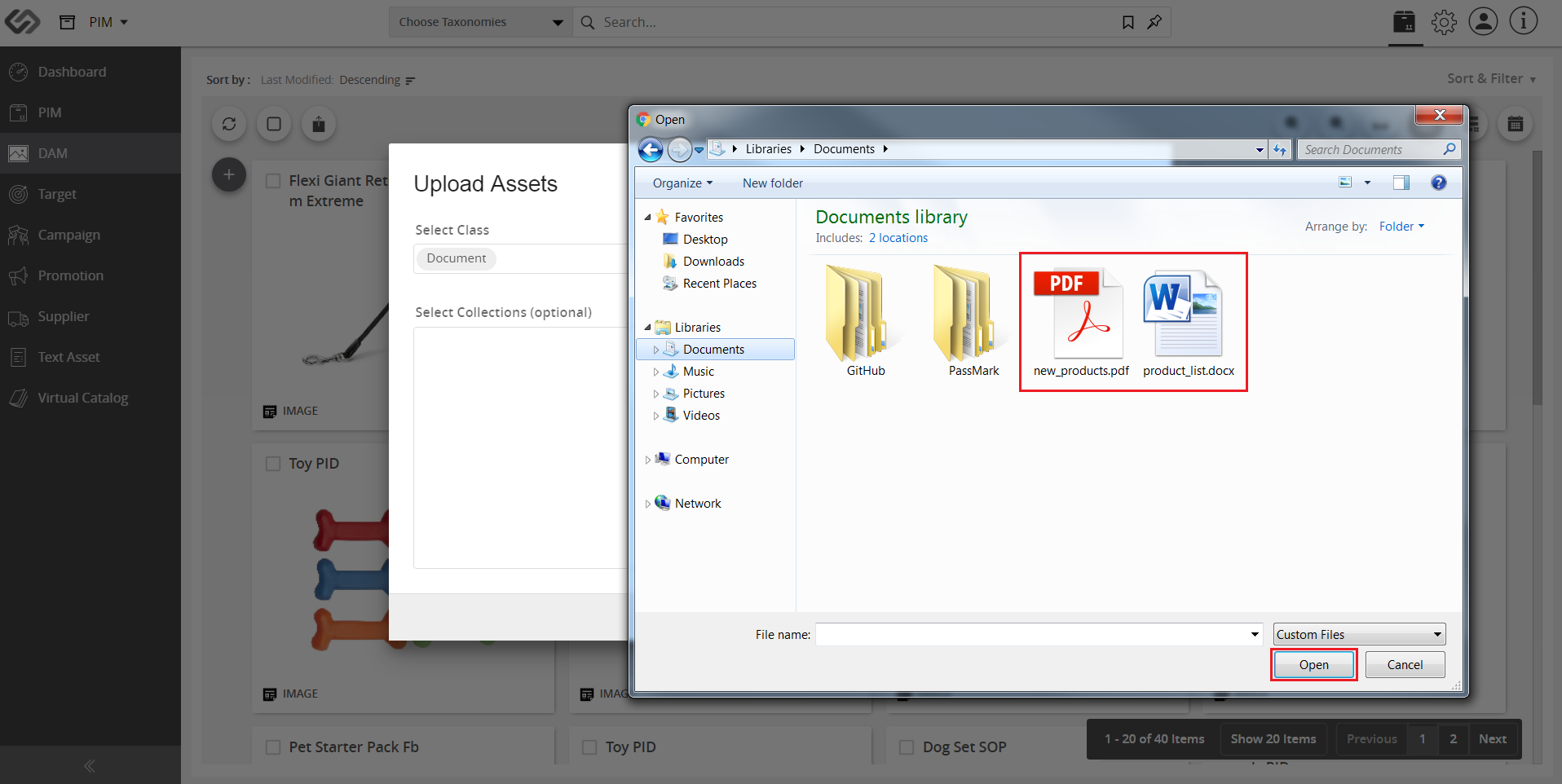
- On the dialog box, select the documents from the computer.

Last updated: Jul 27, 2018